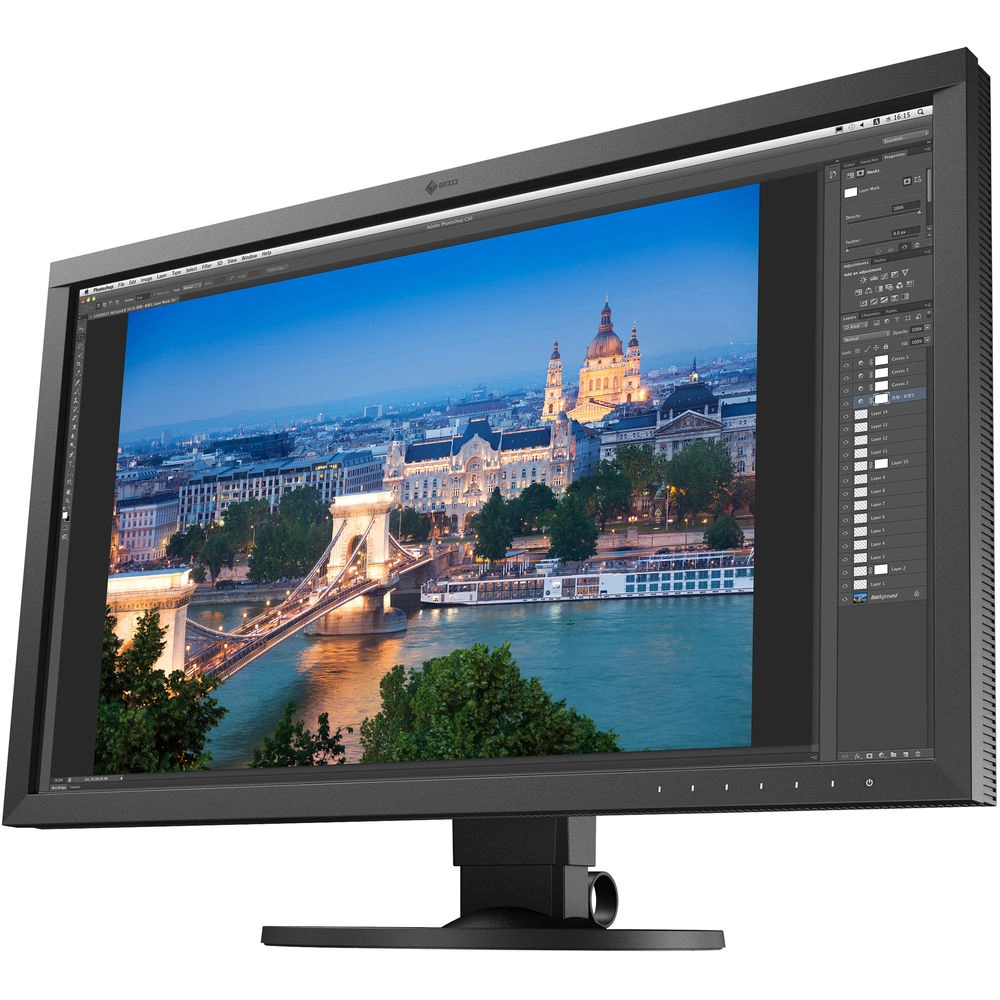
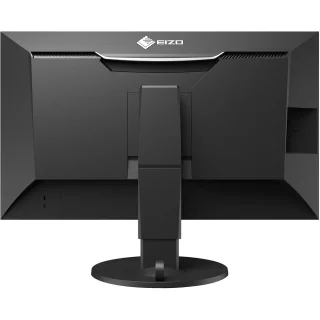
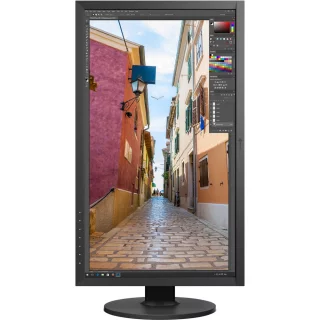
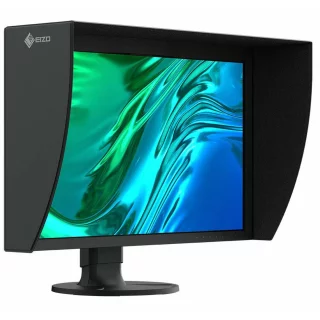
Eizo 27" ColorEdge CS2731 monitor


Tilaa saapumisilmoitus sähköpostiisi, niin saat heti tiedon kun tuotetta on jälleen saatavilla.

Eizo 27" ColorEdge CS2731 monitor
There is also a model of this monitor with a calibration device: Eizo CS2731CAL
With a proper monitor for photo editing, you can ensure that your photos are exactly as you intended. This way, hours spent in Lightroom won't go to waste! The Eizo ColorEdge CS2731 is a monitor for demanding photo editing enthusiasts or professionals.
- USB-C - Transfer images and charge your laptop with the same cable
- 10bit Wide gamut display, over a billion colors
- Covers 99% of the AdobeRGB color space
- Resolution 2560x1440 - 60% more space than 1900x1200 displays
- Anti-reflective satin coating
- IPS panel with wide viewing angles, colors do not change even when viewed from the side
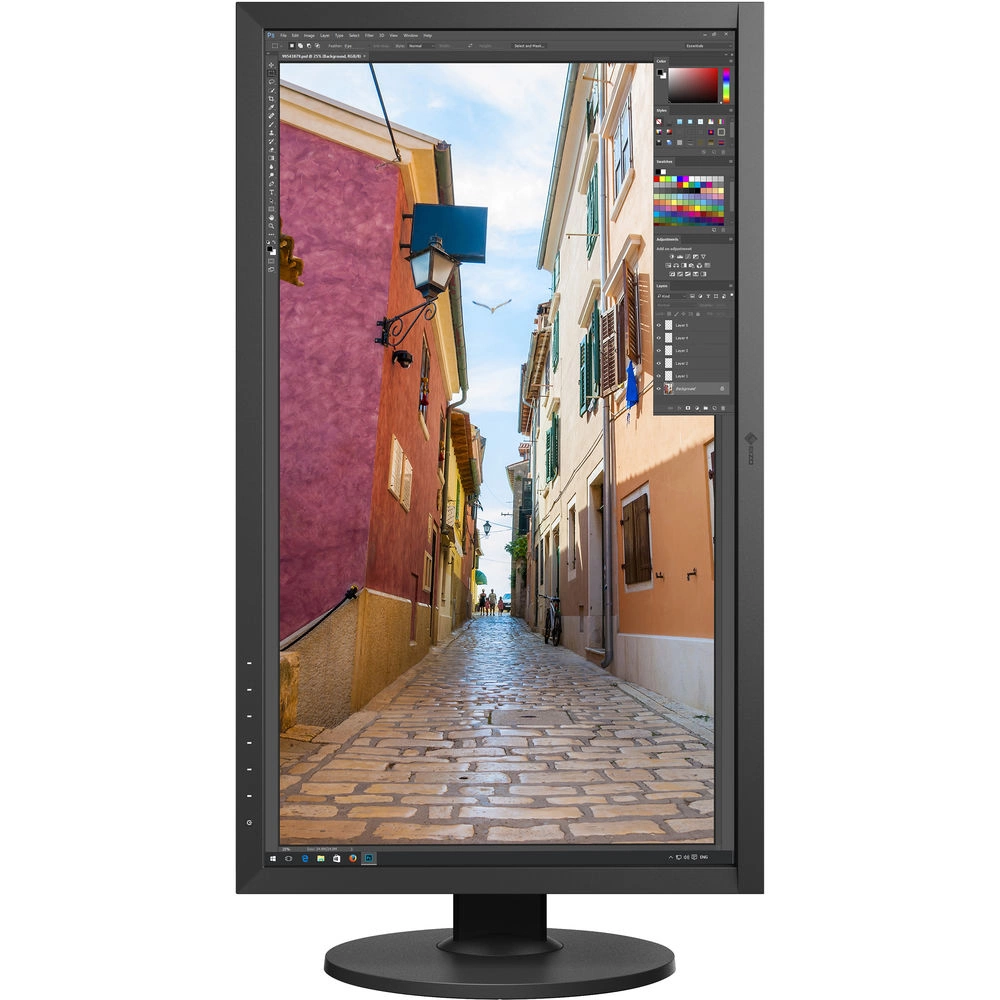
- Sturdy stand with good adjustment range
The display is already adjusted at the factory, so you can immediately try it out and see how your images look.
The display features a 10-bit panel, which means it covers 99% of the Adobe RGB color space, which is practically all of it. This means this monitor is the right choice if you are previewing files that will be printed on a professional-level large format printer and processing RAW images.
Image quality is more than just numbers, Internal 16bit LUT and calibration accuracy, wide viewing angles, and backlight uniformity make this Eizo a smart choice when image color reproduction is important.
Thanks to its versatile connections, the Eizo ColorEdge is also suitable as a second monitor for a laptop. For owners of newer computers, this is easy with the Eizo CS2731, as for example a Macbook Pro can be connected with a USB-C cable and the image is displayed while the computer is powered. Power is supplied from the front with 60W, so no power supply is needed at all.
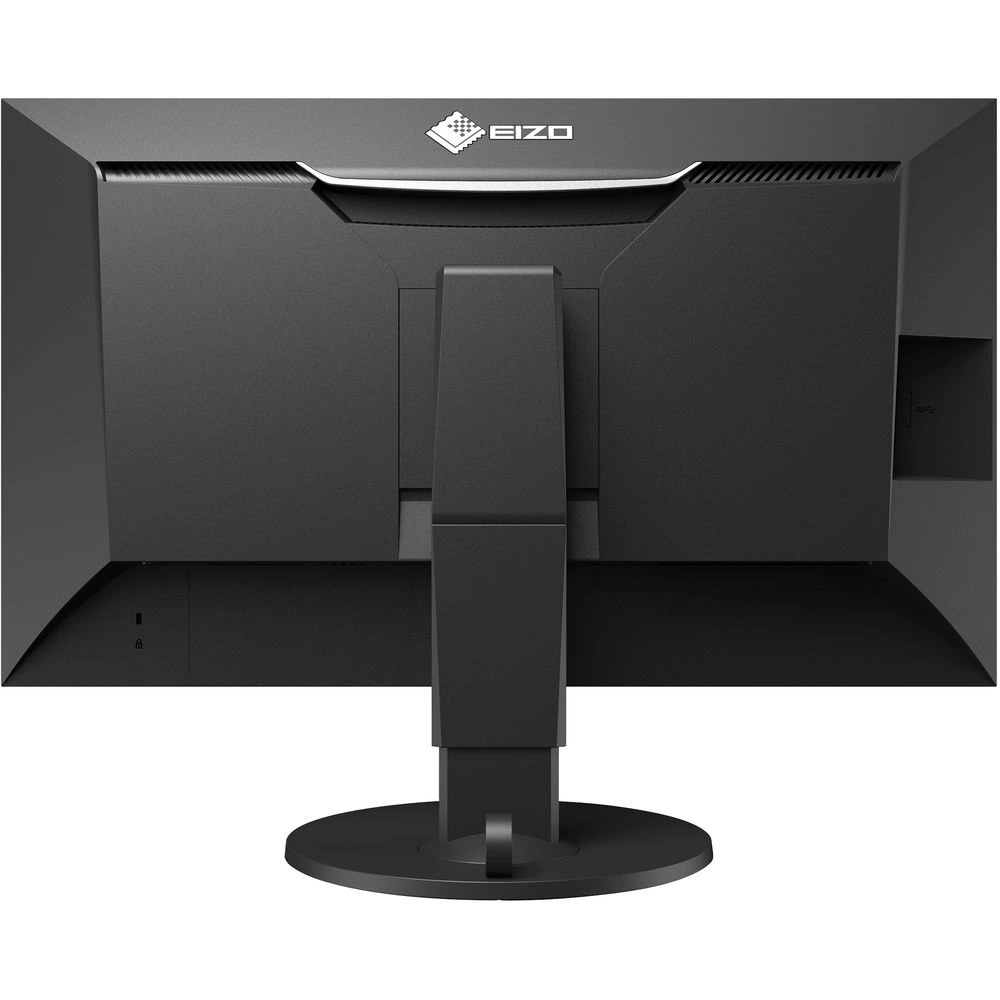
Eizo also includes a USB 3.1 hub so you can connect a mouse, keyboard, or external hard drives if you want.
And the manufacturer's quality is visible in the picture even in normal use, the table stand is sturdy and has a variety of adjustments. The picture does not flicker and the slightly satin-like coating of the screen reduces reflections and looks really good. It is pleasant to watch even if you sit on the machine for a little longer, finishing images. This coating technology looks good and causes much less problems than the reflective Glossy surface common in consumer devices.
Eizo checks the monitor for even small differences in brightness at the factory and maps these to the device's internal memory using machine vision. This makes the image very smooth and high-quality, but slightly reduces the maximum brightness. When using this feature, the CS2731 is perfect for demanding photographers and graphic designers, but the maximum brightness is not directly suitable for displaying HDR video material, for example. Videographers can disable this function directly in the display settings (Monitor settings > DUE).
Specifications:- Size: 27" (image area 596.7 x 335.7cm)
- Panel: IPS White LED 10Bit (1.07 billion colors)
- 16bit internal LUT
- Resolution: 2560 x 1440 WQHD (aspect ratio 16:9)
- Brightness: 350cd/m2
- Contrast ratio: 1000:1
- Viewing angle: 178 degrees
- Anti-reflective coating
- Color reproduction: 99% Adobe RGB
- Response time: 10ms (gray-gray)
- Connections: DisplayPort, DVI-D, HDMI, USB-C ( Note: Full 10bit color is not available with DVI-D)
- 1x USB-C, 1x USB Type-B, 2x USB Type-A 2.0, 2x USB Type-A USB 3.2 Gen 1
- Size: 638 x 559.1 x 265mm (with stand)
- Weight: 10.1 kg
Sales package includes: Monitor, power cord, HDMI cable, USB 3 cable, USB-C cable
Osta myös
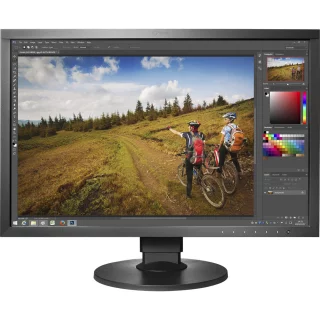
Eizo 24" ColorEdge CS2410CAL monitor with calibration device
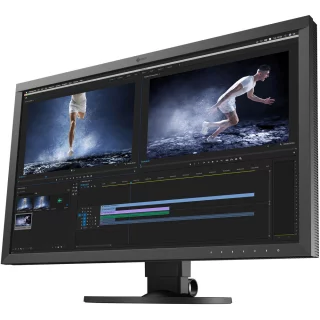
Eizo 27" 4K UHD CS2740CAL monitor with calibration device
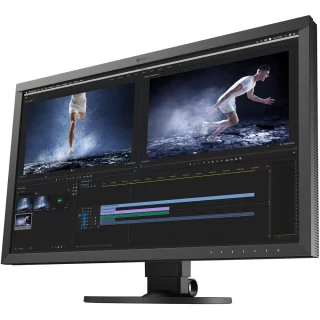
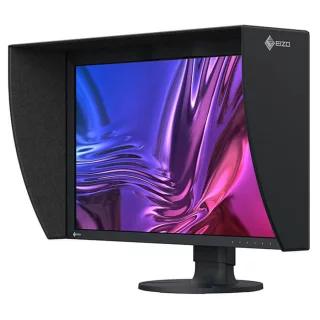
Eizo 27" ColorEdge CG2700S monitor with calibration device
Eizo 27" ColorEdge CG2700X -4K monitor with calibration device

Epson Premium Canvas Satin 350 g/m² rulla (24" / 61,0 cm x 12,2 m)
Arvostelujen yhteenveto
Kysy tuotteesta

ma-pe 9-17 ja la 10-14