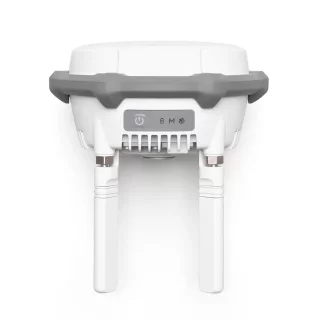
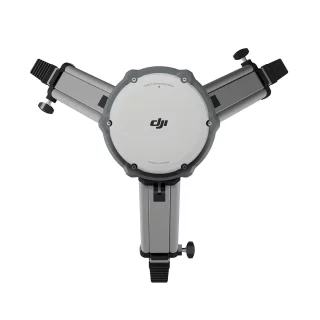
DJI D-RTK 3 Multifunctional Station GNSS ground station


Tilaa saapumisilmoitus sähköpostiisi, niin saat heti tiedon kun tuotetta on jälleen saatavilla.

Varmasti yhteensopivat tarvikkeet
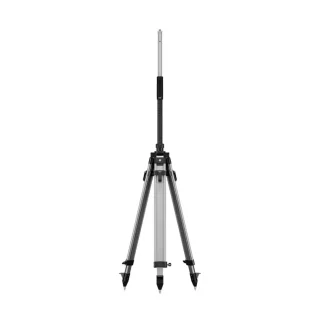
DJI D-RTK 3 Base Station Measuring Pole and Tripod
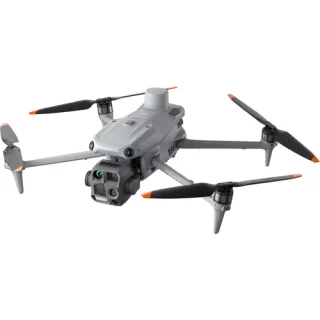
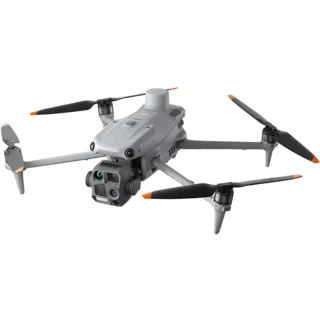
DJI Matrice 4 Thermal (4T) drone with thermal camera
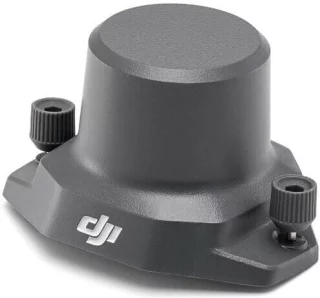
DJI Mavic 3 Enterprise RTK Module
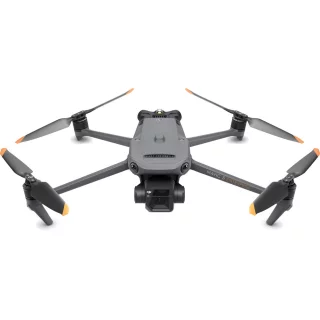
DJI D-RTK 3 Multifunctional Station GNSS ground base station
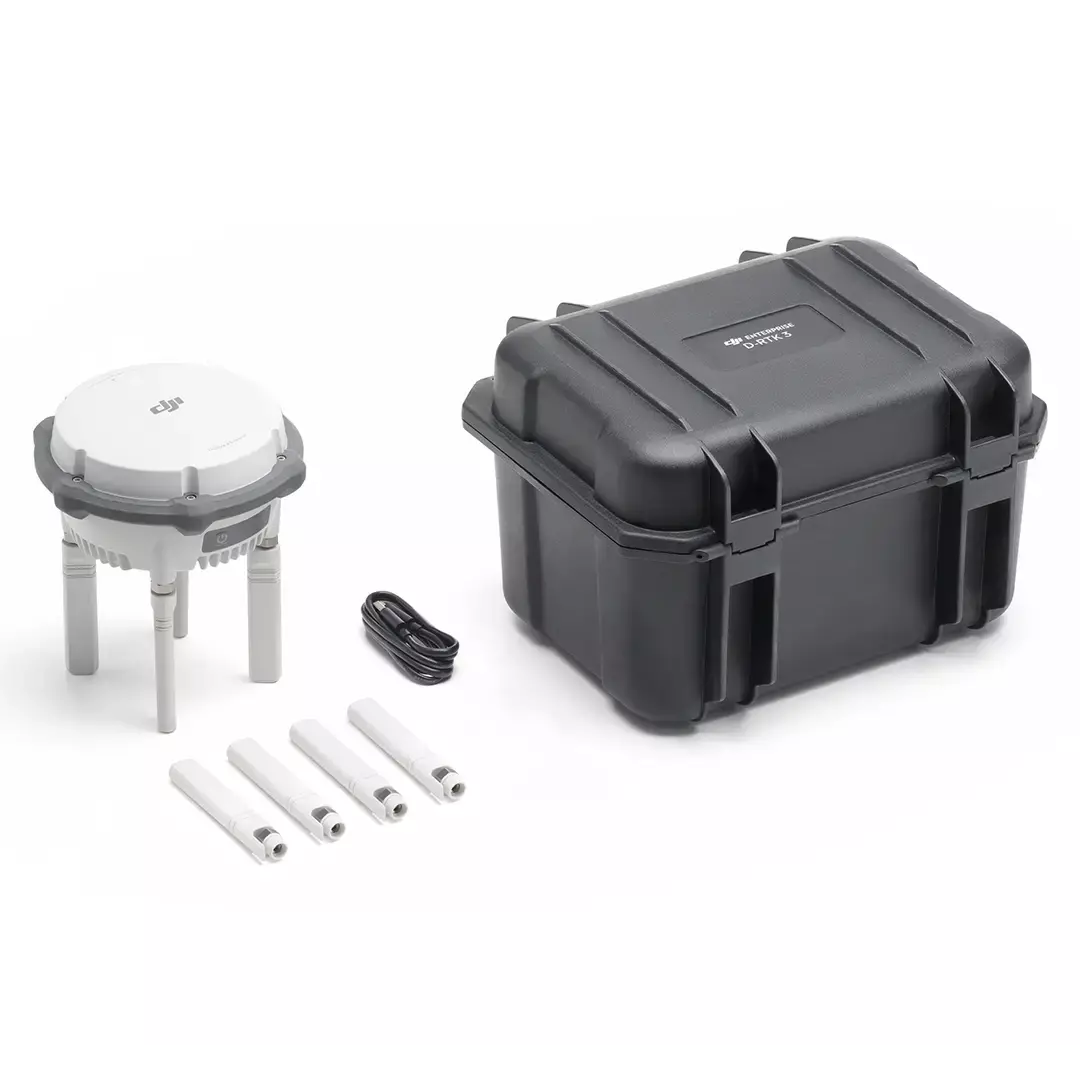
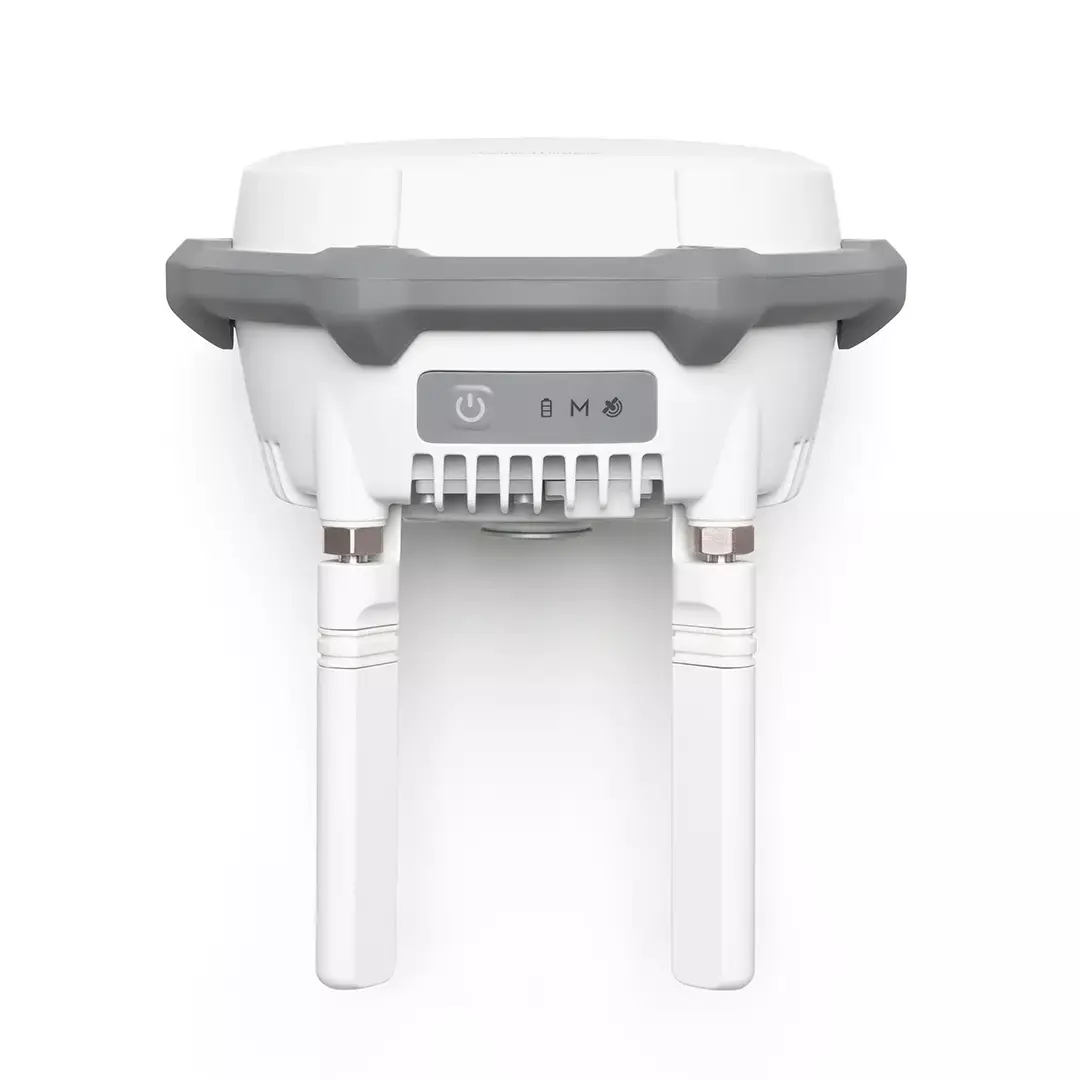
The DJI D-RTK 3 GNSS ground station provides centimeter-accurate positioning for DJI Enterprise series drones. The precise positioning can be provided to multiple drones simultaneously. The positioning service works with most Enterprise series drones. The station can also be used to extend the operating range of Matrice 4 series drones when used in signal relay mode.
With a ground control station, you can give the drone an accurate GNSS reference point, meaning the drone will receive location data even if there is no connection to an external RTK network. Providing an accurate reference point does not require prior measurement of the location of the setpoint.
With the built-in receiver module, the D-RTK 3 can receive satellite data from five major satellite systems and 19 frequency points. Compared to RTK positioning via the network, the D-RTK 3 provides more accurate and stable positioning results even during ionospheric disturbances.
D-RTK 3 ground base stations can be moved during the survey, so one base station can handle even a large survey area.
Easily get base station coordinates using the DJI Enterprise app
Install the new DJI Enterprise app on your Android device to measure ground control point coordinates without third-party tools. When used with DJI drones that support RTK, DJI's solution can efficiently implement the entire high-precision surveying workflow.
The D-RTK 3 has a built-in inertial measurement unit, which allows the control point to be measured even when the pole is held at an angle without a tripod.
Seamless workflow
The new D-RTK 3 now features Rover mode, which seamlessly integrates the data generated with DJI Enterprise and DJI Terra applications. This allows for high-precision aerial mapping, for example. The measurement results obtained can be transferred to DJI Terra software with the click of a button - no format conversions are required in between.
Quick setup
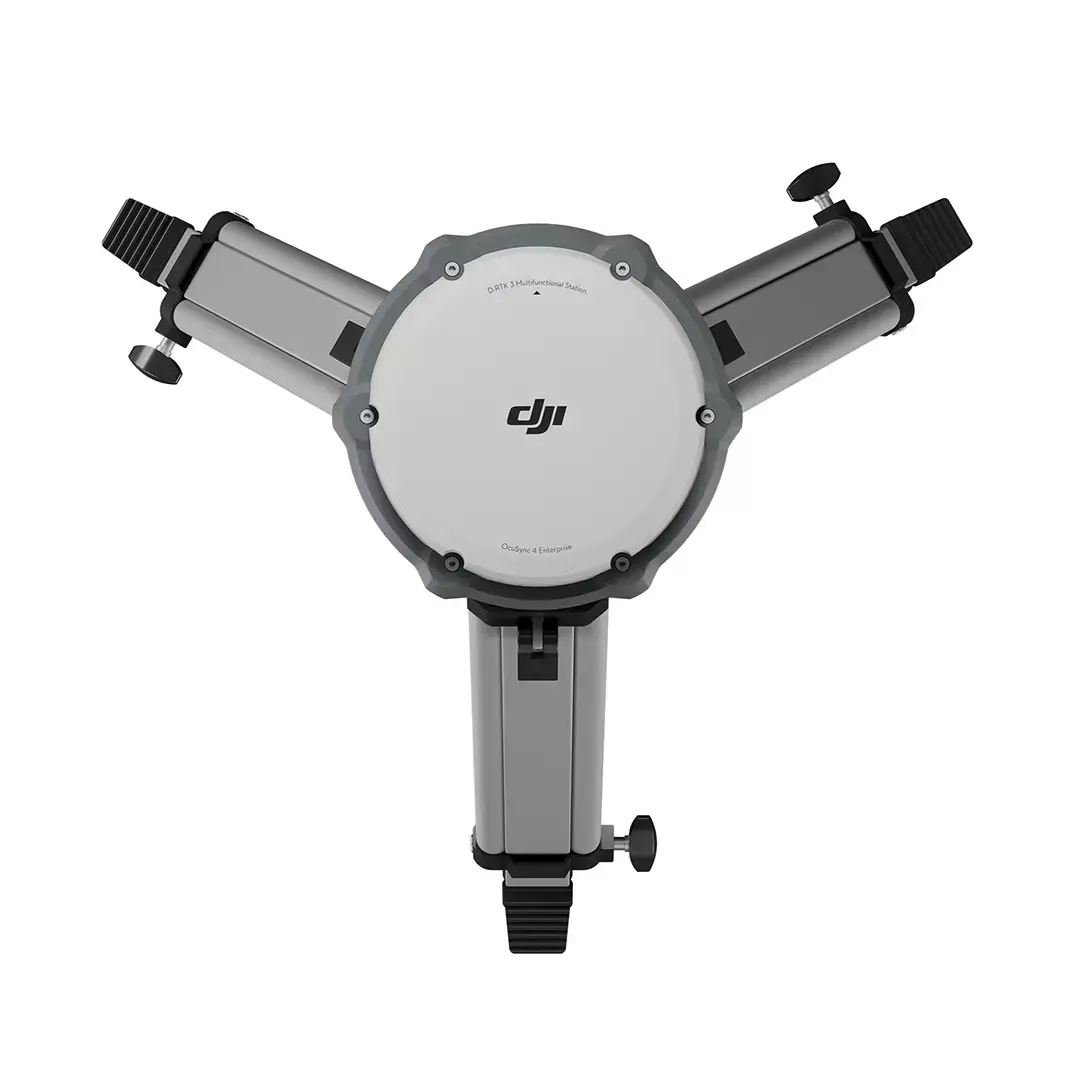
In field conditions, the D-RTK 3 base station is easy to set up. The station is placed on a flat surface or the D-RTK 3 Survey Pole & Tripod kit (optional accessory) can be used to help set up, which includes a boom and tripod for the ground base station. After setting up the tripod, the base station is attached to the boom and then the base station is turned on. After setting up the base station, you can proceed to operating the drone.
Osta myös
DJI D-RTK 3 Base Station Measuring Pole and Tripod
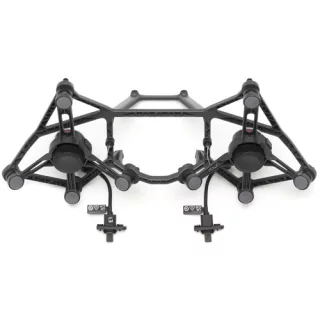
DJI Matrice 400 Dual Downward Gimbal Connector
Arvostelujen yhteenveto
Kysy tuotteesta

ma-pe 9-17 ja la 10-14