Wacom Intuos S drawing tablet, black

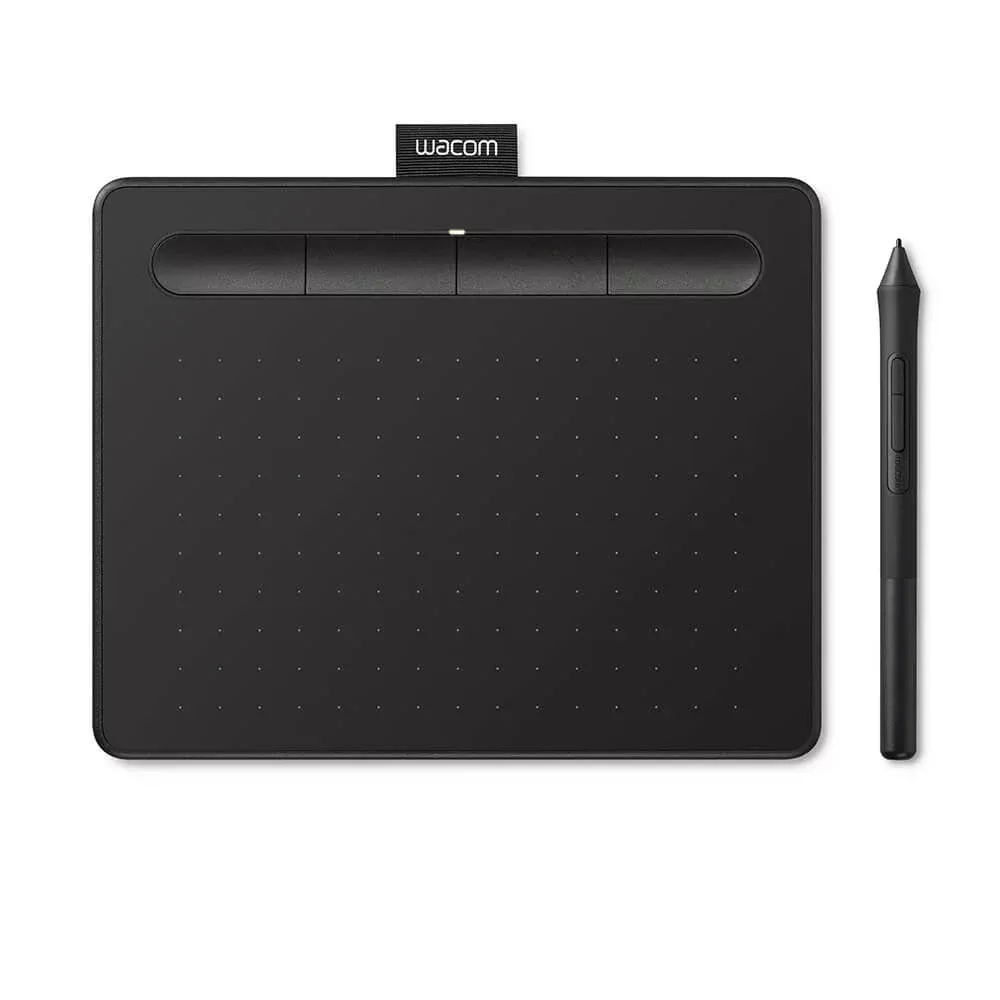

Whatever you want to create, the Wacom Intuos drawing tablet helps you find ways to draw, paint and edit photos – whether you’re just starting out or a more experienced artist. Getting started is quick and easy: connect the tablet to your Mac or PC wit


Wacom Intuos S drawing tablet, black
Whatever you want to create, the Wacom Intuos drawing tablet helps you find ways to draw, paint and edit photos – whether you’re a beginner or a seasoned artist. Getting started is quick and easy: connect the tablet to your Mac or PC with the included USB cable, install the drivers and you’re ready to go.
By registering your purchase, you can download one creative software for free: your choice of Corel Painter Essentials 7 (illustration and drawing, 90-day license) or Corel AfterShot Pro 3 (photo editing, 90-day license).
Designed for ease of use for both right- and left-handed users, the Intuos S features four customizable ExpressKeys that put key functions and shortcuts right at your fingertips to streamline your workflow.
The pressure-sensitive and ergonomic 4K stylus has 4,096 levels of sensitivity for excellent control and a natural drawing feel. Based on electromagnetic resonance (EMR) technology, the stylus operates completely without batteries, making it feather-light and never needs charging. The stylus body features two quick-action buttons and integrated storage for the three included replacement tips.
The Intuos S is extremely compact: at just 8.8 millimeters thin, the thickness of a smartphone, it still offers the same 152 x 95 mm active drawing area as previous models. Its small size makes it easy to slip into a laptop bag and fit on even the tightest desks.
Specifications:
- Active area: 152 x 95 mm (S size)
- Pressure detection: 4,096 levels
- Pen technology: Battery-free EMR (electromagnetic resonance)
- Hotkeys: 4 programmable ExpressKeys on the table, 2 buttons on the pen
- Resolution: 100 lines/mm (2540 lpi)
- Reading height: 7 mm
- Accuracy: +/- 0.25 mm digital measurement tolerance
- Response time: 133 electromagnetic activities per second
- Connection: USB (cable included)
- Thickness: 8.8 mm
- Compatibility: Windows, Mac
- Package accessories: 3 replacement tips inside the pen
Featured
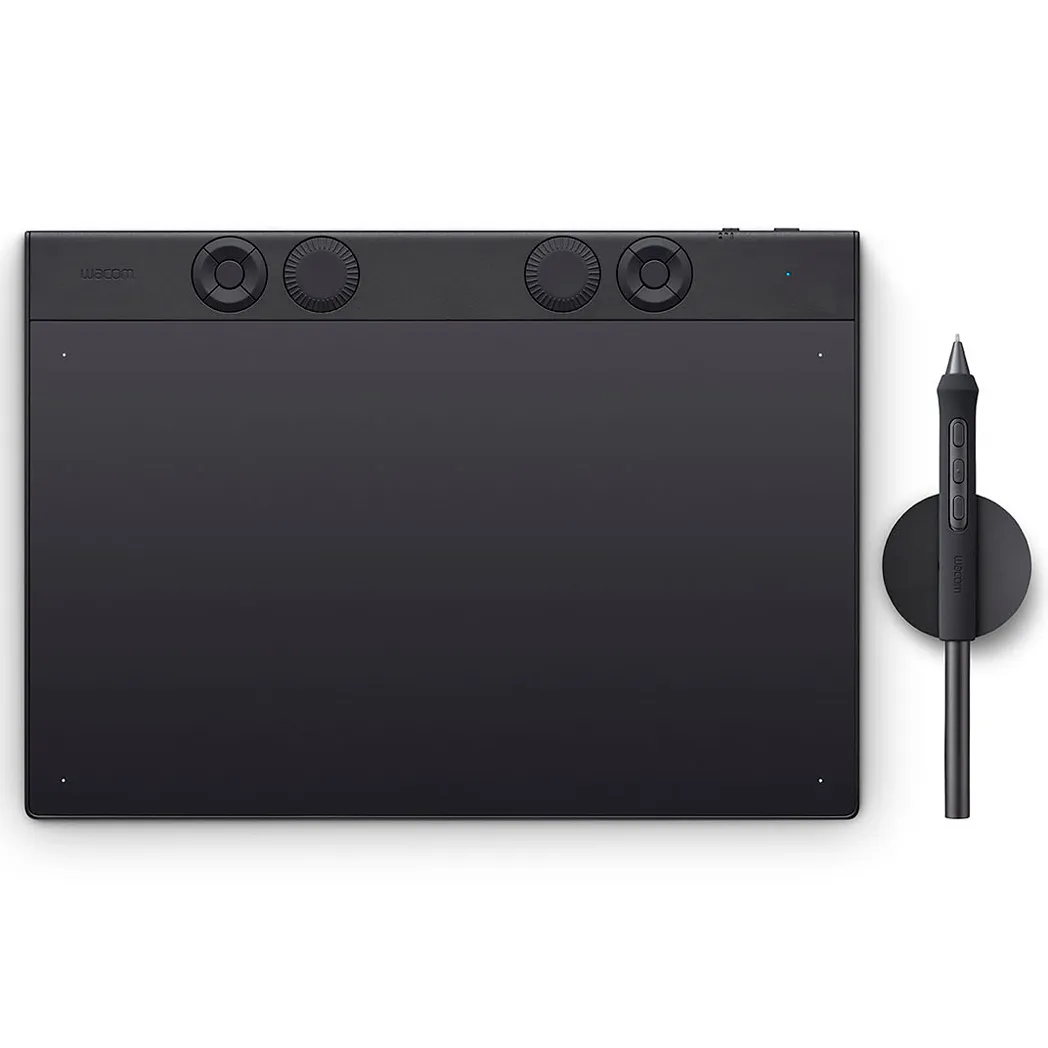
Wacom Intous Pro Medium (2025) drawing tablet
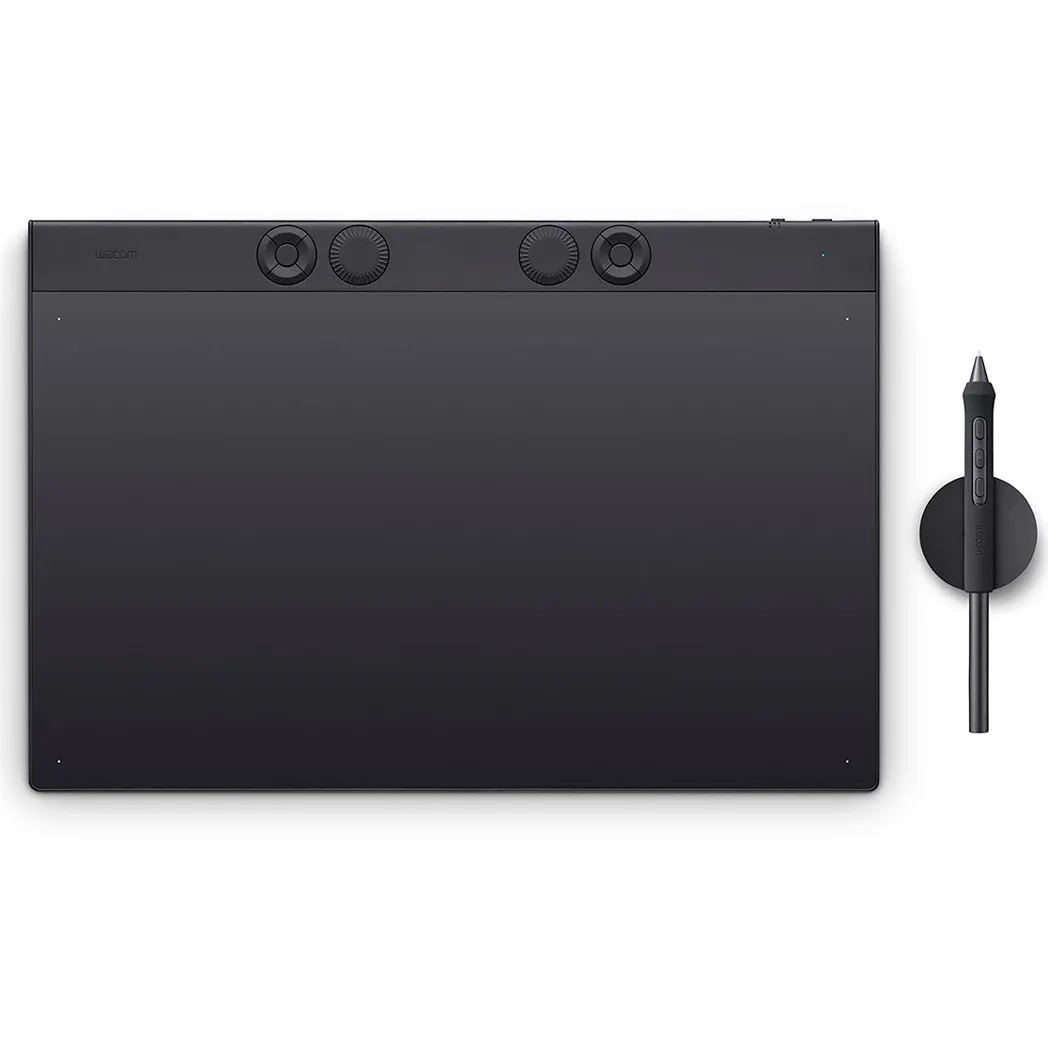
Wacom Intous Pro Large (2025) drawing tablet
Summary of reviews
Ask about product

Mon-Fri 9-17 and Sat 10-14
INFO

