Luminar Neo image editing software

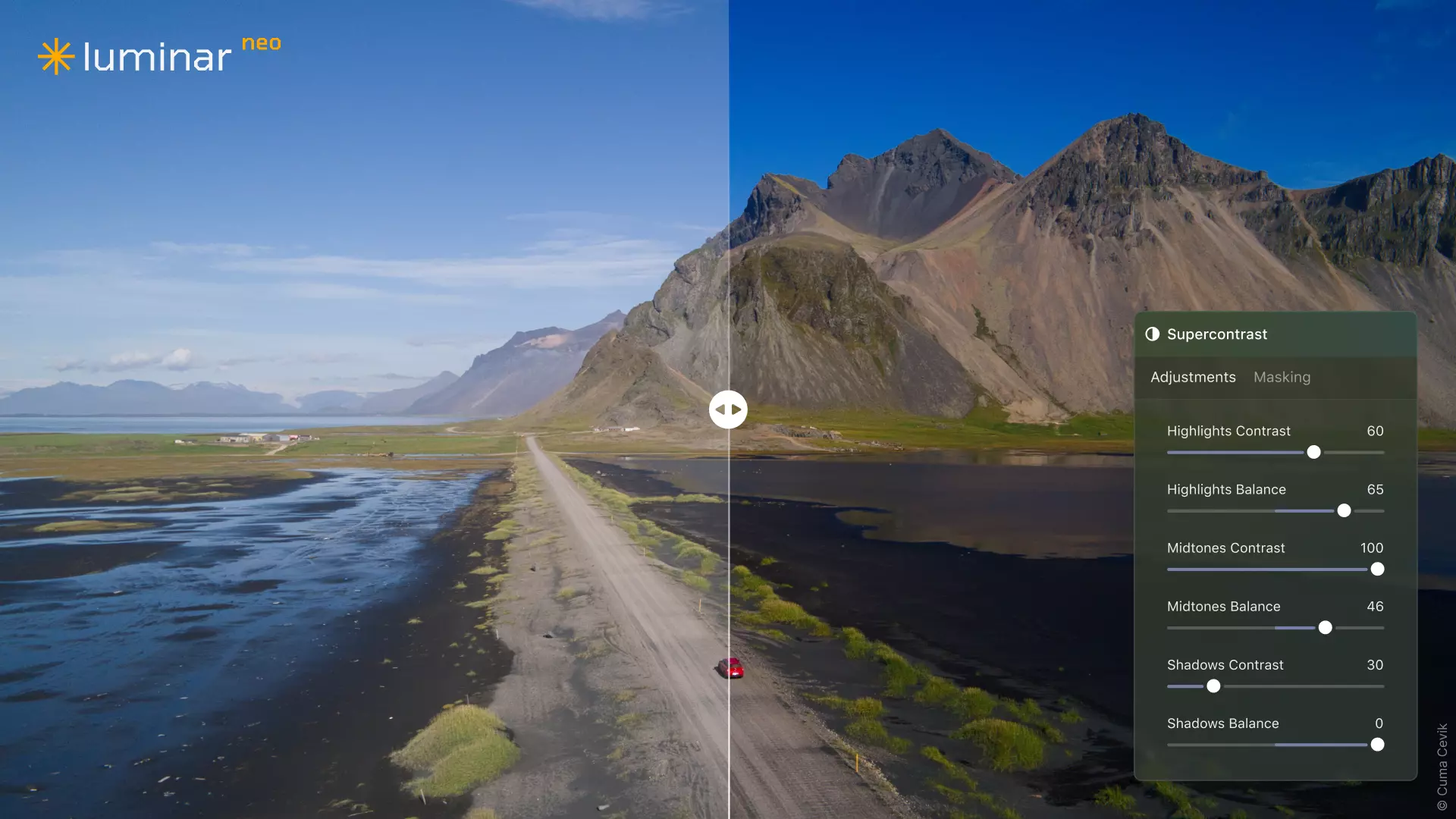
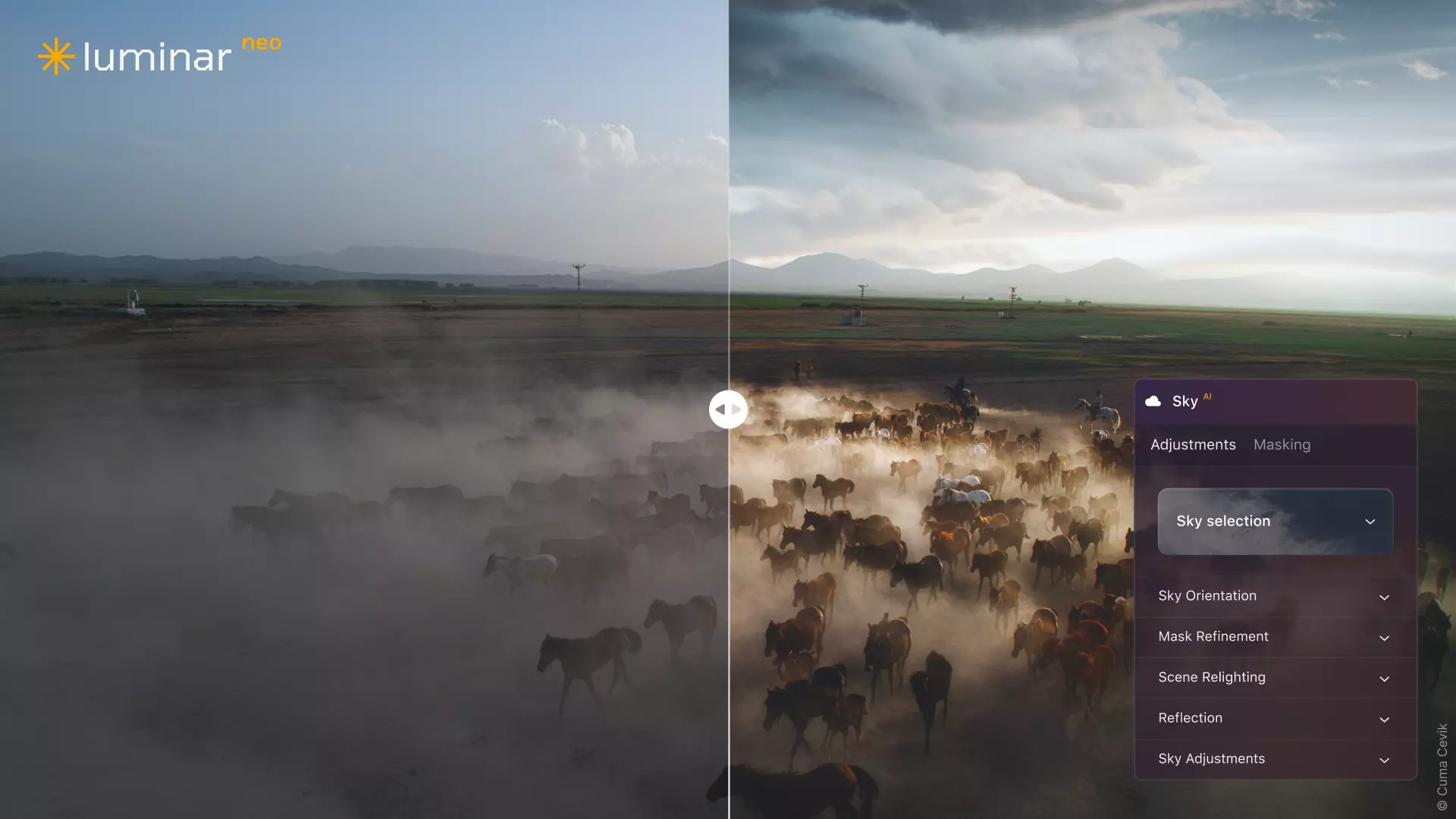
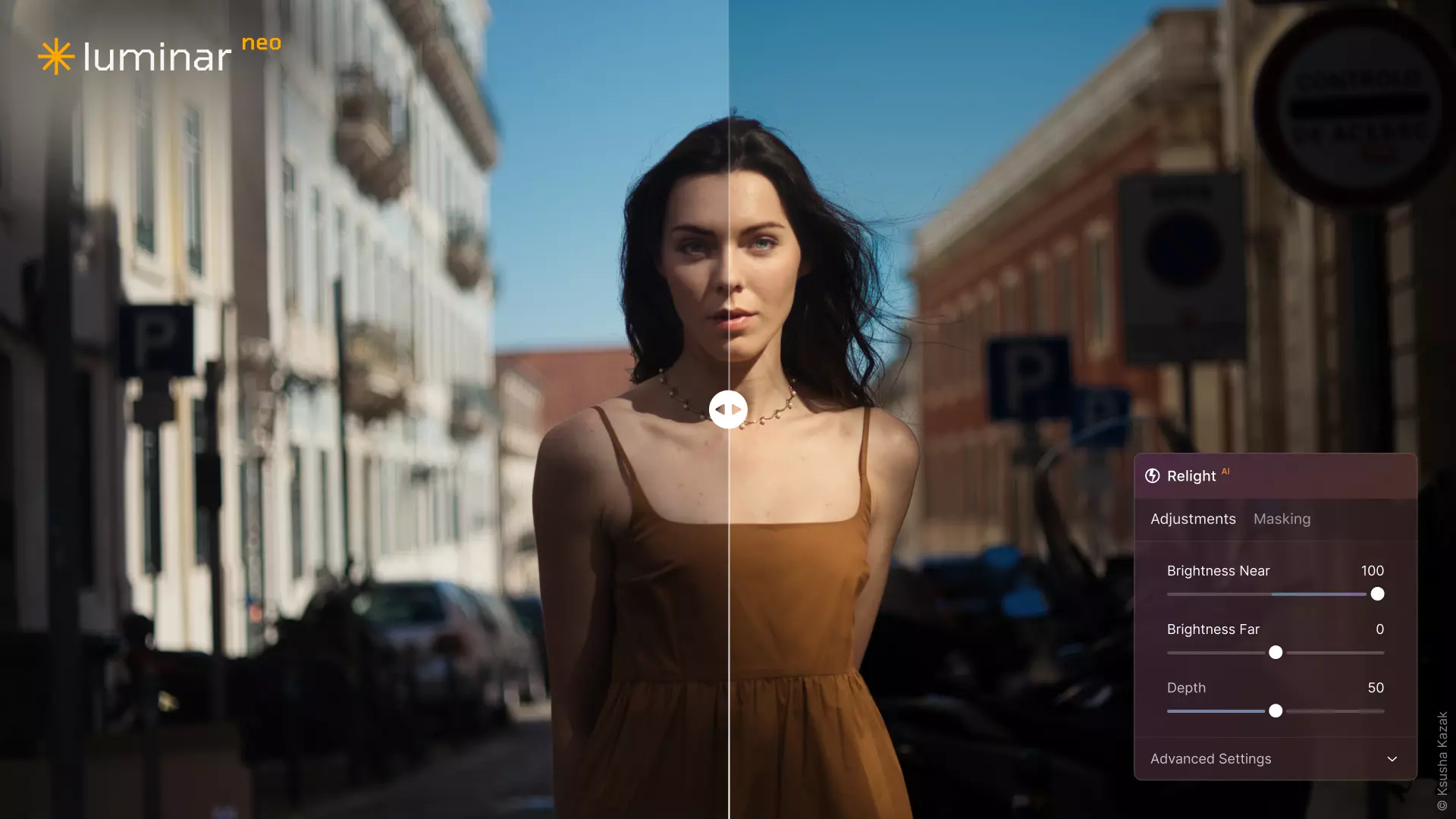
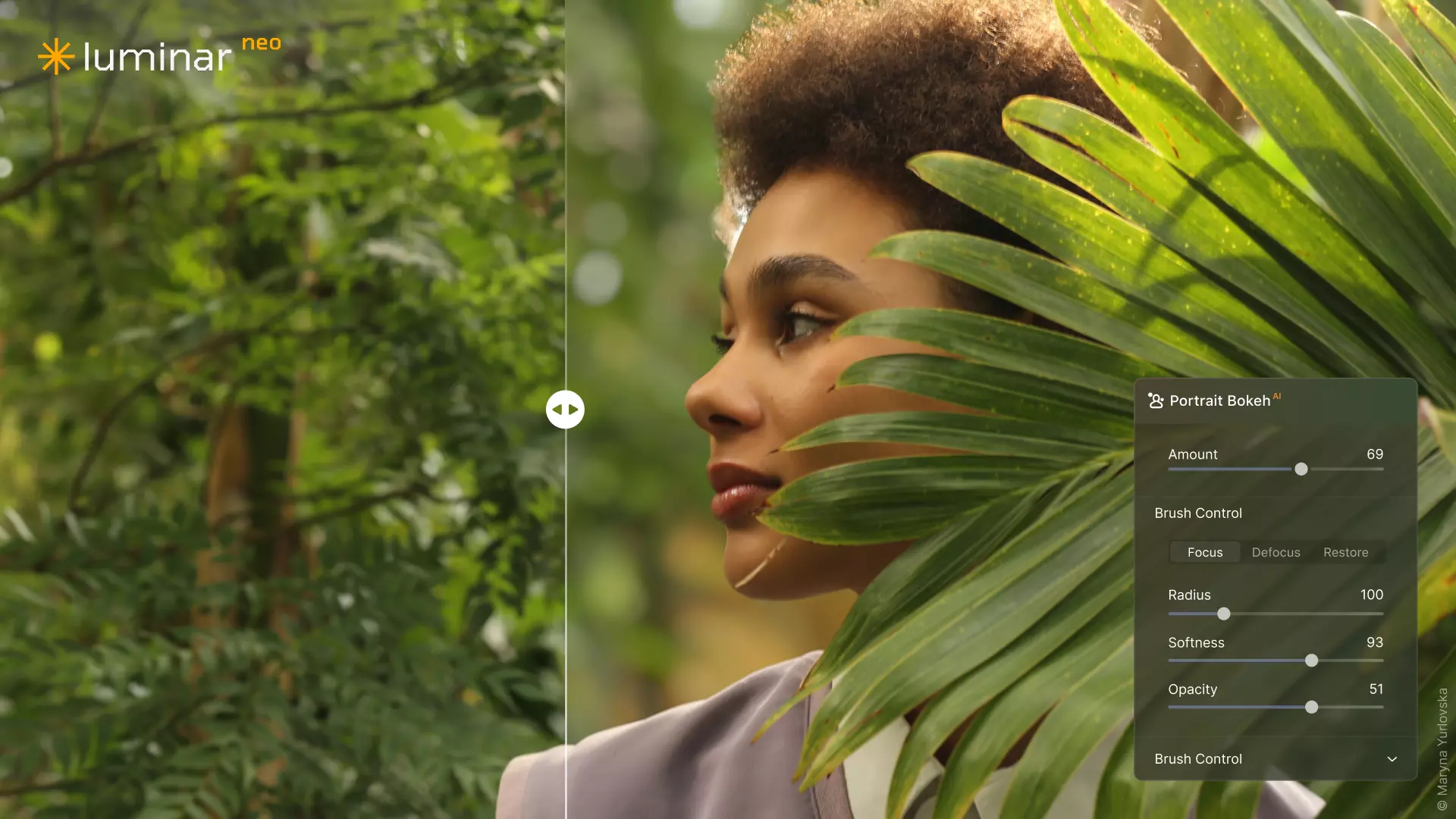

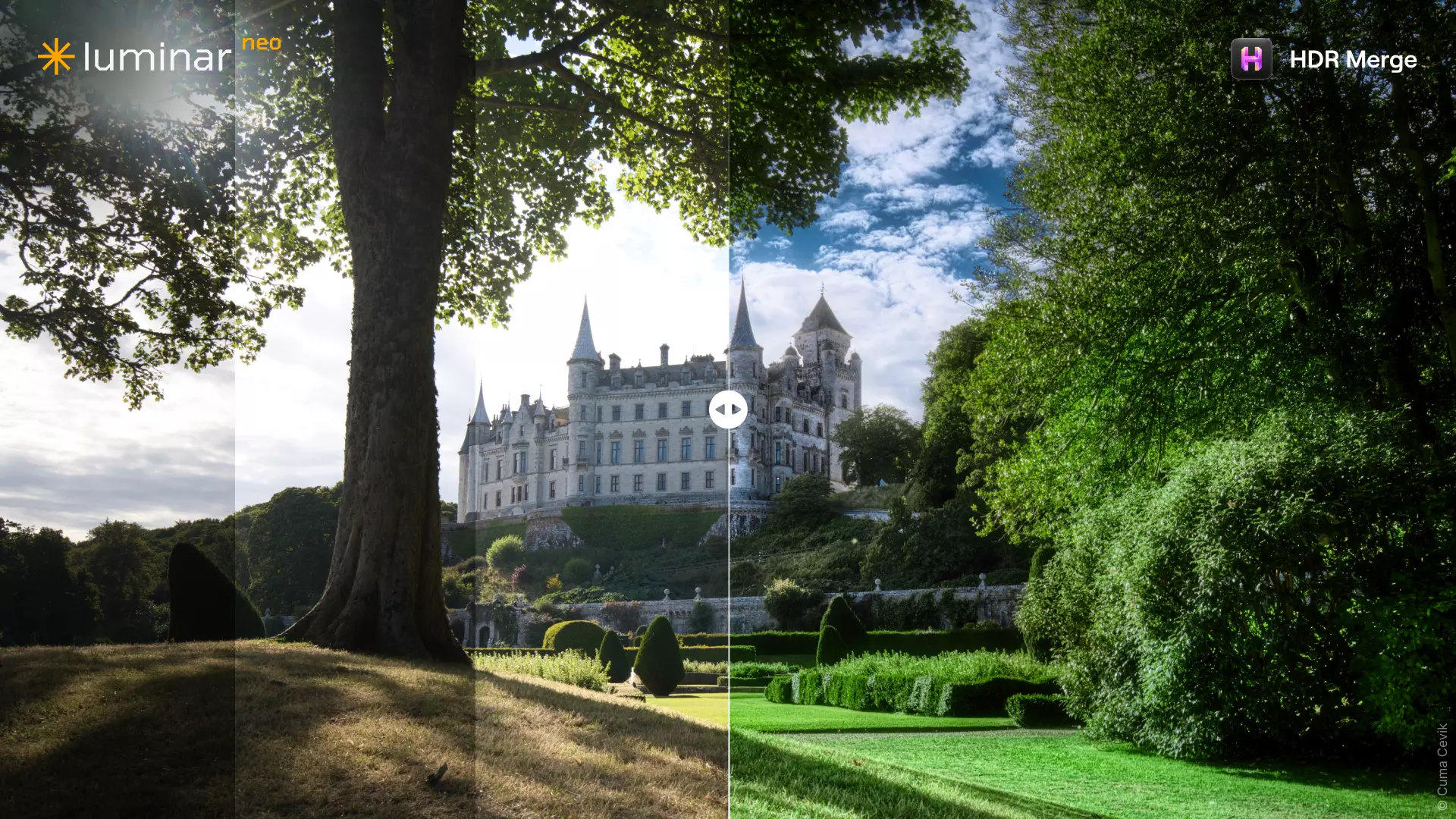

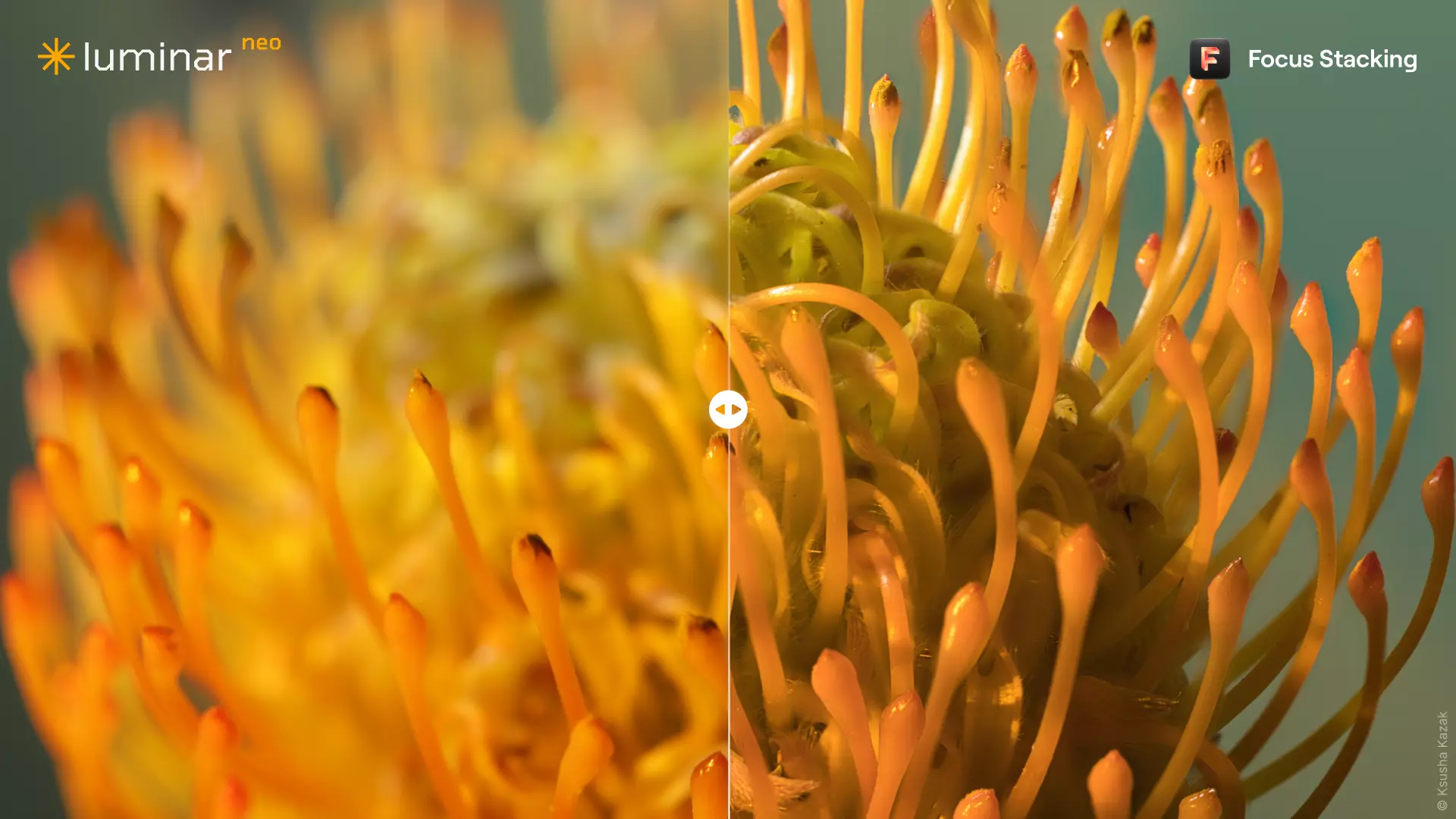
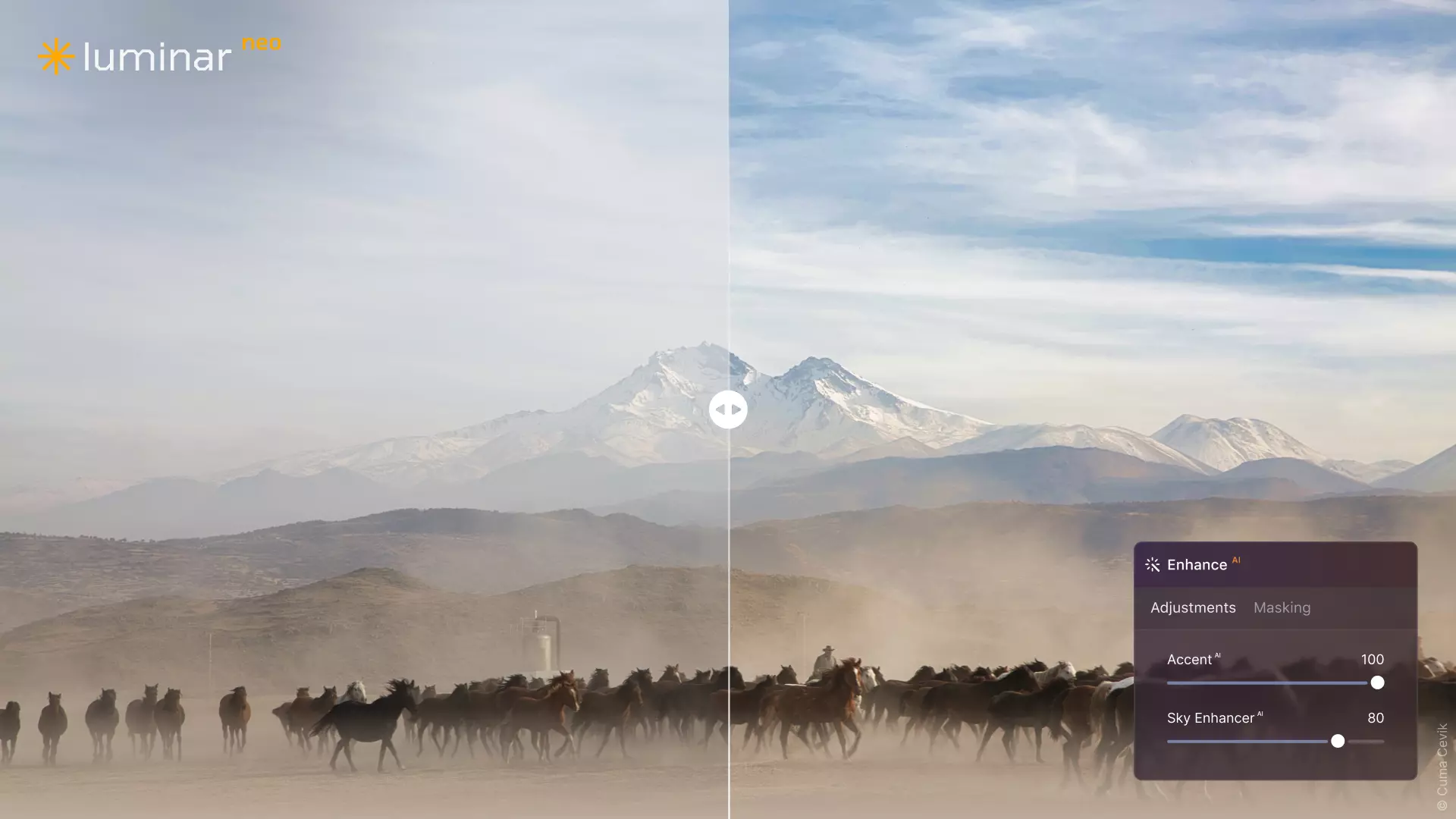

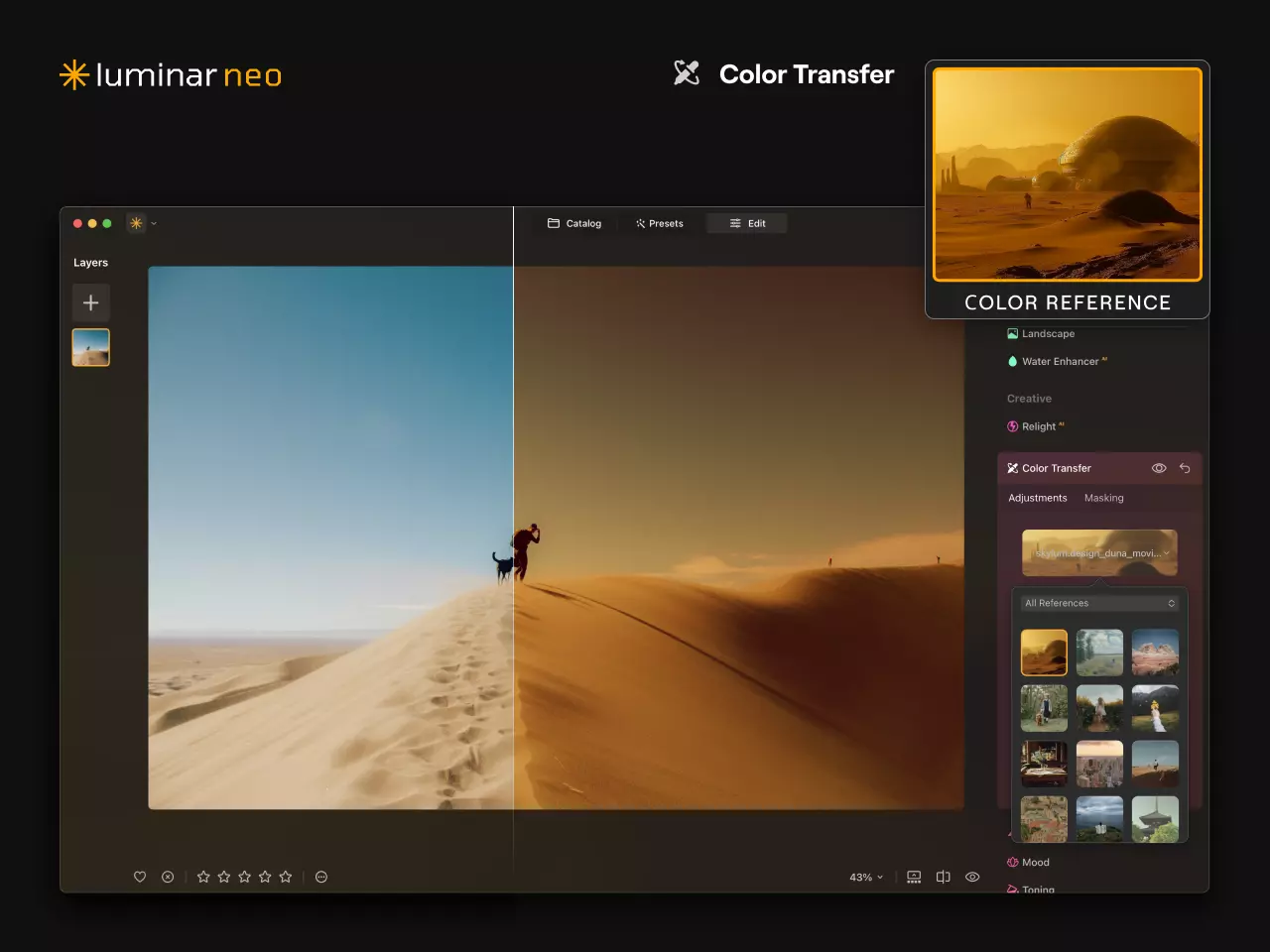

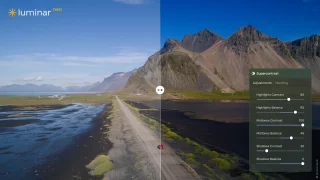


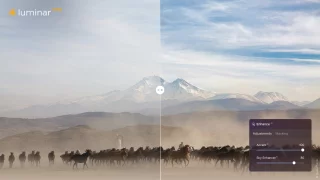
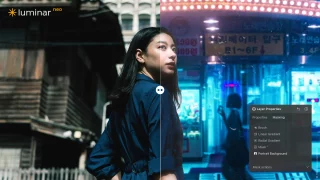
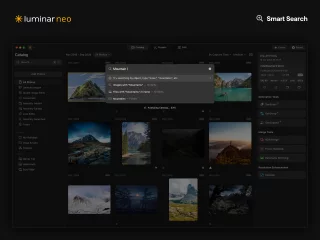
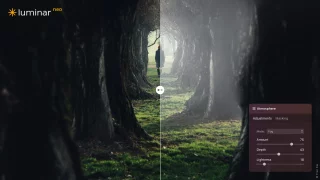

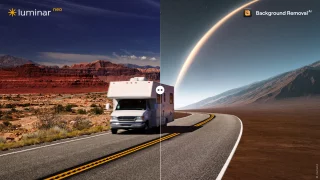
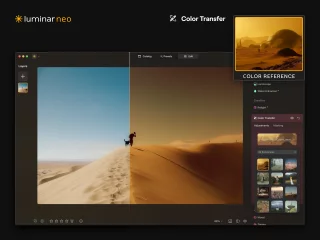
Luminar Neo is a modern, artificial intelligence-based image editing program. Instead of technical adjustments, creative results are achieved quickly!

Luminar Neo image editing software
Luminar Neo is a modern, AI-powered photo editing software developed by Skylum. It's designed to streamline your creative workflow so you can focus on the end result instead of the technical tweaks. If traditional options have felt like a chore and your memory cards are bulging with files waiting to be processed, then this is the one to try!
And yes - this software also has some pretty wild effects, but image processing doesn't always have to be very serious. Luminar Neo is perfect for both the beginner photographer who wants impressive images easily, and the experienced enthusiast who appreciates speed in routine editing.
We have three different license types for sale. This is a one-time license (Luminar Neo Perpetual) with no mandatory monthly fees! So the program is yours for one payment.
There are also options for the Luminar Neo Cross-device Perpetual License , which works on Android and Apple smart devices in addition to your computer, and the Luminar Neo Perpetual Max License, which, in addition to the previous features, gives you one year's access to Luminar's preset, image and effect bank, 100 different special effects, and instructional videos.
Note: The license code will be delivered electronically. If you are ordering this license only, select "store pickup" as the delivery method, which will not add shipping costs to your order.
Here is a short list of Luminar Neo's key features:
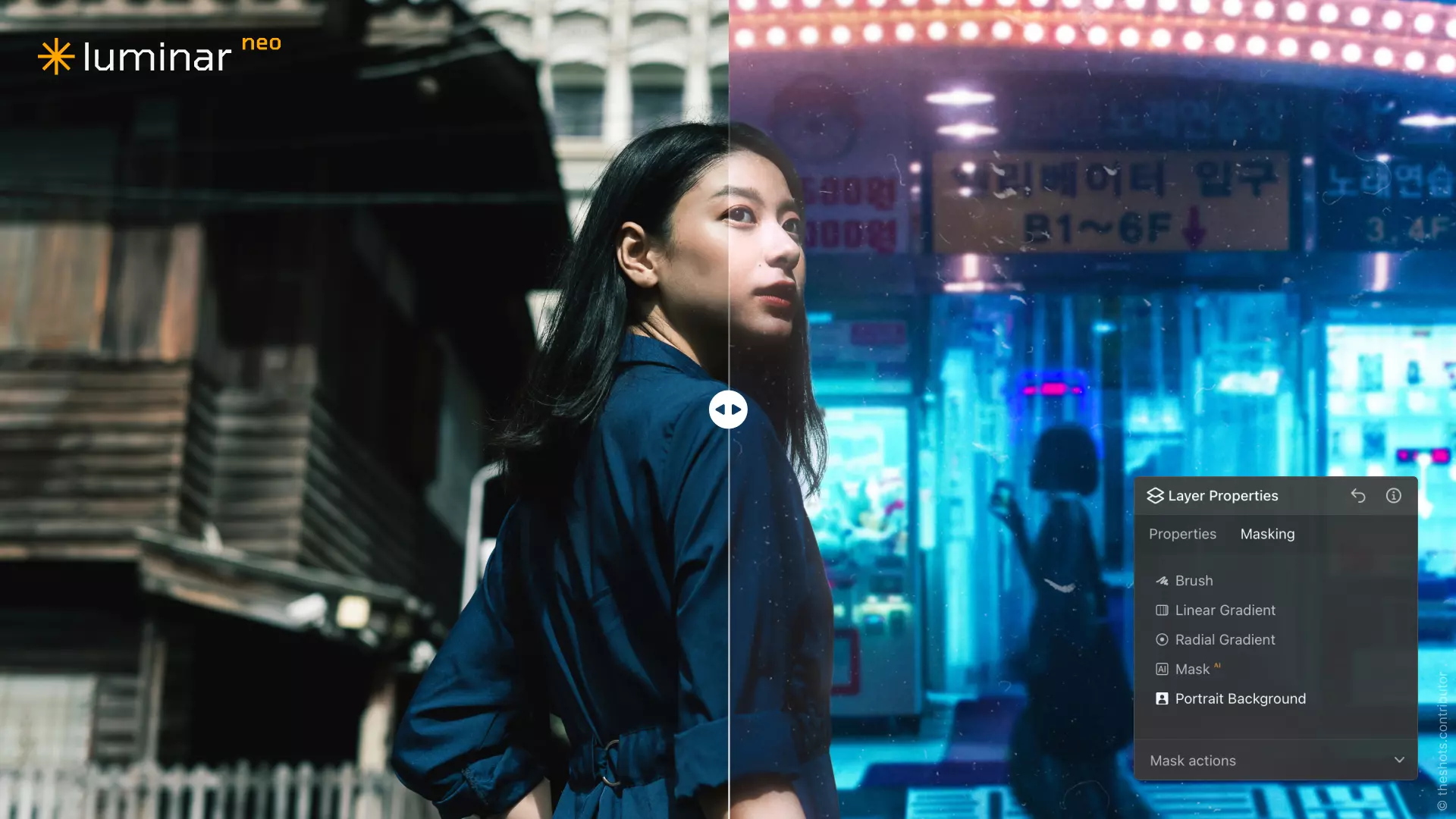
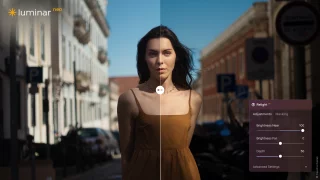
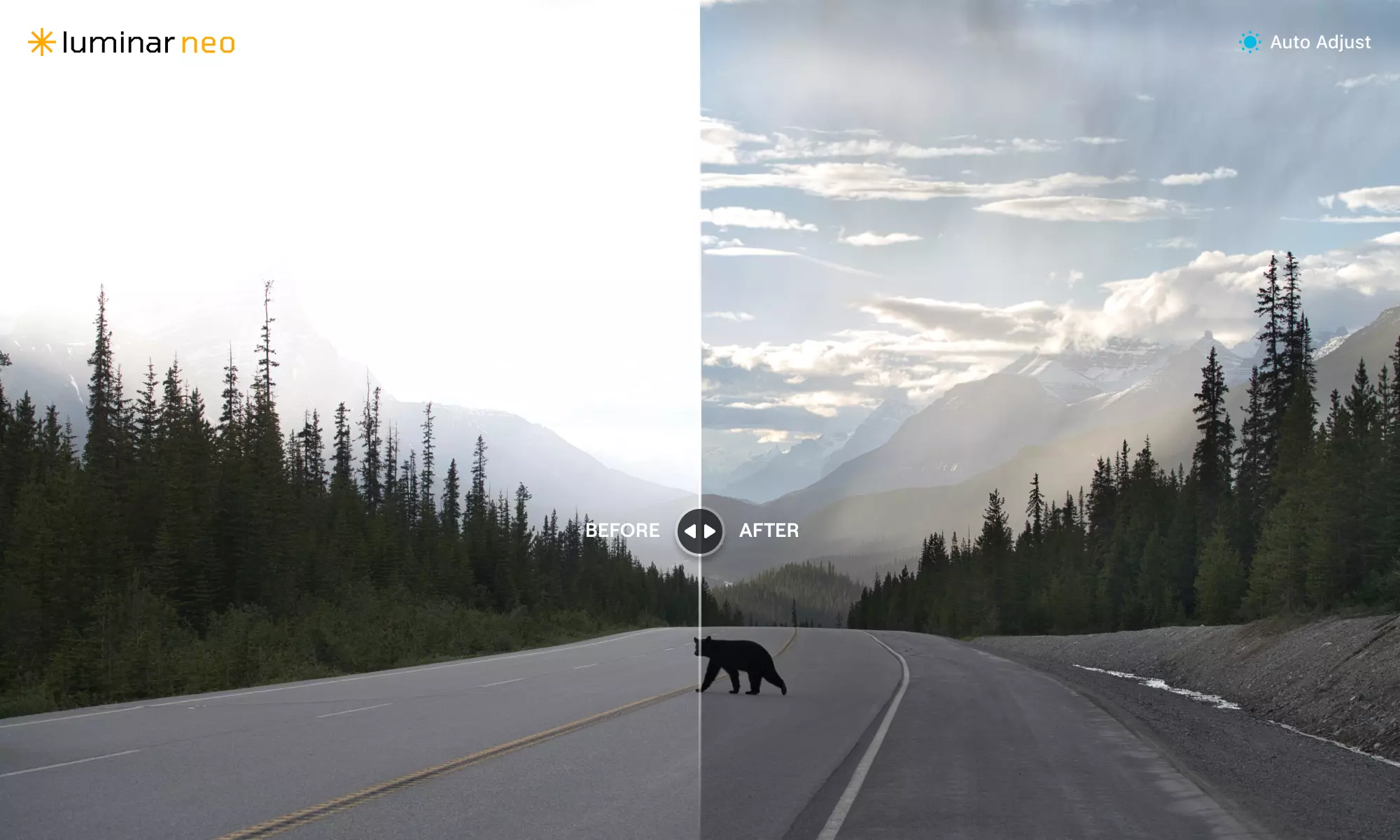
Relight AI: Control lighting after the fact. This feature creates a 3D depth map of your image, allowing you to adjust the exposure of the foreground and background separately. A great tool for correcting backlit portraits, for example.
De-cluttering: AI automatically detects and removes power lines or dust spots from landscape photos, saving you time by not having to manually remove every flaw.
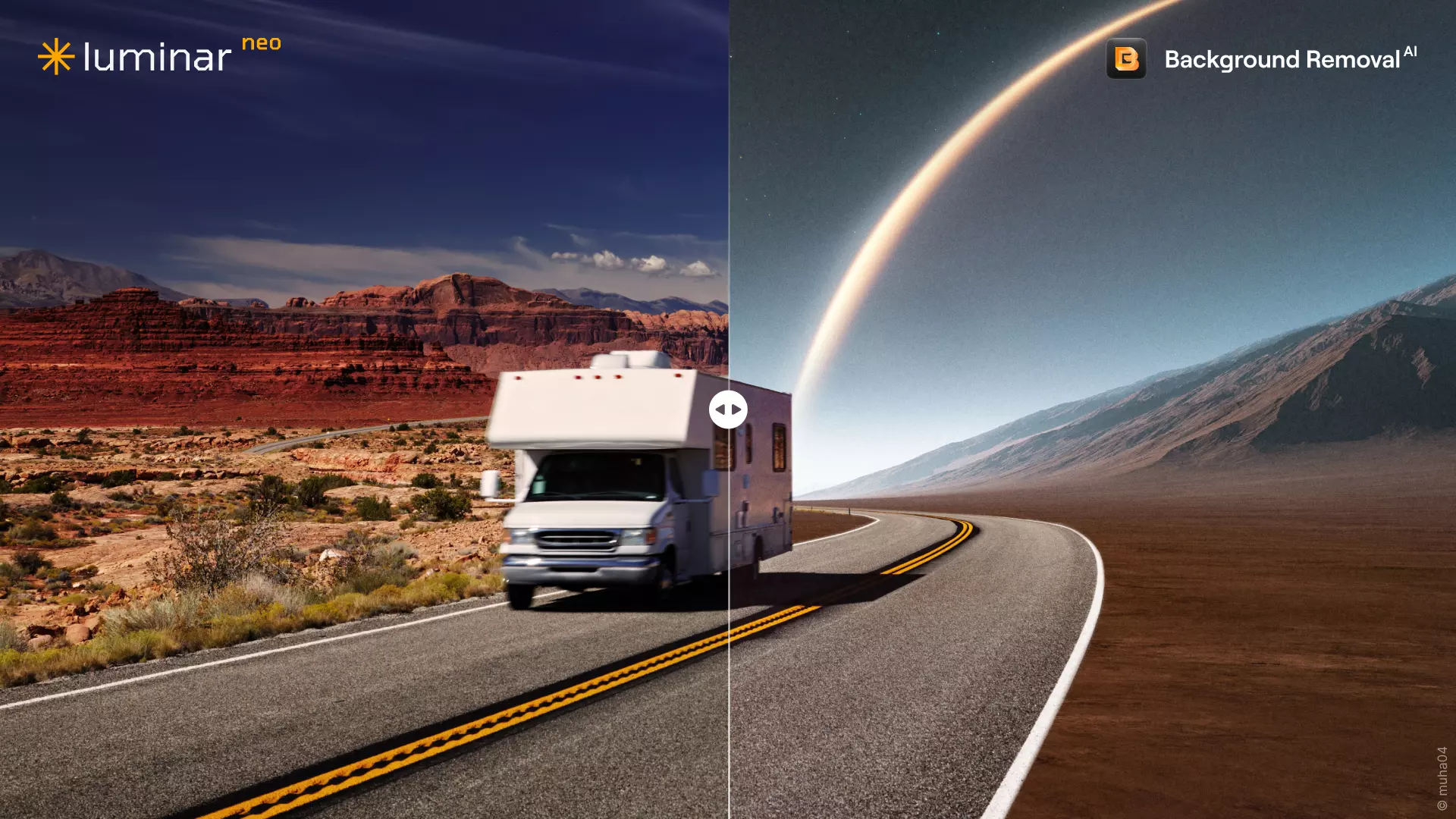
Sky AI: The most famous feature of the Luminar series, it allows you to change the sky in your image to be more dramatic or atmospheric with just a few clicks. The program automatically handles masking and tone matching.
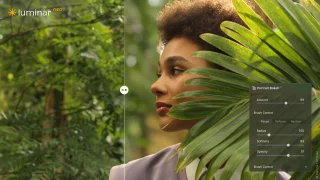
Mask AI: Forget about tedious manual masking. Artificial intelligence automatically identifies different elements in the image (such as sky, water, people, buildings), allowing you to apply adjustments directly to the desired object.
Face AI and Skin AI: Portrait photographers in particular will benefit from these tools, which allow you to smooth skin, brighten eyes, and highlight facial features naturally without a "plastic" finish.
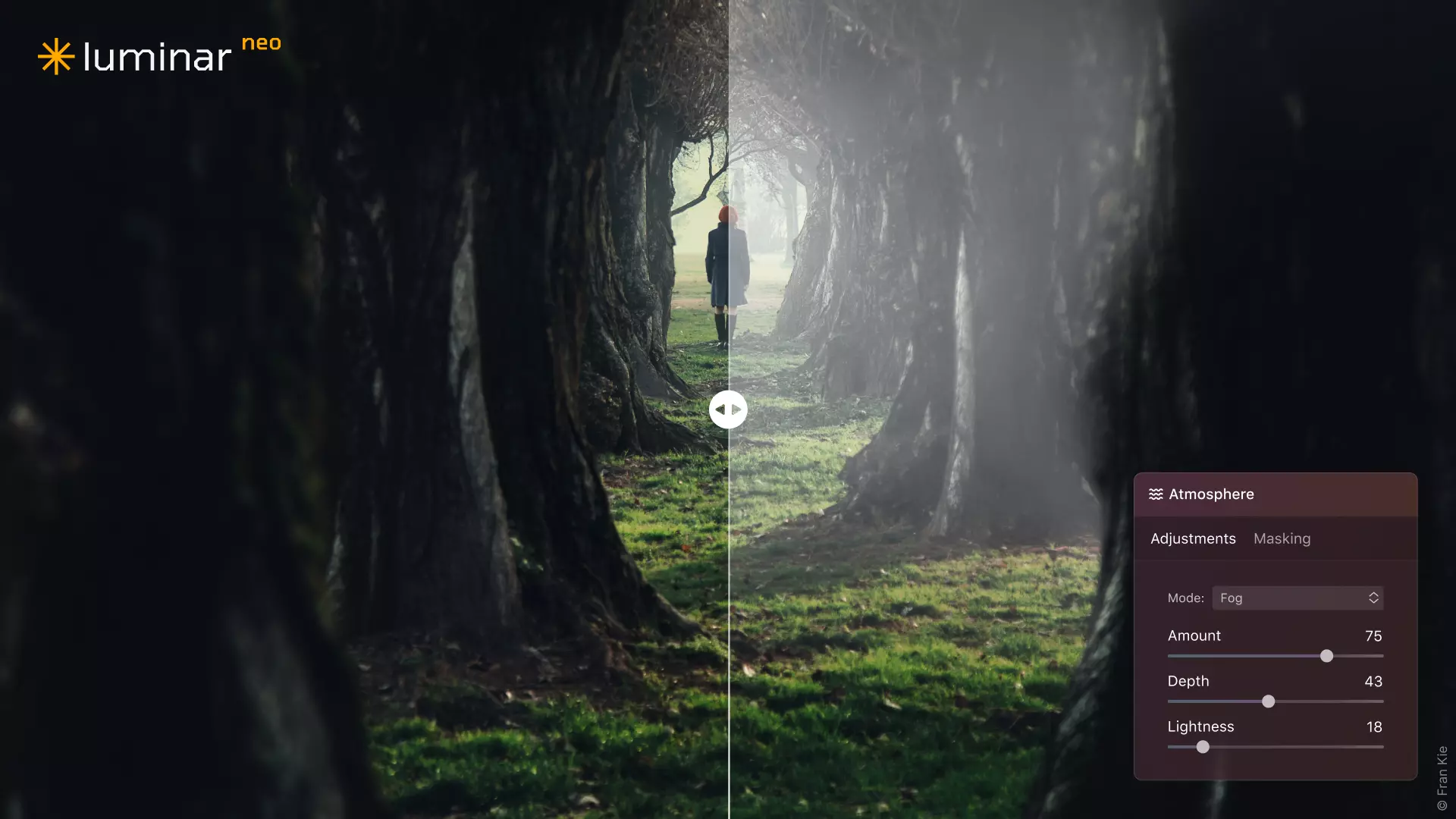
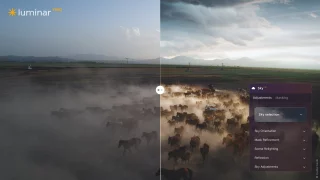
Atmosphere AI: allows landscape photographers to add fog or mist to an image while maintaining a realistic sense of depth.
Layers: Neo supports the use of layers, which allows you to combine multiple images, add textures, and work more creatively.
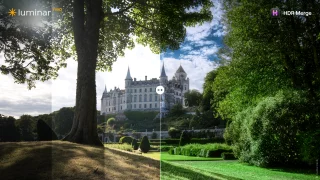
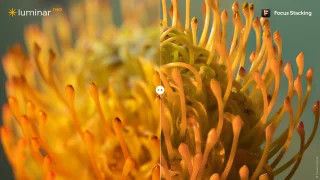
In addition, of course, all the traditional image processing tools are included, such as sharpening, noise removal and versatile adjustments to color tones, but these are also in efficient and easy-to-use versions, as well as more advanced features such as creating HDR images, focus stacking and combining images.
Luminar Neo is built on a new software platform that makes it faster and more stable than its predecessors. The core idea of ??the program is to solve common photography problems – such as incorrect lighting, noise or blur – with intelligent tools that learn from the content of the image.
The program works as a standalone application, but it can also be installed as a plugin for Adobe Lightroom Classic or Photoshop. This makes Luminar Neo a flexible tool: you can use it as your main program or just to add effects as part of your existing workflow.
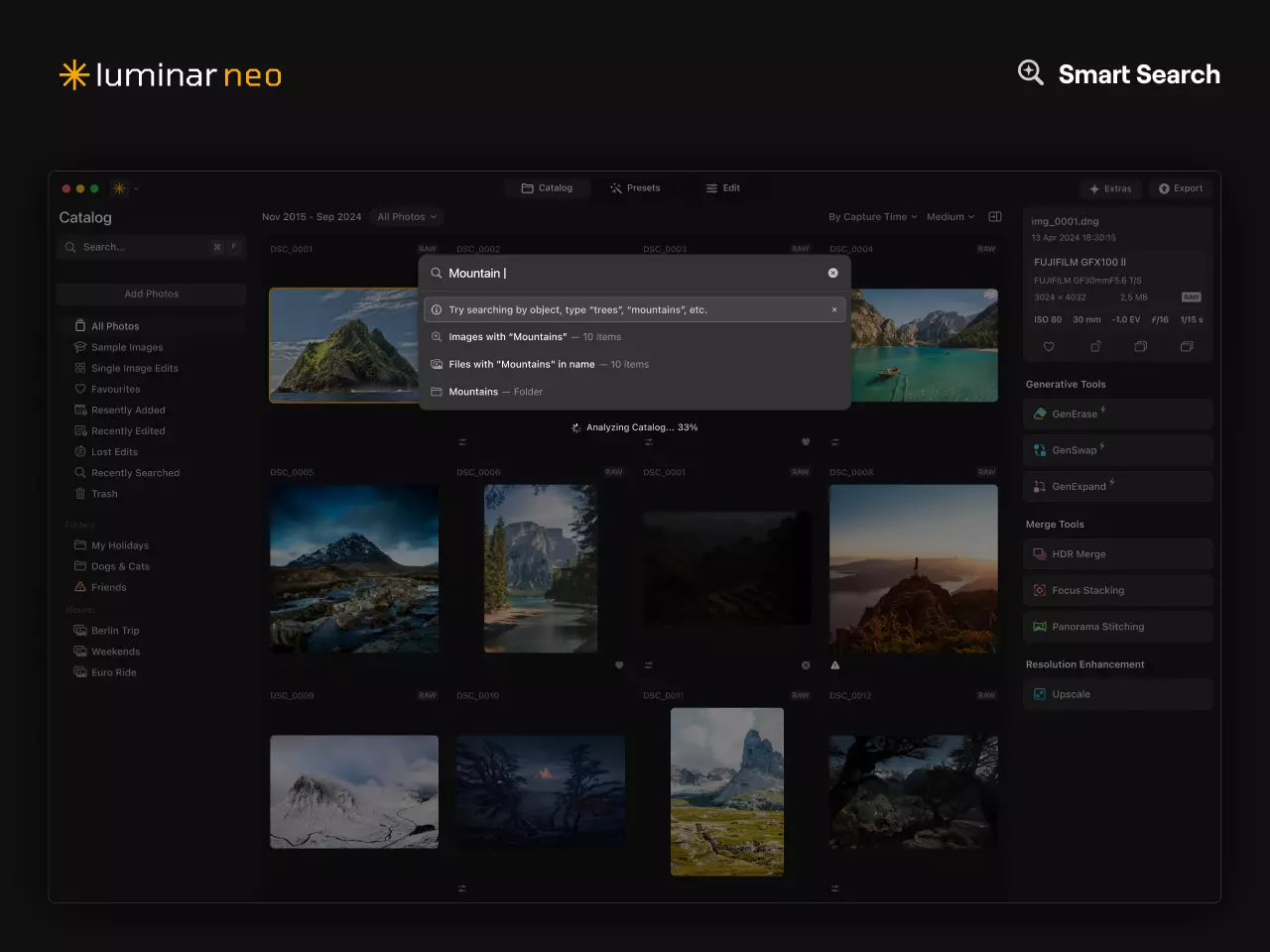
Luminar Neo supports RAW files from most camera manufacturers. The program also has a Catalog feature for browsing and organizing images, although it is lighter than heavy professional programs. Neo is at its best when you want to finish an image quickly without sacrificing quality.
How to activate a Luminar Neo license:
- Buy a Luminar Neo license from us.
- Create a Skylum account or log in at skylum.com
- Register the license code you purchased to your own account.
- Download the program installation file through your user account and install it.
- Log in to the program with the same credentials to activate the full version.
System requirements (recommended):
- Works on Mac and Windows operating systems.
- Windows 10 or 11 (64-bit)
- macOS 11.0 or later (Big Sur, Monterey, Ventura, or later)
- At least 8 GB of RAM (16 GB recommended)
- A graphics card that is Open GL 3.3 compatible or higher
Osta myös



KPH Heisler My Life, 60 sivun valokuva-albumi - Vaaleansininen

Arvostelujen yhteenveto
Kysy tuotteesta

ma-pe 9-17 ja la 10-14