Fujifilm Instax Mini Link 3 Clay White Printer




Fujifilm Instax Mini Link 3 Clay White Printer
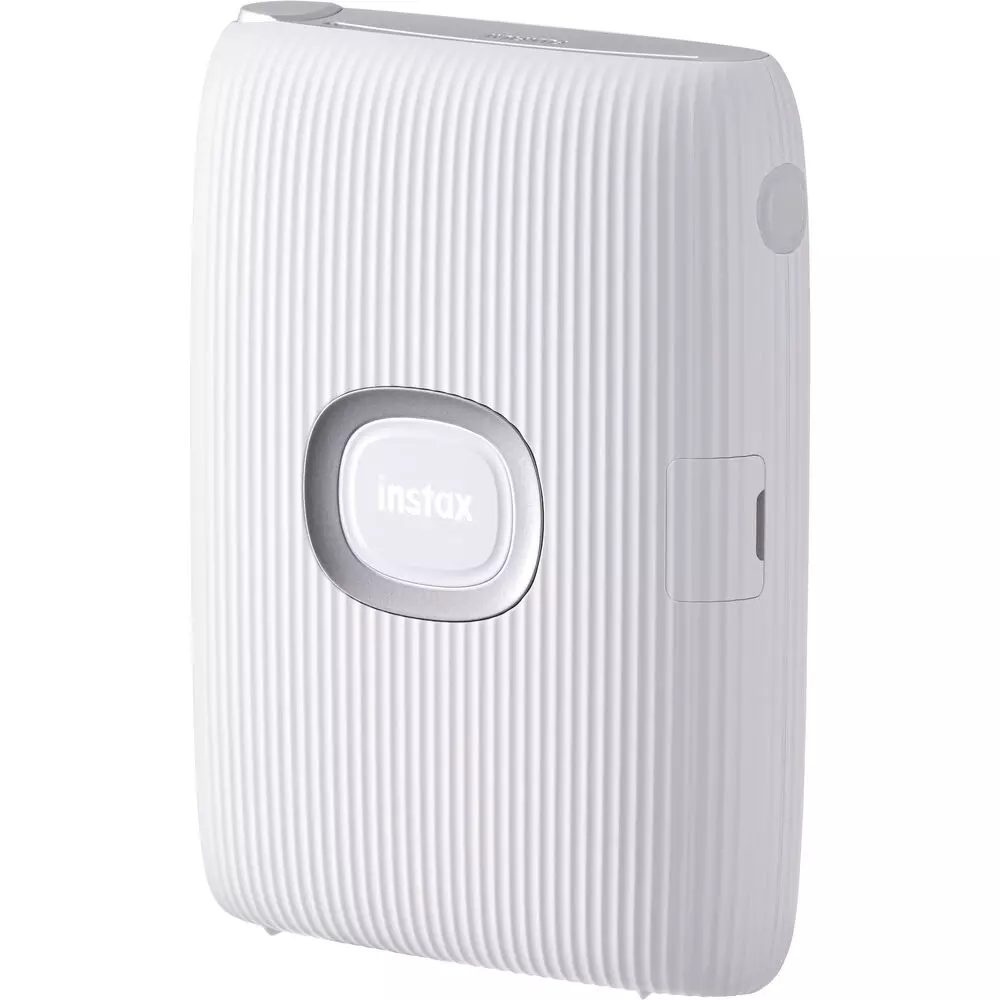
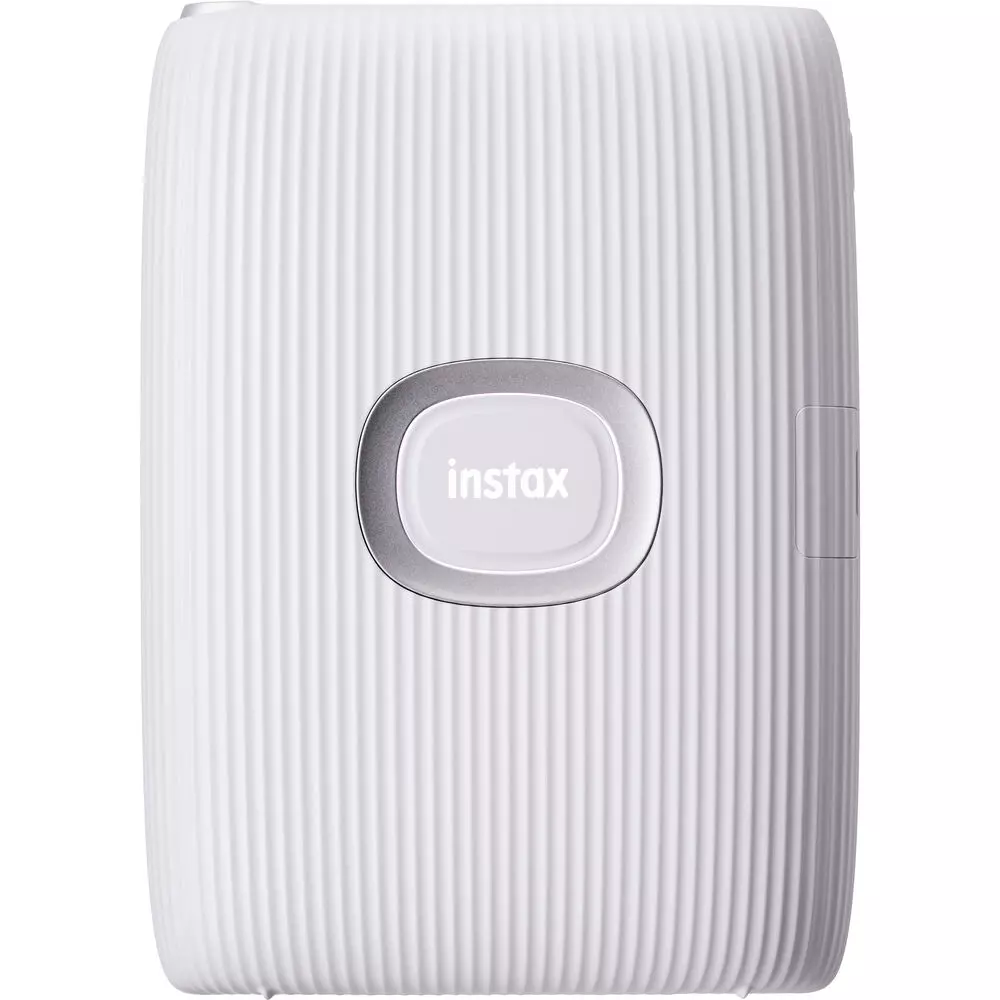
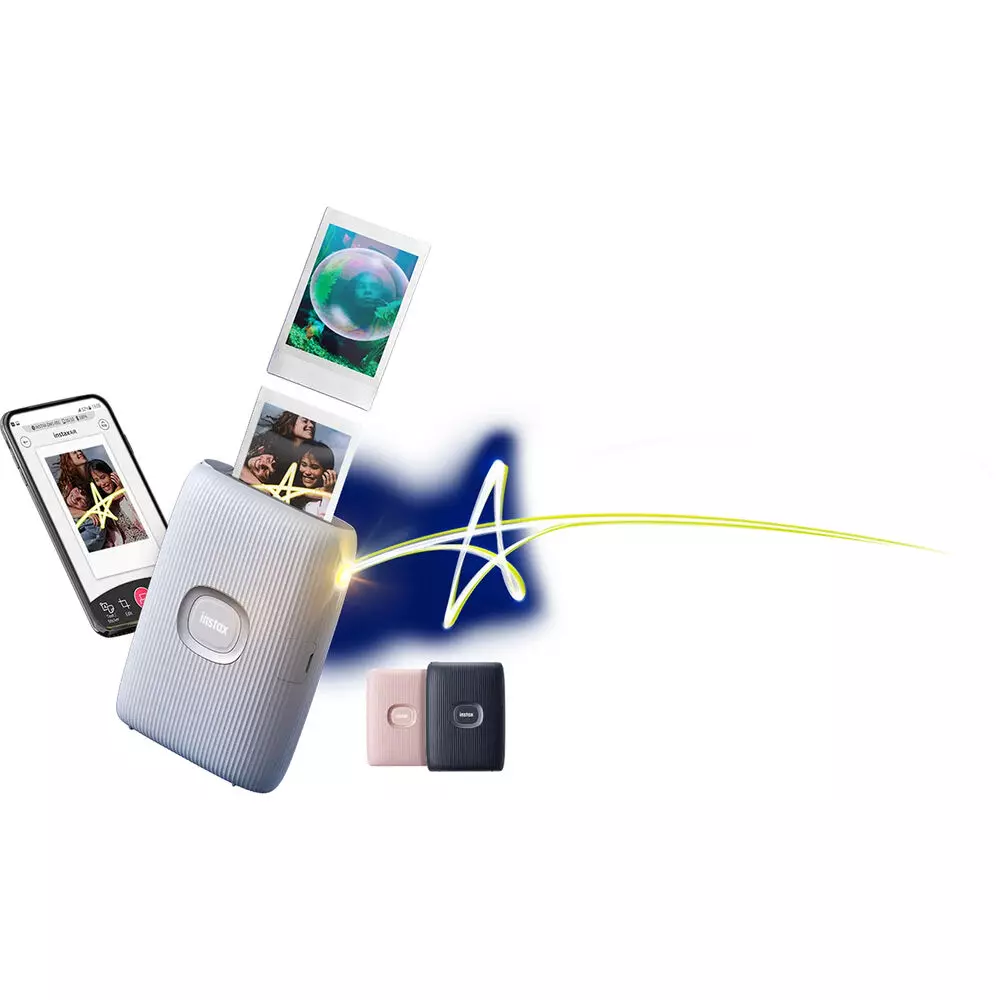
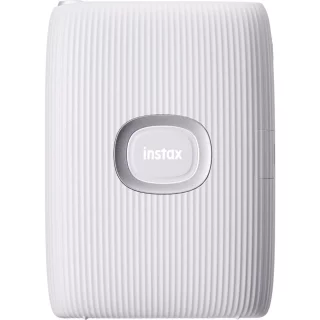
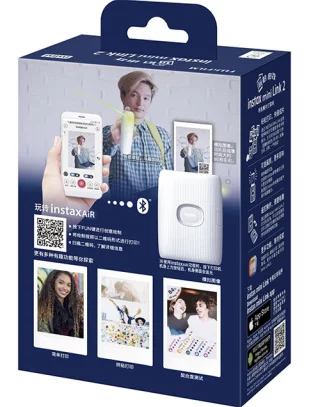
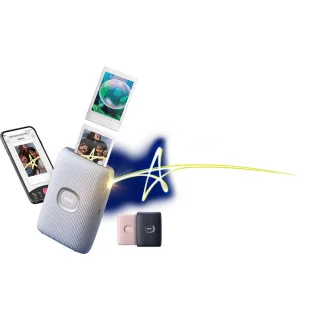
The Fujifilm Instax Mini Link3 is a simple, battery-powered printer that lets you print any image on Instax Mini paper.
The device is so small that you can easily slip it into a pocket or handbag. Compared to printers that print on Zink paper, Instax Mini paper brings better quality to your photos in terms of both detail and color.
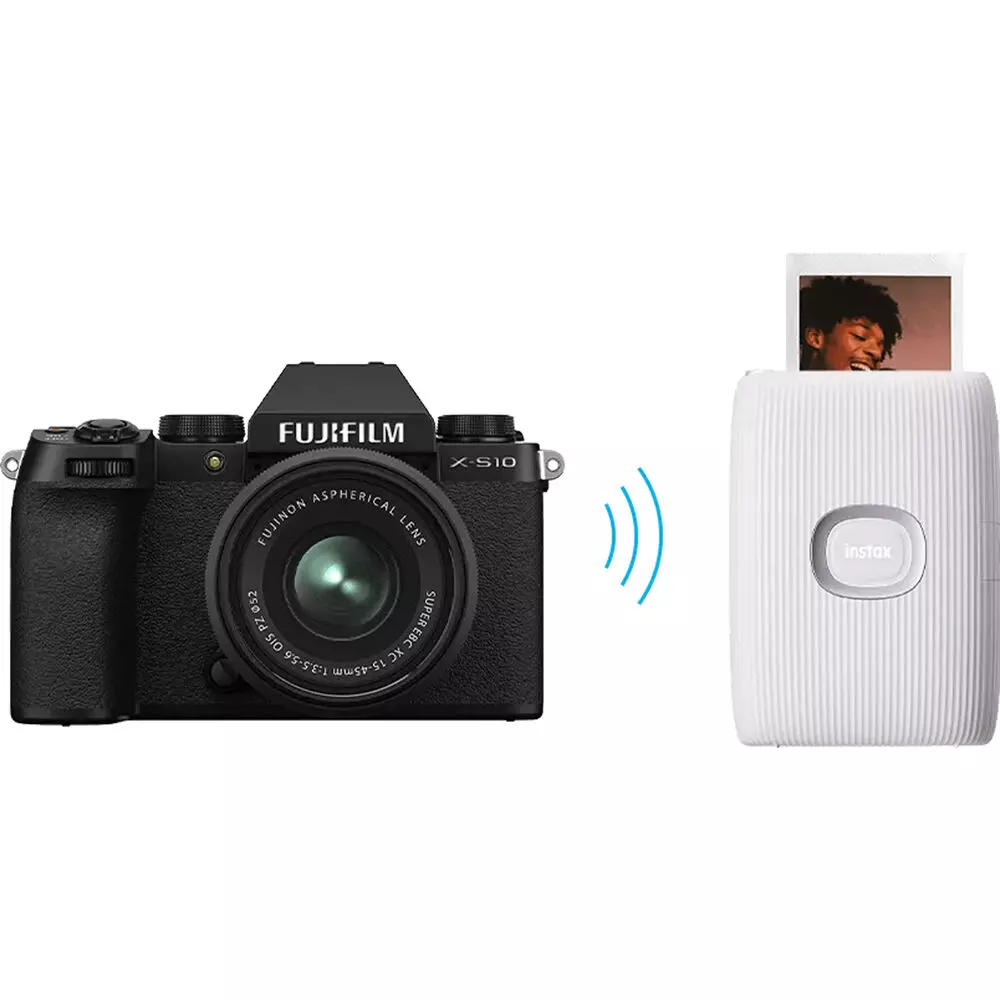
Compared to the previous Link2 printer, the new Link 3 has been redesigned. The USB port has been updated to the new USB-C standard and the power switch is now in a more sensible location. The device has also been equipped with indicator lights that make it easy to find out the device's status. The connection to the printer is established via Bluetooth from your phone.
Who and what is the printer suitable for? For those of you who want to use Instax Mini film but choose which image to print.
- Prints authentic Instax Mini instant photos
- You can print any photo from your phone
- Print your drawing over a photo
- Add a QR code to the image
- Can print an image from a video clip
- Conveniently small so you can take it with you wherever you go
- Print photos as vibrant INSTAX-Rich photos or plain INSTAX-Natural photos
- Internal rechargeable battery
The printer recognizes the position and enables shortcuts to functions
The Mini Link 3 mobile printer includes a motion sensor that detects the printer's position and allows you to use quick functions. This is an interesting addition to the printer, although some of these functions are more useful than others.
- By placing the printer in a vertical position, the printer switches to standard printing mode.
- By pointing the printer's mouth downwards and pressing the power button, the printer will reprint the last printed image.
- By placing the printer on a table, for example, and pressing the power button, the printer will enter "fun mode"
- By tilting the printer, you can adjust the zoom in the printer's "Camera Mode" function and thus easily crop images.
Smartphone app
The Mini Link 3 photo printer requires a free app to install on your phone to work. The app is straightforward, and printing your photos is just a click away. The app's built-in filters let you edit your photos to black and white or sepia effects, for example. The Video Print function lets you open a video clip of up to three minutes and print any moment from that video as an Instax Mini photo.
Product size (D x W x H): 90 x 37.3 x 125 mm


Osta myös
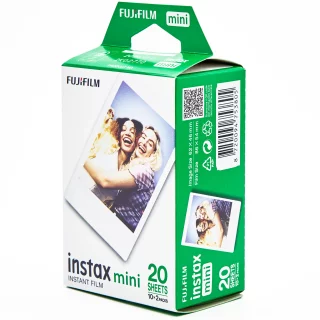


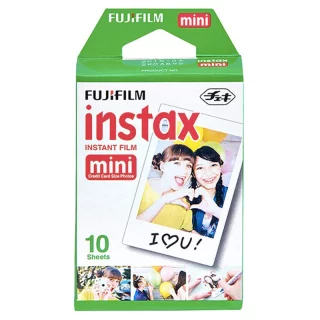
Fujifilm Instax Film Mini (10 photos) instant film
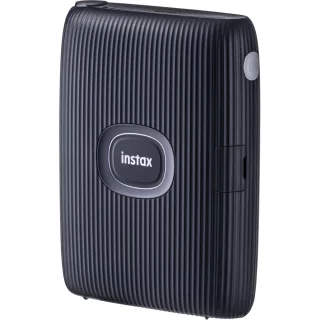
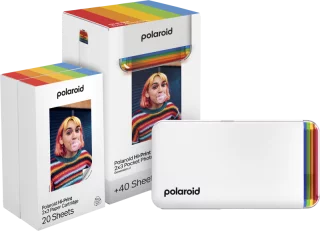
Polaroid Hi-Print Gen 2 E-Box Printer + Printing Paper - White
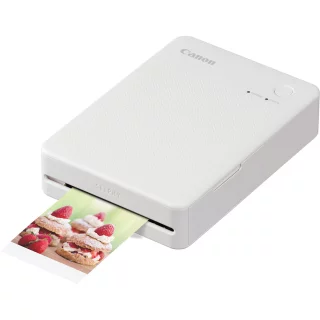
Canon Selphy QX20 Printer for Smartphone - White
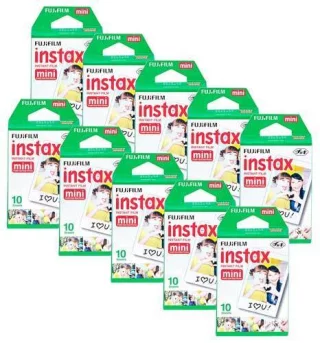
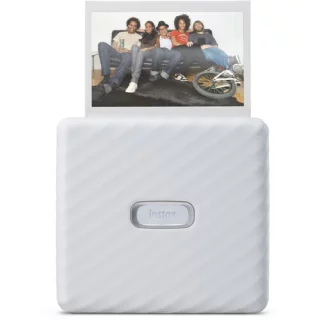
Fujifilm Instax Link Wide Printer for Smartphones - White
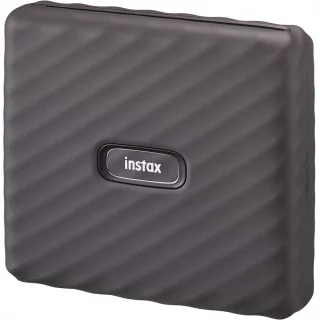
Fujifilm Instax Link Wide Printer for Smartphones - Gray
Arvostelujen yhteenveto
Kysy tuotteesta

ma-pe 9-17 ja la 10-14