Capture One for Leica image editing software


Tilaa saapumisilmoitus sähköpostiisi, niin saat heti tiedon kun tuotetta on jälleen saatavilla.

Capture One for Leica image editing software
This version supports multiple Leica models! Check your camera's compatibility here .
Panorama Stitch: you can easily create panoramic images, Capture One helps you put together a stunning image by combining multiple shots
HDR Merging: a tool for combining HDR images, combining images taken at different exposures. A great feature for indoor and landscape photography
Auto Rotating: automatic horizon straightening, also includes machine-learned artificial intelligence, so you can quickly straighten even larger amounts of images!
Wifi tethering: Currently only works with certain Canon cameras. But support will increase in the future. Tethering speeds up shooting, for example, studio and product photography, as you can immediately get the images to your computer for checking exposure and sharpness.
Plus, as an extra, bug fixes and speed improvements!
-
Capture One is a program specifically designed for processing RAW images, which makes working smoother and faster. The program also supports tethering, i.e. shooting directly to the computer when the camera is connected to the computer with a cable. Capture One therefore offers an alternative to Adobe Lightroom, and without monthly fees.
- Layers and masks
- Customizing keyboard shortcuts, workspace, and tools
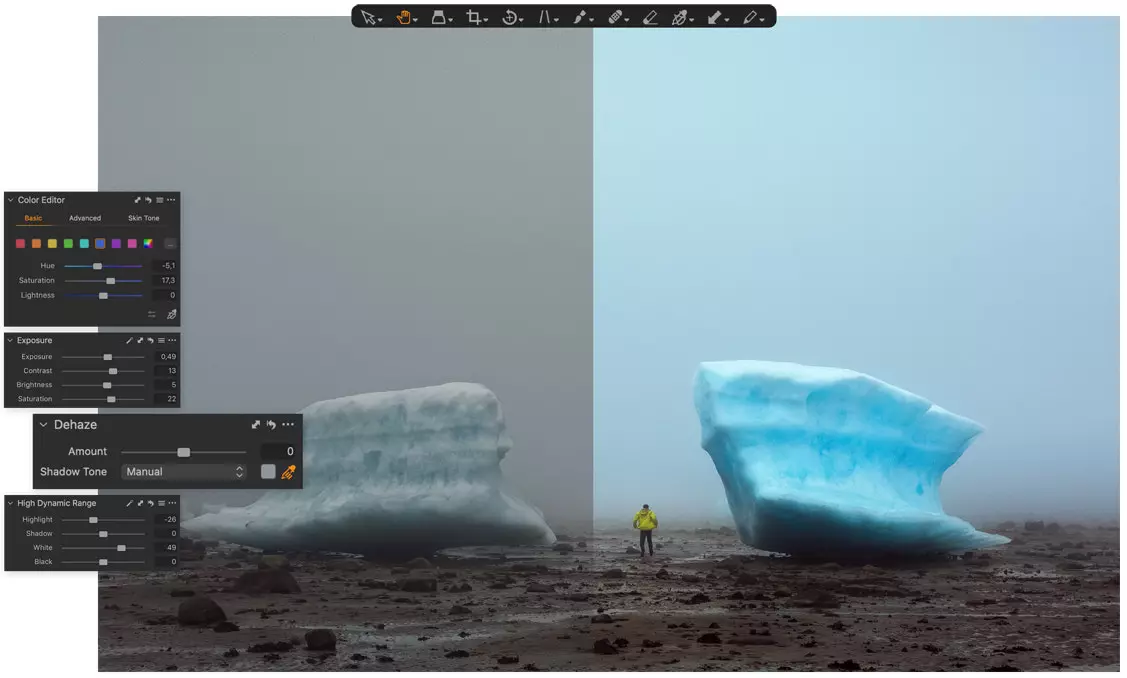
- Precise tools, especially for color manipulation
- HEIC/HEIF support - edit photos taken on an Apple device
Capture One allows you to customize your workspace and keyboard shortcuts, so you can customize the program to suit your own way of working. You can organize and hide tools if you want, making it easy to find your favorites. It is also possible to save different presets, making your work even faster.
Layers and various mask tools allow you to edit different areas of an image in a more targeted way, and it is often possible to already process images in Capture One. You only need another image editing program in addition to Capture One if you want to make larger edits, such as removing large things from an image completely or creating a panorama.
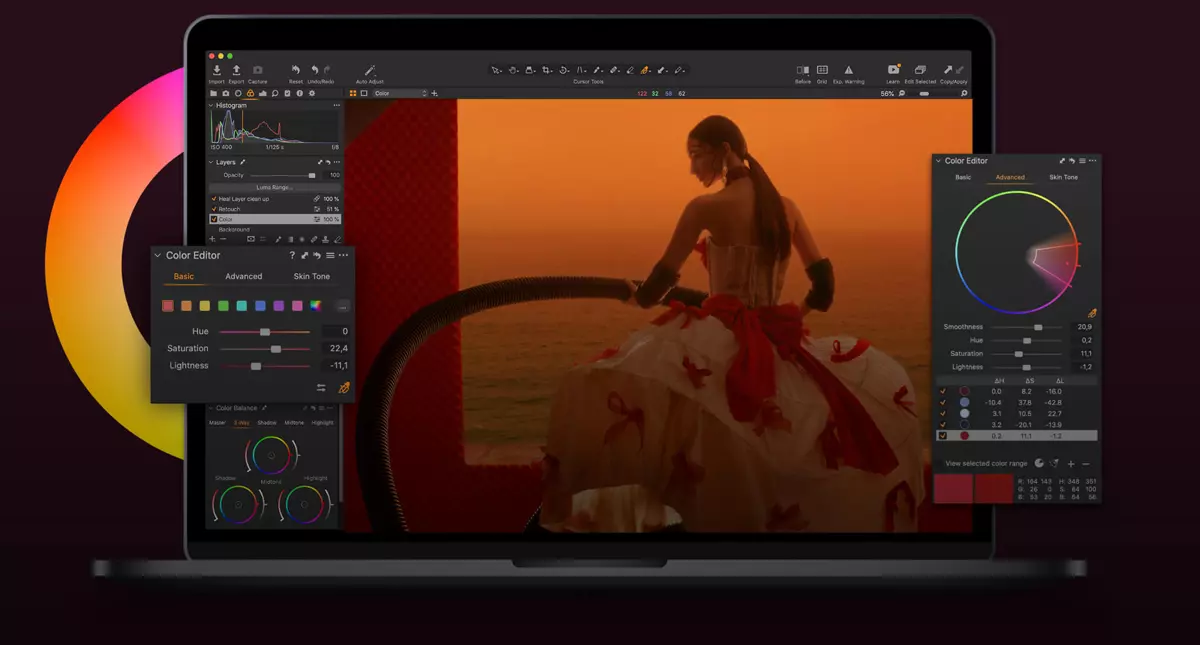
Capture One's color management tools have been particularly praised. Editing individual color families is easy with either sliders or the Direct Color Editor tool. The Direct Color Editor allows you to select and edit an adjustable color by clicking and dragging with the mouse.
How to activate your Capture One license:
- Buy the Capture One license you want from us
- Go to captureone.com/download-trial
- Create Capture One IDs (no payment information required)
- Confirm your ID and download the trial version of the program to your computer (you will receive a link in your email).
- Activate the license you purchased with the code you received from us.
Minimum operating system requirement:
- macOS 11.7 Big Sur
- Windows 10 (64-bit)
Osta myös
Arvostelujen yhteenveto
Kysy tuotteesta

ma-pe 9-17 ja la 10-14