Wacom Movink 13 Touch Drawing Tablet

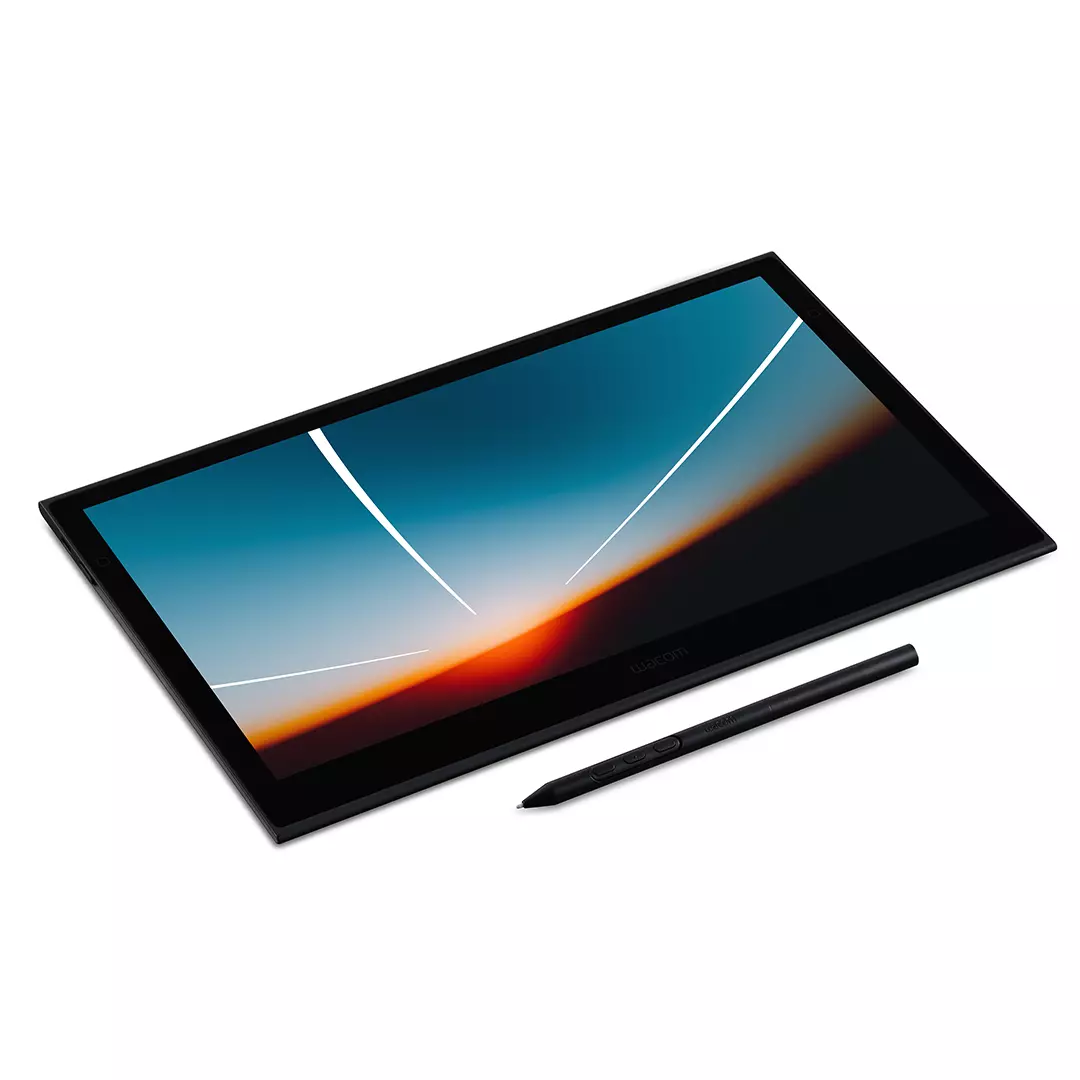
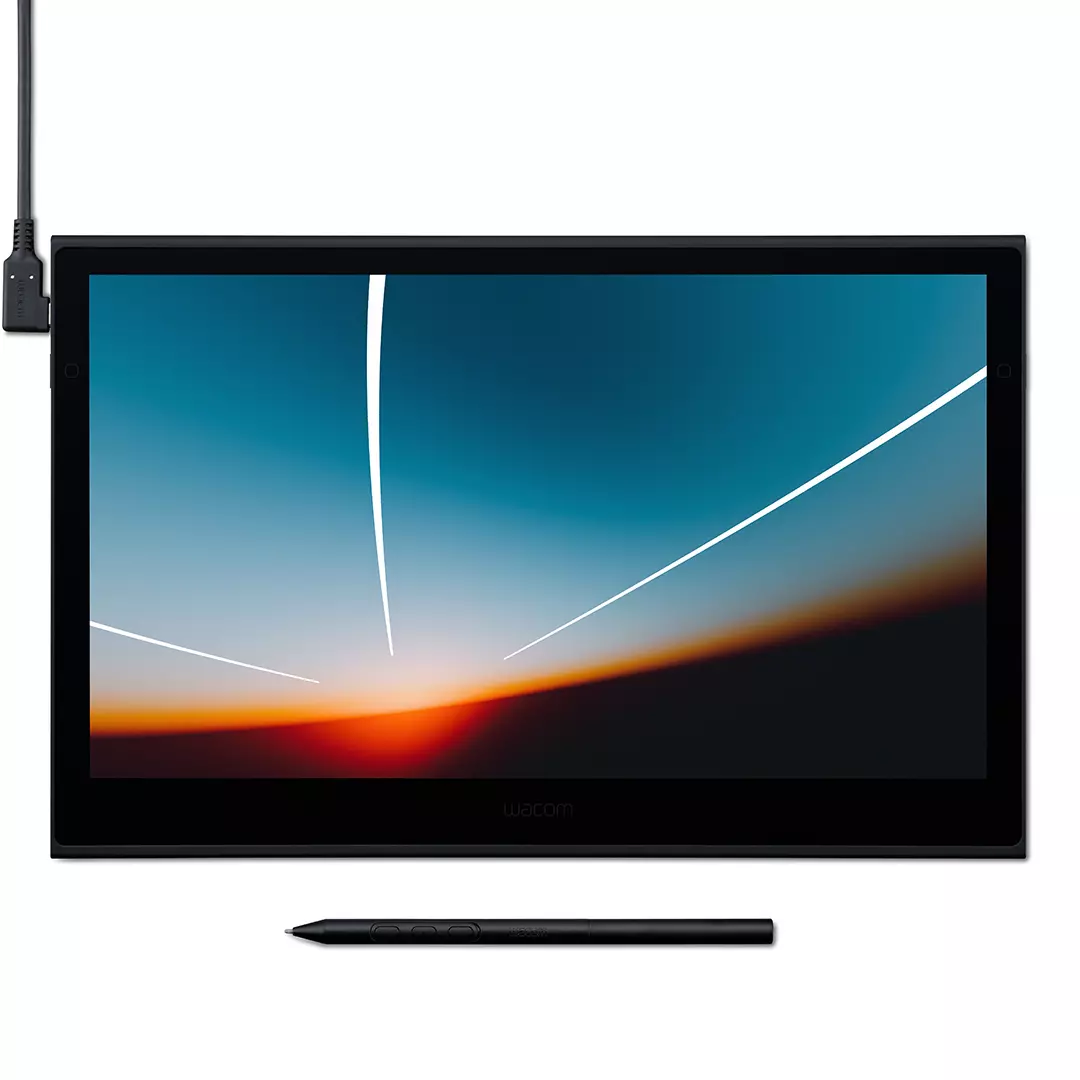
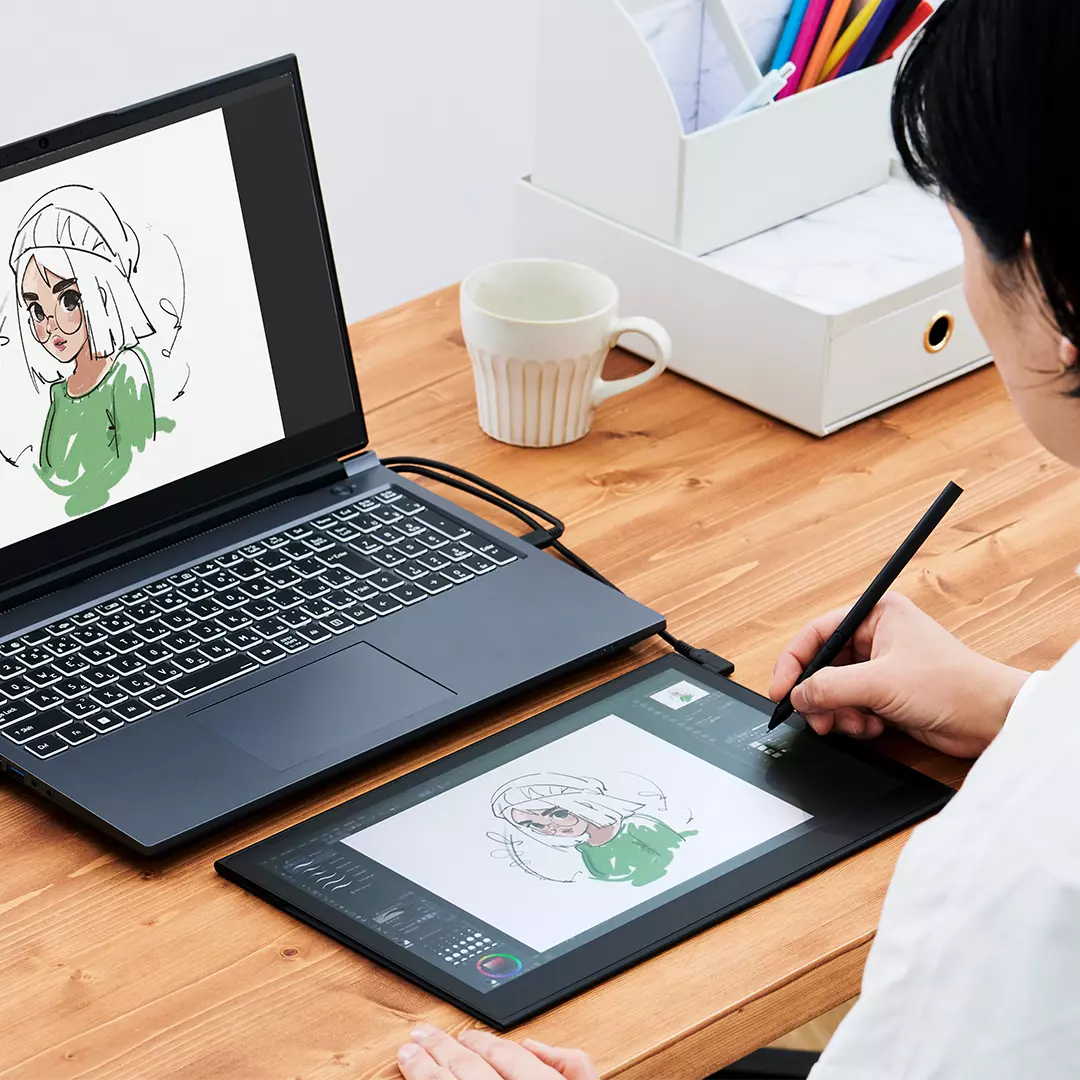
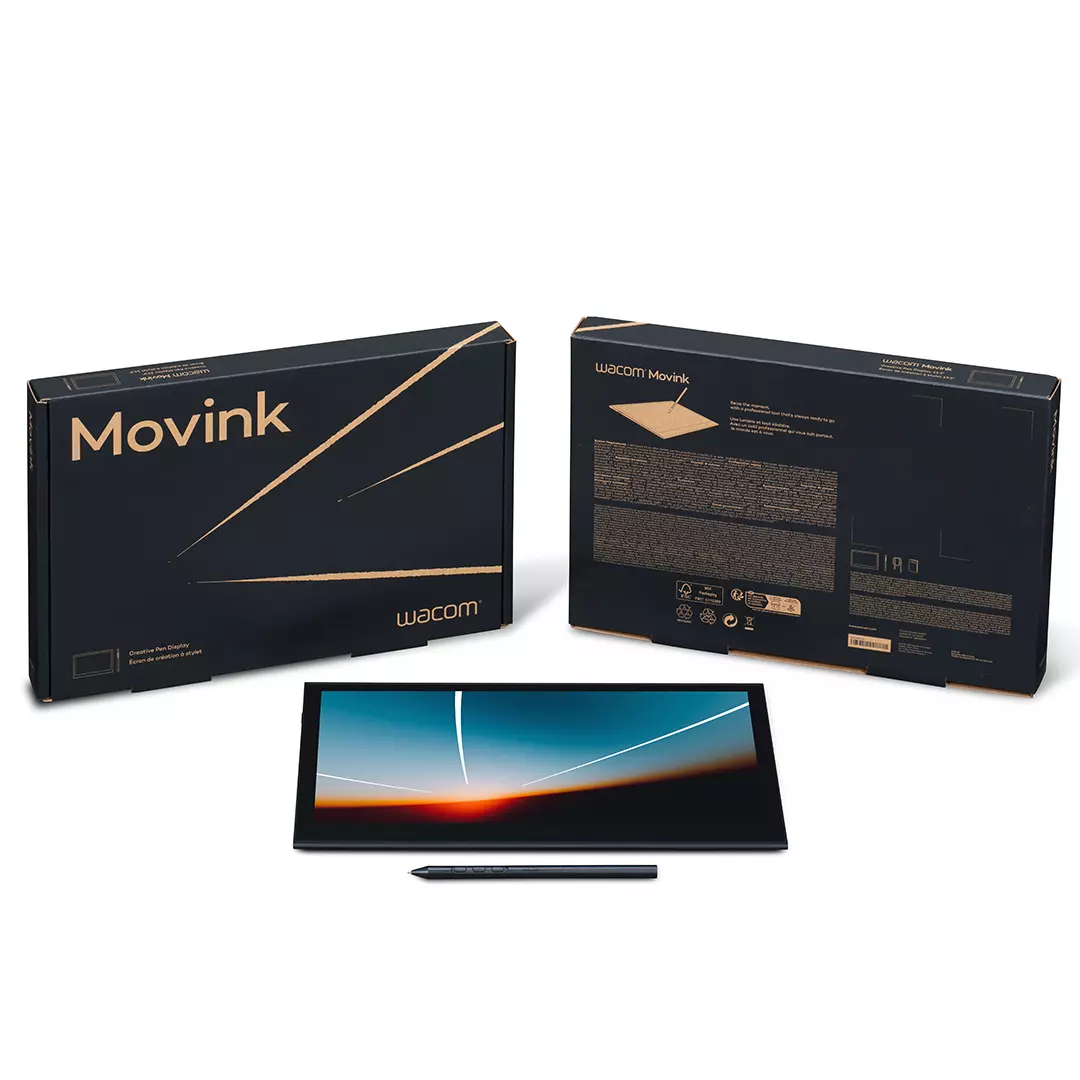
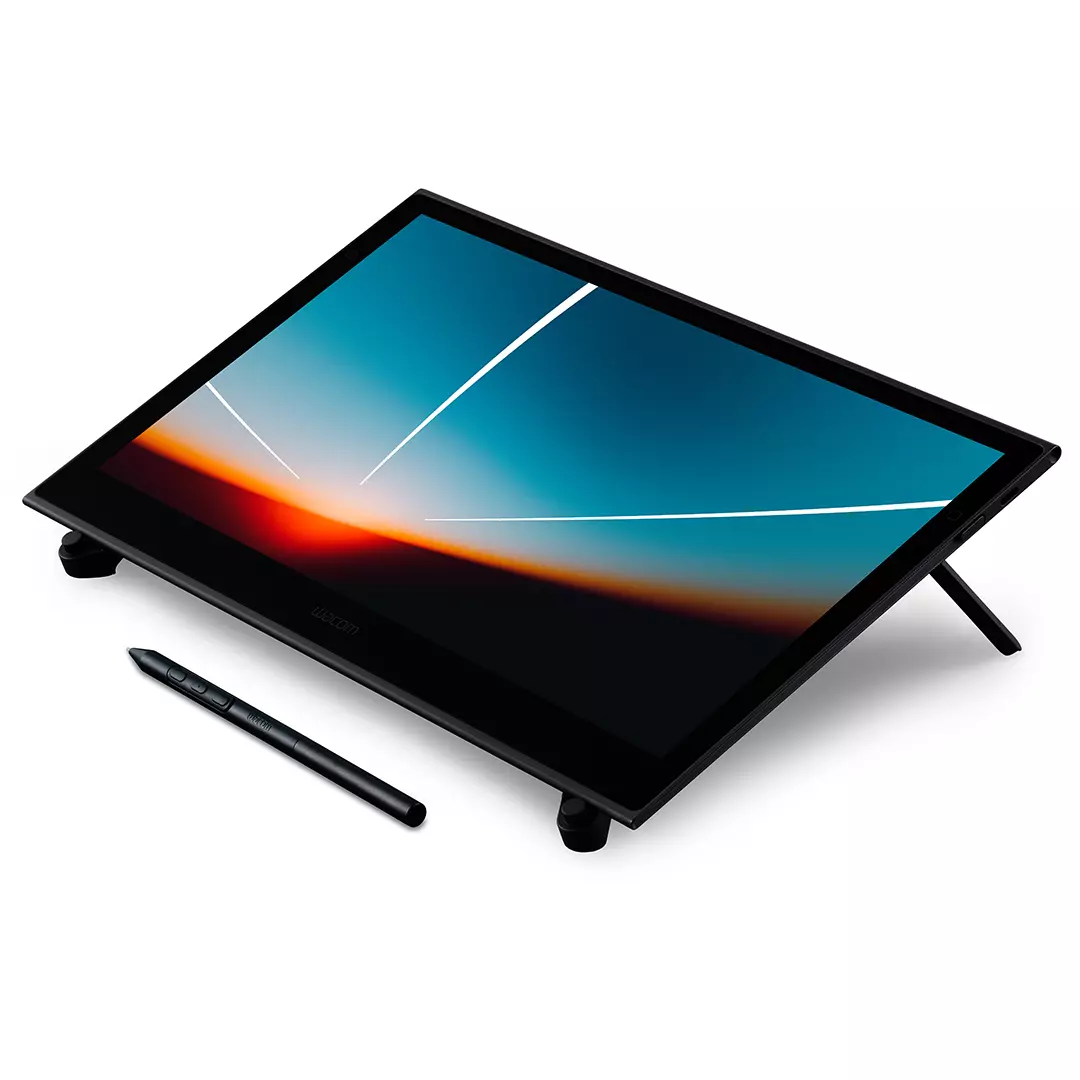
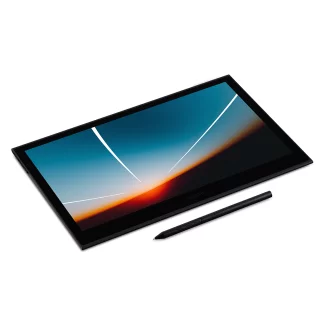
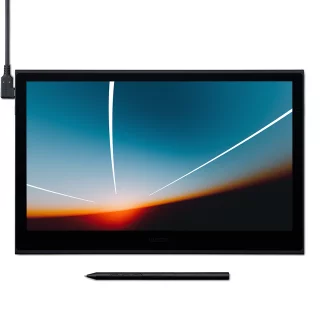
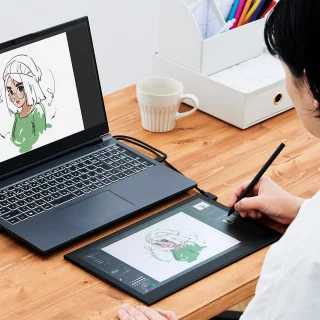
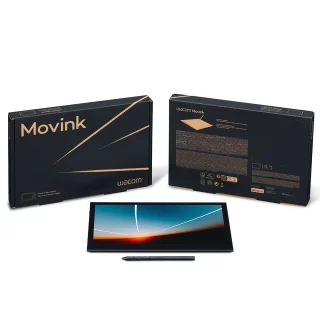
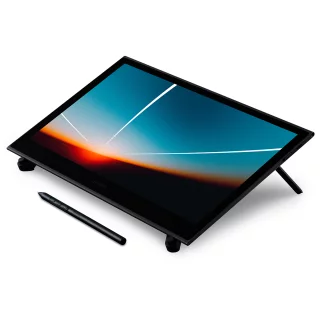
The Wacom Movink 13 drawing tablet is a great tool for creatives, by creatives. Use with Adobe Photoshop, Lightroom, and video editing software, or draw on images in your favorite app.


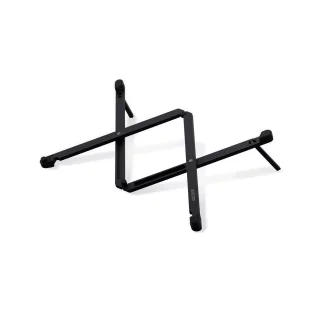
Wacom Movink 13 Touch Drawing Tablet
- 13.3" display with 1920x1080 resolution
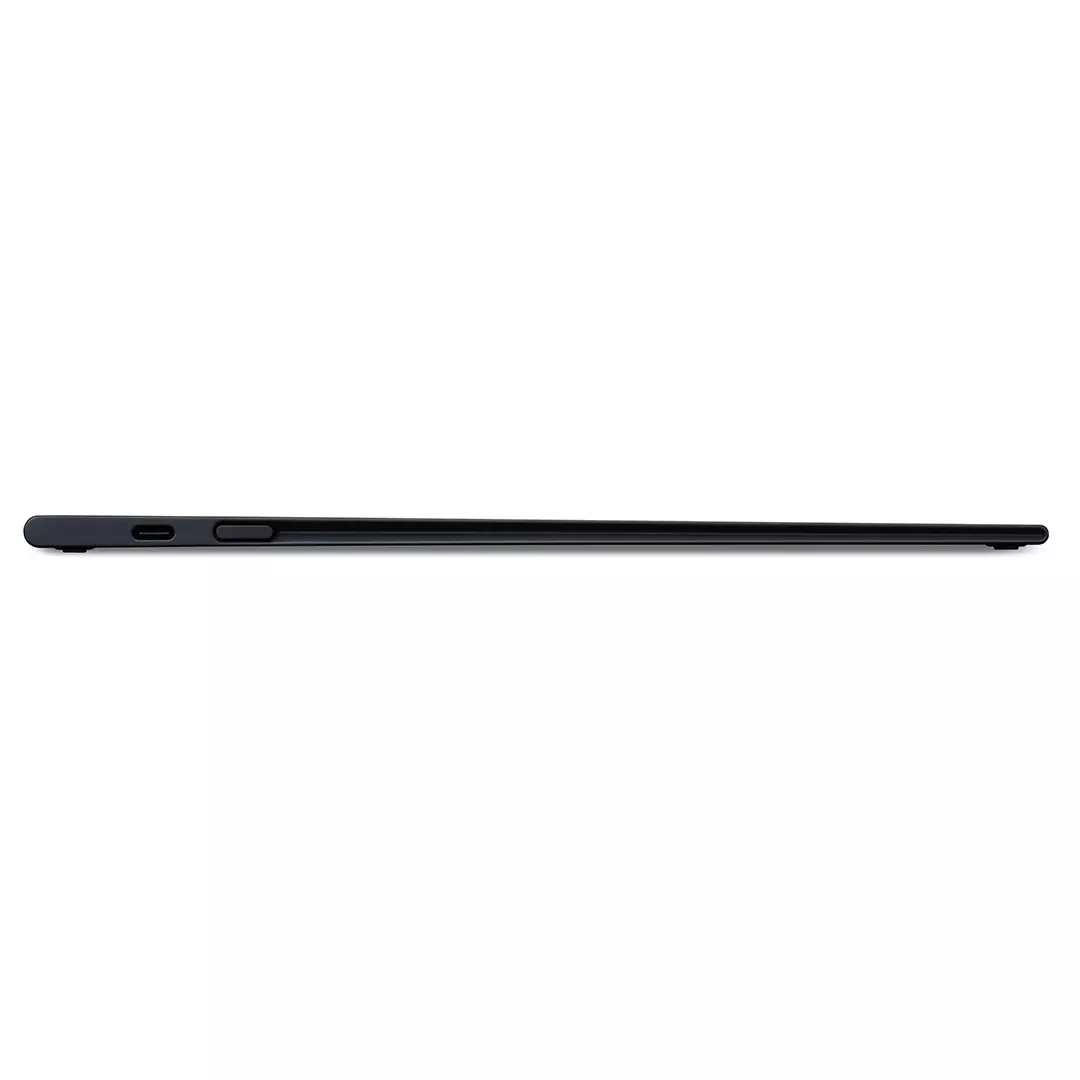
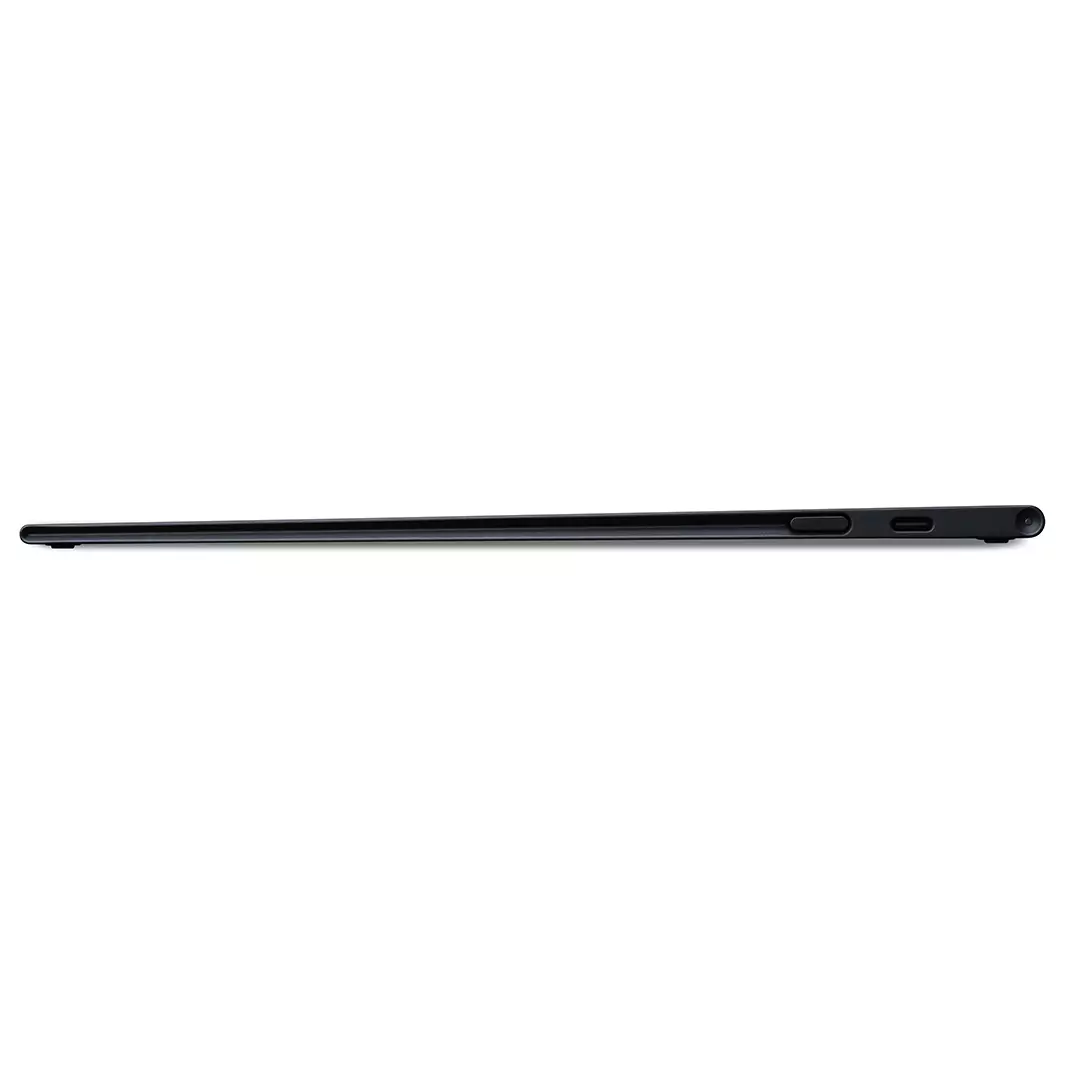
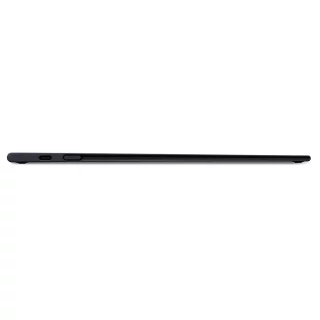
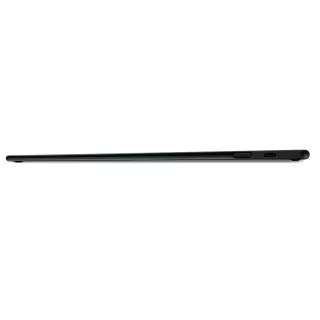
- Ultra thin and lightweight: only 4-6mm thick
- Connect to your computer with a single USB-C cable
- Ultra-fast 1ms pen latency
- Pro Pen 3 stylus with 8192 levels of pressure sensitivity
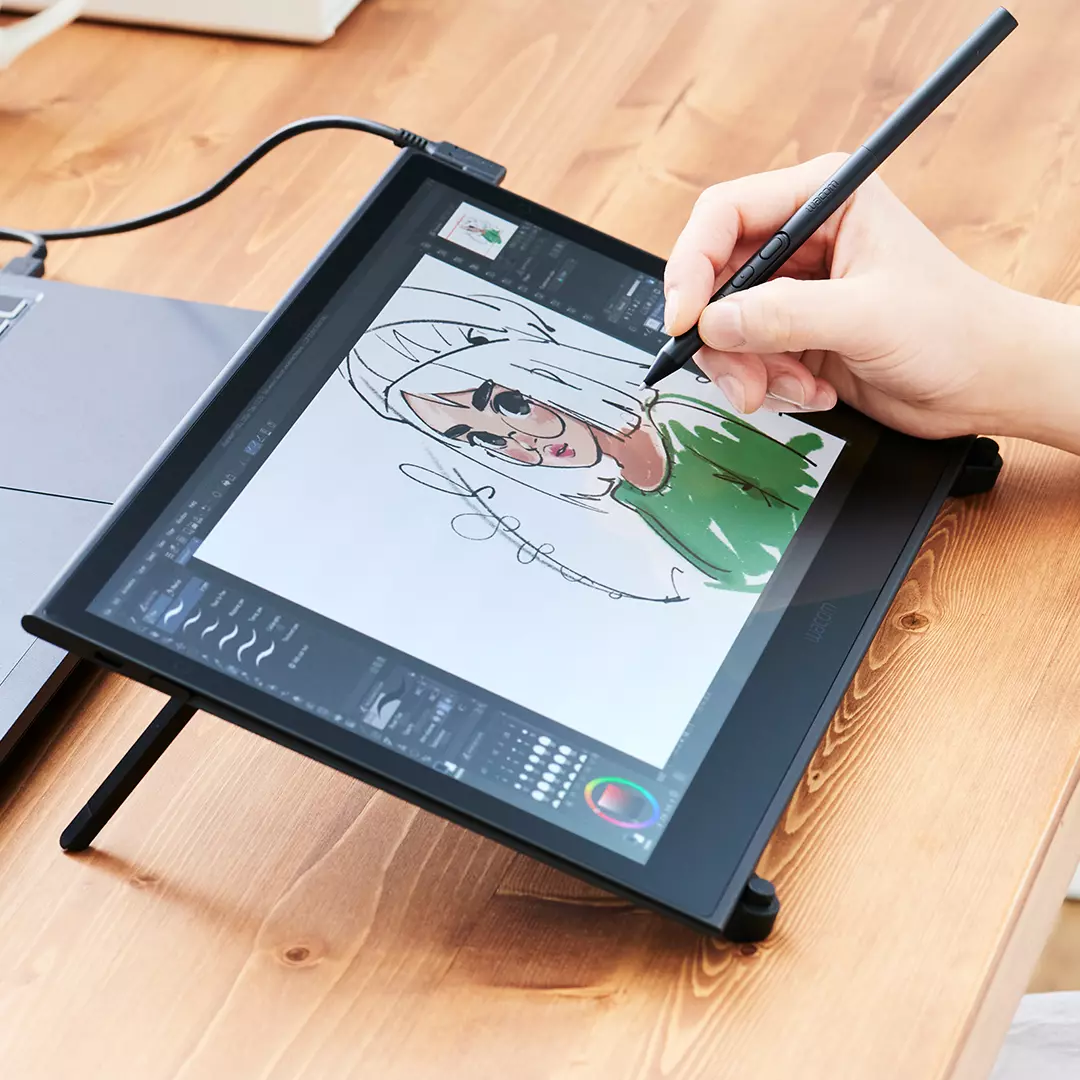
The Wacom Movink 13.3" drawing tablet and monitor allows you to draw images and edit photos in detail almost anywhere. The device connects to your computer with a single USB-C cable and functions as both an additional monitor and drawing tablet.
The anti-glare Full HD OLED display provides accurate 10-bit colors with 100% DCI-P3 and 95% Adobe RGB coverage, which is also sufficient for precise professional use. The screen image is rich and natural, offering deep blacks with a 100,000:1 contrast ratio. The Movinkin screen has a matte finish, which means that stray light is not reflected from the screen like many other glossy screens.
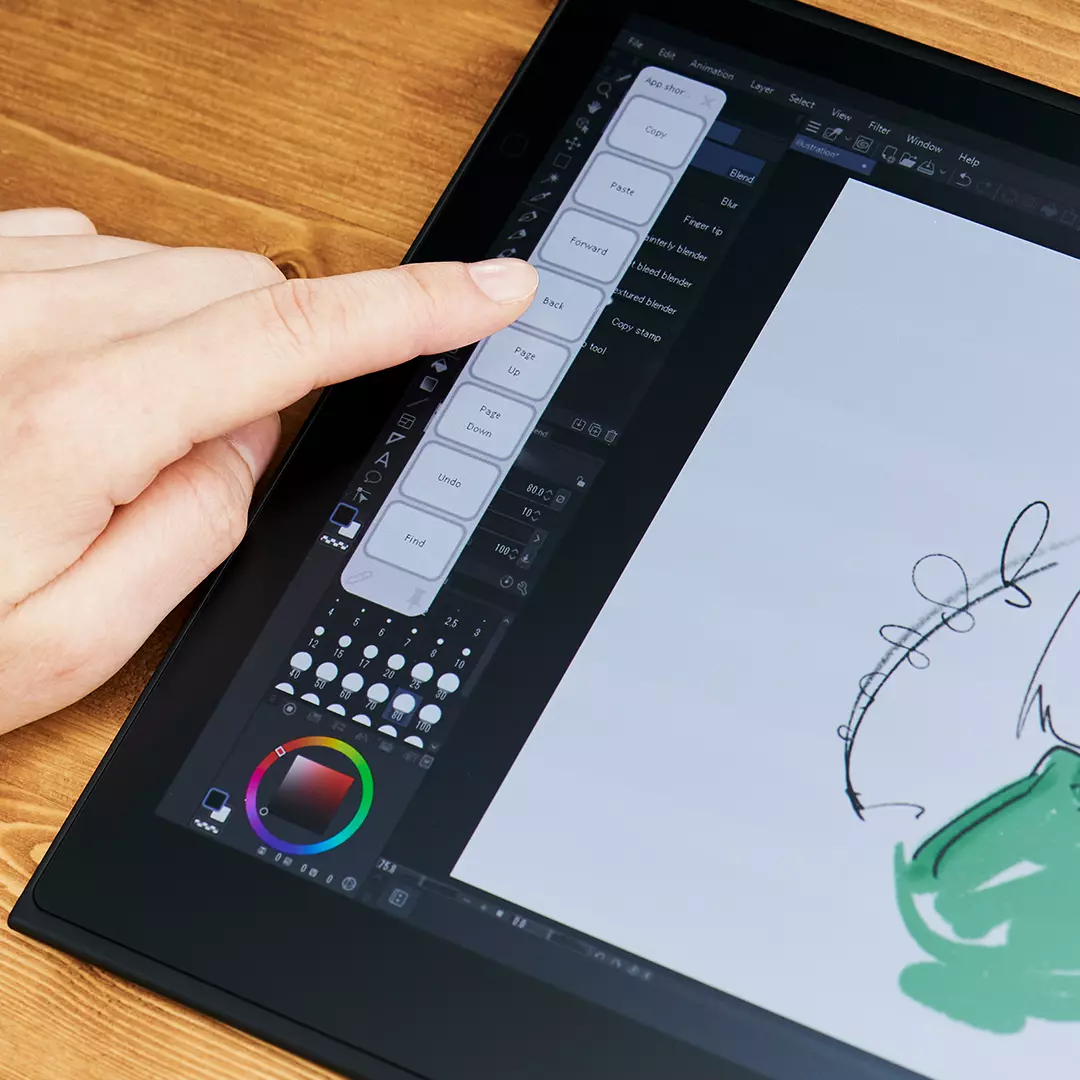
On the left and right sides of the device, there are hidden, touch-sensitive, and programmable buttons on the edges that make daily use easier.
The included Wacom Pro Pen 3 pen offers 8192 levels of pressure sensitivity, 60-degree tilt, and three side buttons. The pen can be customized with different grips, weights, and interchangeable tips to suit your preferences. The middle side button has a small bump that makes it easy to feel the order of the buttons in your fingers without looking at the pen.
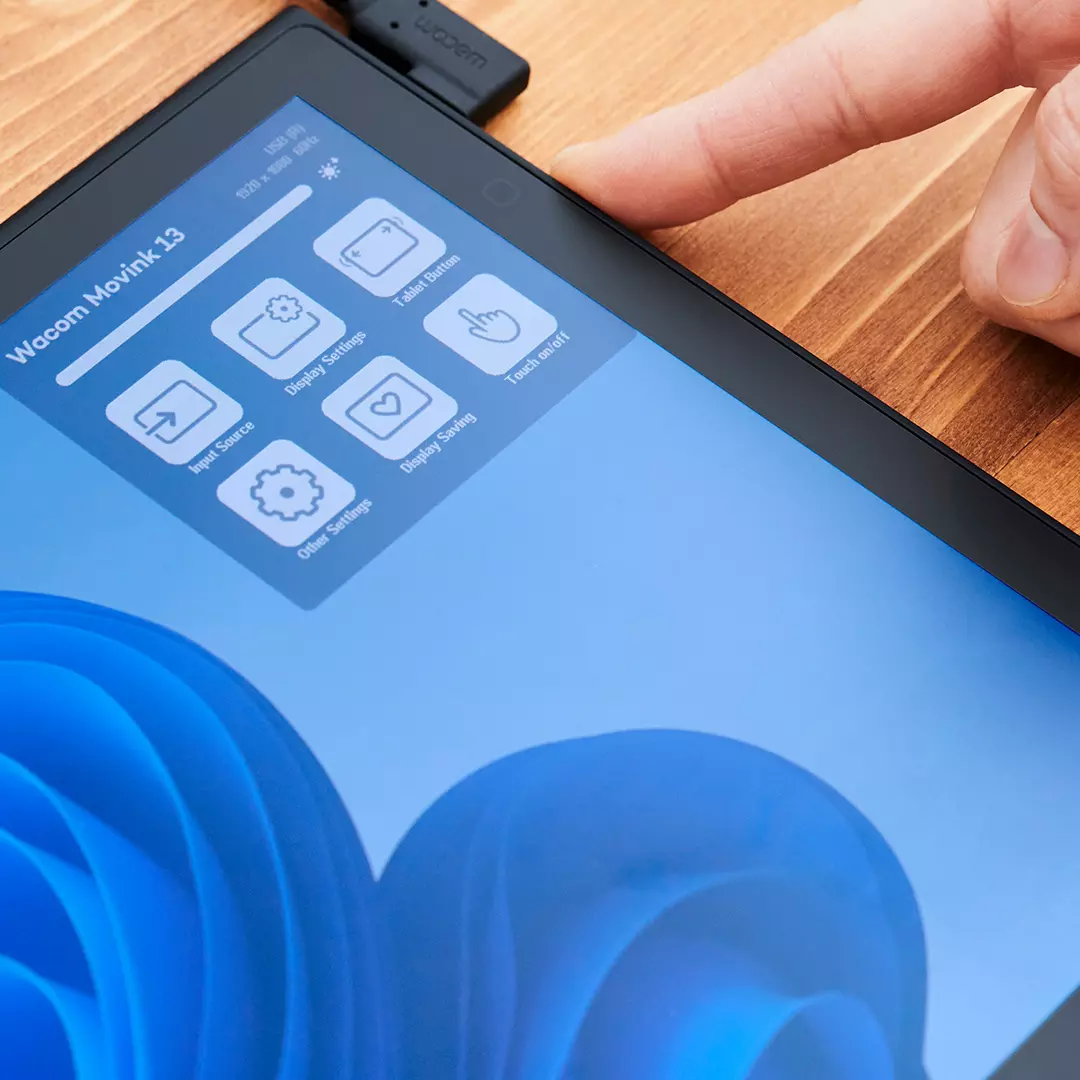
Movink 13 supports Windows, Mac, ChromeOS and Android devices. The tablet is usually connected to a USB-C/DisplayPort connection, which must be Alt Mode compatible (carries image and data on the same bus). With a single cable, you get video, control and power to the device. The basic screen settings can be changed directly from the Wacom screen from the shortcut menu that opens on the right side. Of course, in-depth adjustments can also be made via the software.
Osta myös
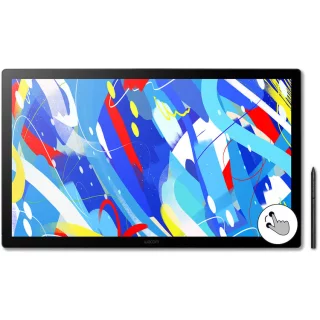
Wacom Cintiq 24 Touch (2025) drawing display
Arvostelujen yhteenveto
Kysy tuotteesta

ma-pe 9-17 ja la 10-14