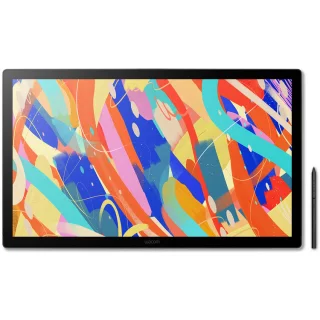
Wacom Cintiq 24 Touch (2025) drawing display

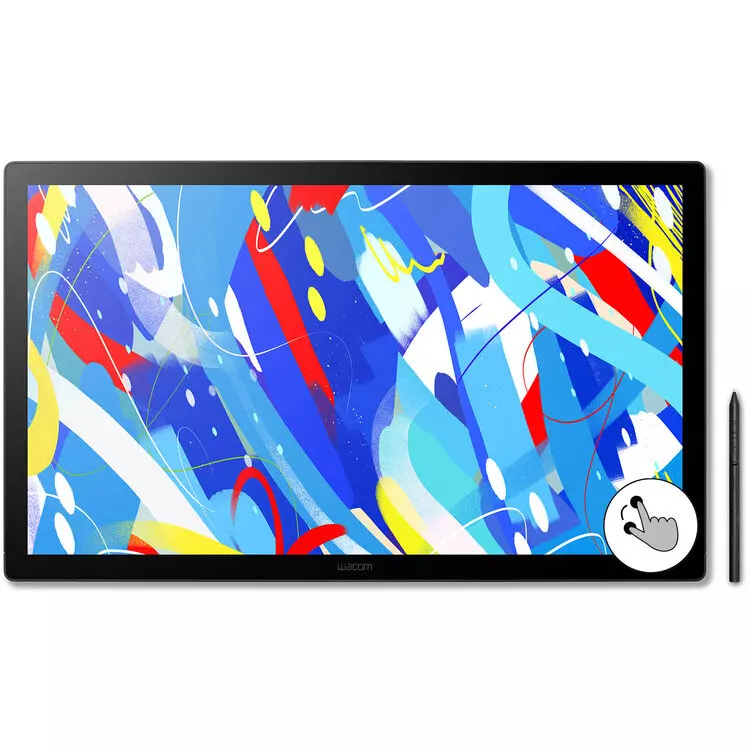
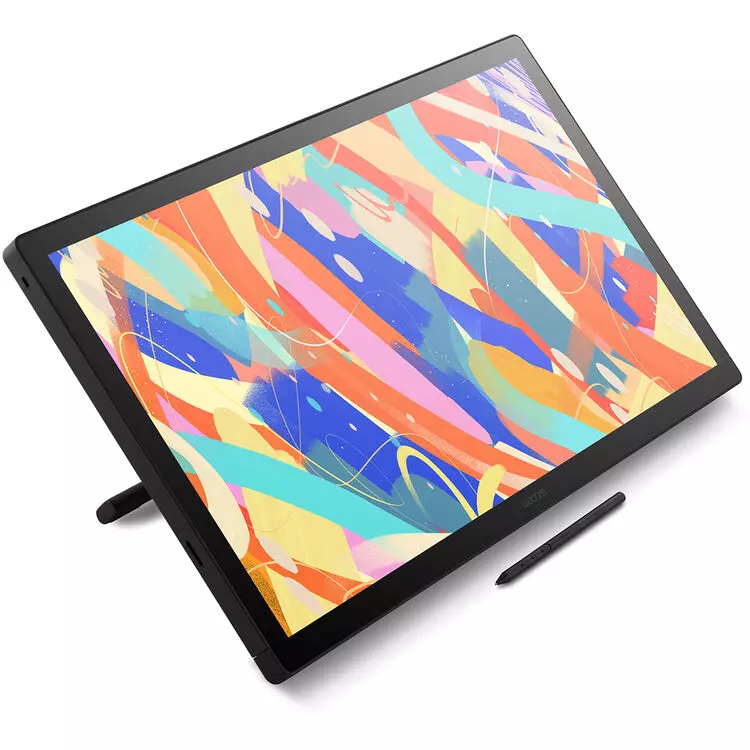
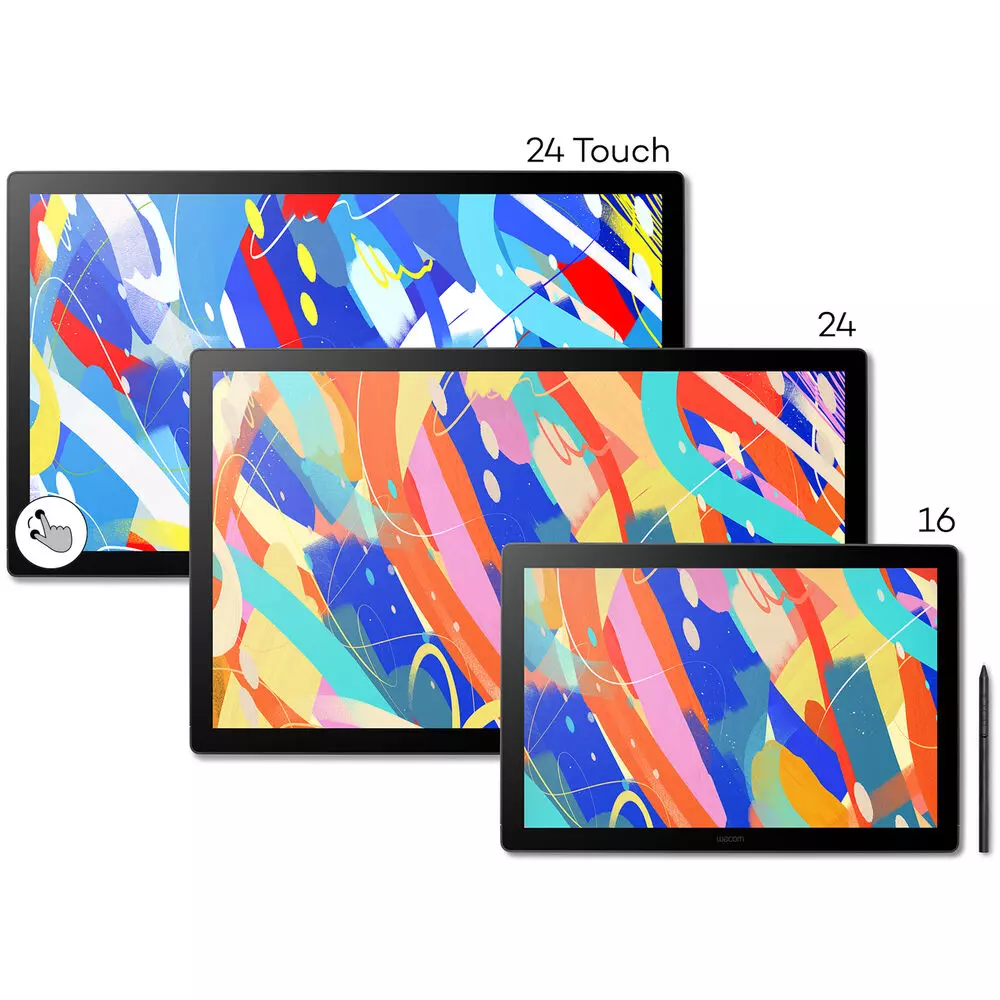
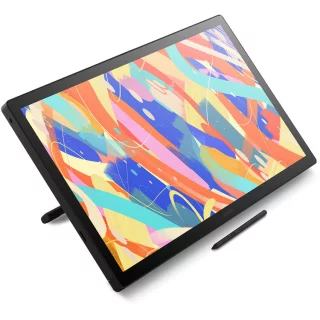
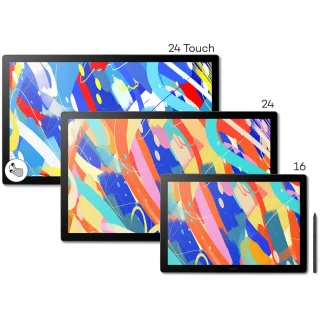
Touch version that supports finger touch. 24-inch Wacom Cintiq 24 (2025) drawing display for image processing, graphic design, photo editing. Active area: 527 x 296 mm, 8192 sensitivity levels. Wacom Pro Pen 3 stylus included.


Varmasti yhteensopivat tarvikkeet
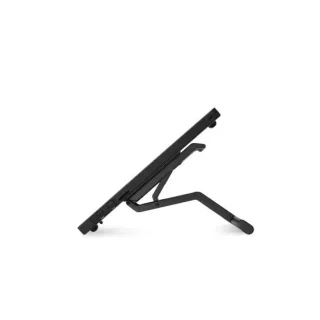
Wacom adjustable stand for Cintiq 16 and Cintiq 24 drawing displays
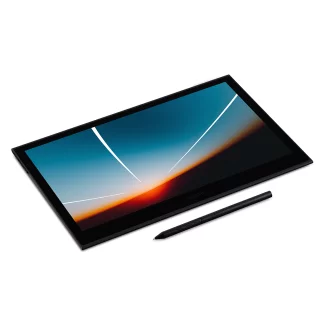
Wacom Cintiq 24 Touch (2025) display tablet
This is the Touch version, meaning this drawing screen supports 10-finger multi-touch in addition to the pen. You can zoom, rotate, and pan the drawing area with your fingers while drawing with the pen. This is a big speed advantage for 3D modeling or complex illustration work, for example.
The Wacom Cintiq 24 Touch (2025) is designed for students, photographers, and serious enthusiasts. Unlike traditional drawing tablets, the Cintiq 24 lets you work directly on the screen. The 24-inch size is spacious enough for 3D modeling, graphic design, or just about anything else you want to do with it.
The 2025 Wacom Cintiq 25 has undergone a significant update, bringing features previously only available on the Pro models to a wider audience at a more affordable price. The only drawback compared to the Pro model is that it lacks Express keys.
The biggest differences from the previous generation are:
- Higher 2.5K resolution: The higher resolution display allows for more detailed work and sharper image quality - a big improvement over the previous model.
- Optically bonded glass: The display panel and glass surface are laminated together, minimizing parallax (the distance between the pen tip and the cursor). The non-reflective surface provides a paper-like resistance and feel.
- Wacom Pro Pen 3: Comes with the new, fully customizable Pro Pen 3. You can adjust the pen's center of gravity and thickness with the included parts to make it feel just right in your hand, even during long workdays.
- Design and connectivity: Thinner display bezels make the device more compact and stylish. An updated USB-C port streamlines connectivity to modern computers.
The 24-inch Cintiq 24 Touch display with a resolution of 2560x1440 has a pixel density of approximately 123 pixels per inch (ppi), which is more than enough for detailed graphic work and a clear improvement over the old Cintiq version.
The pressure-sensitive Wacom Pro Pen 3 has 8192 levels of sensitivity for control and precision, and enables smooth brush strokes and calligraphic effects. The pen is highly customizable - You can adjust the center of gravity and thickness of the pen with the included parts to make it feel just right in your hand, even during long workdays. The pen is completely wireless and battery-free, so you don't have to worry about charging the pen.
The Cintiq 24 Touch comes with an adjustable stand that allows you to adjust the angle and height between 16° and 69 degrees, making it comfortable to work with your Wacom on a desk. This 2025 model also features a square VESA mounting hole grid for those who want to mount the display on a stand or wall mount. (Mounting hardware not included.)
You're probably wondering if the Wacom Cintiq can be used as a tablet. No. The Cintiq is essentially a display, so using it always requires connecting the device to a computer.
Please note that the screen is not suitable for video editing.
Specifications:
- Screen size: 24-inch
- Screen aspect ratio: 16:19
- Display resolution: 2560 x 1440
- Active area: 527 x 296 mm
- Panel: IPS
- Brightness: 350cd/m²
- Contrast: 1000:1
- Viewing angles: 178°/178°
- Color space coverage: 99% DCI-P3 / 100% sRGB
- Color depth: 8bit x RGB = 24bit
- Pixel density: 123 ppi
- Pixel pitch: 0.2058 mm
- Response time: 12ms
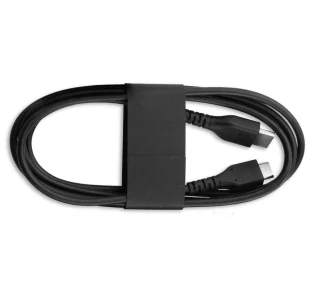
- Connections: USB Type C, Mini HDMI
- Dimensions: 34 x 56.8 x 2.1 cm
- Weight: 4.8kg (without stand) / 5.7kg (with stand)
Osta myös
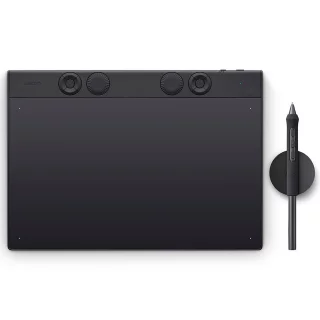
Wacom Intous Pro Medium (2025) drawing tablet
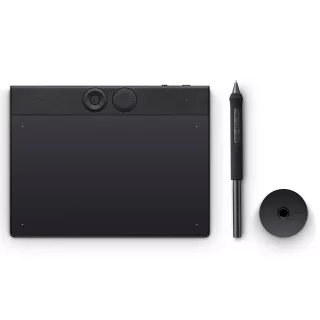
Wacom Intous Pro Small (2025) drawing tablet
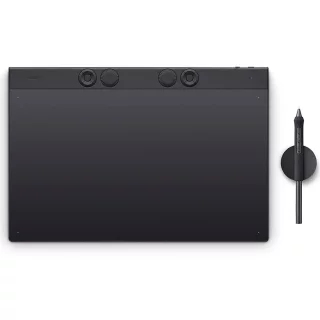
Wacom Intous Pro Large (2025) drawing tablet
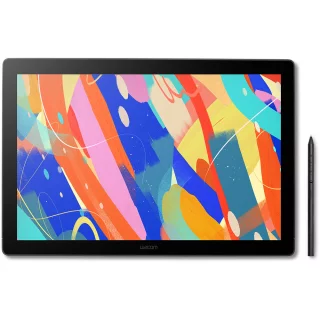
Wacom Intous Pro Small (2025) drawing display
Wacom adjustable stand for Cintiq 16 and Cintiq 24 drawing displays
Arvostelujen yhteenveto
Kysy tuotteesta

ma-pe 9-17 ja la 10-14