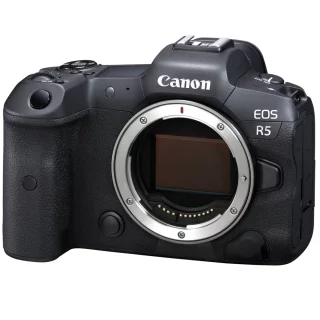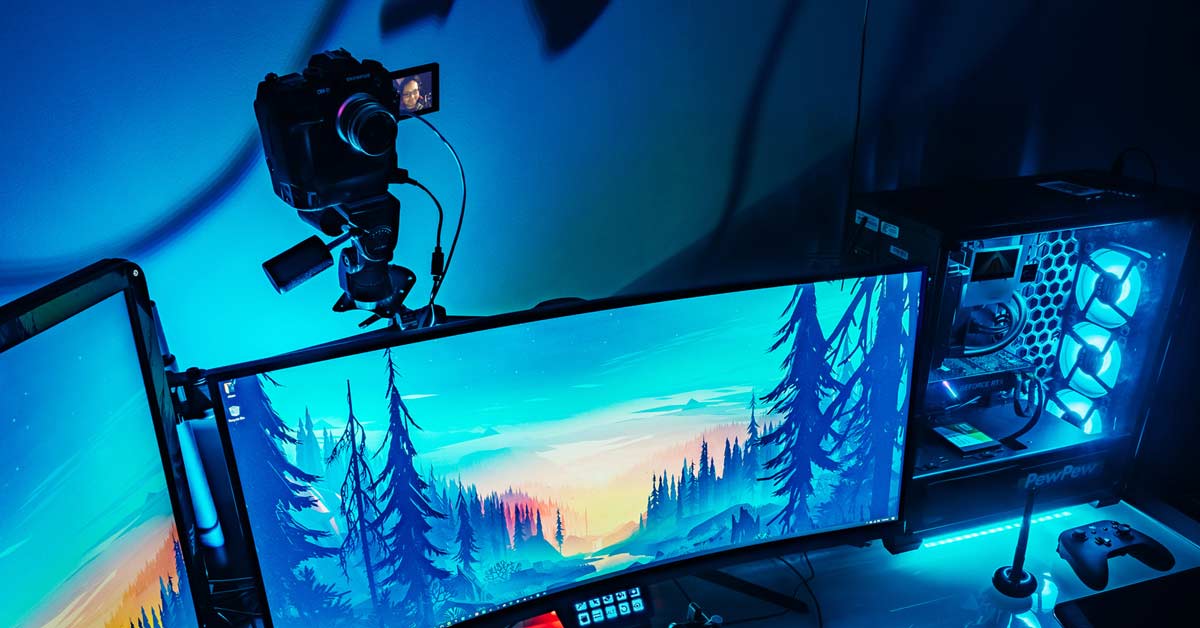
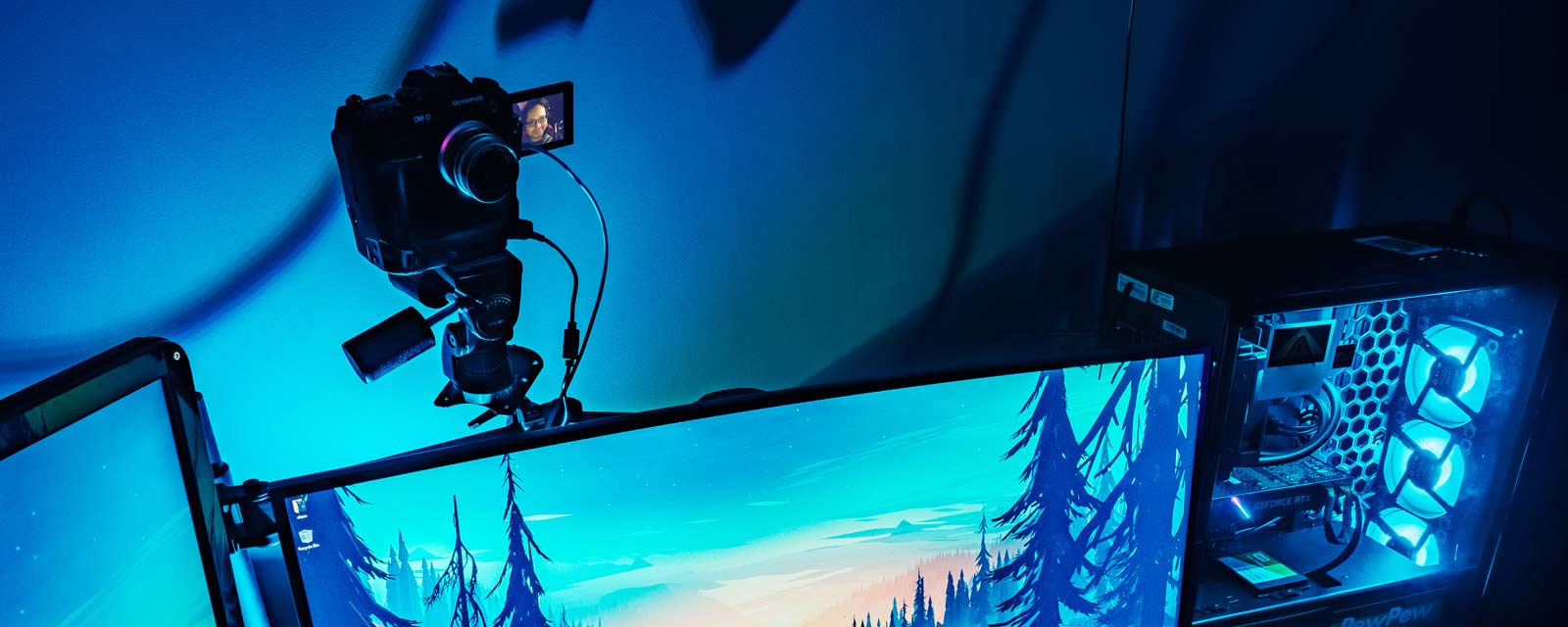
This spring, remote conferencing and video calls have been in use in workplaces and schools alike. The largest camera manufacturers have also woken up to this need and have released free software that turns a digital camera or SLR camera into a top-quality webcam. With most cameras, you don't need anything other than the USB cable that came with the camera and free software. Then just turn on Zoom or Skype!
A system camera at home can be much better in image quality than traditional cameras that attach to a computer. System cameras have a larger image sensor, so the video is clearer even in difficult lighting. Color reproduction, and thus skin tones, for example, are also better reproduced.
If you want to stand out with a clear, high-quality image and you own one of the cameras mentioned in this guide, we recommend giving it a try!
Good lighting = professional first impression
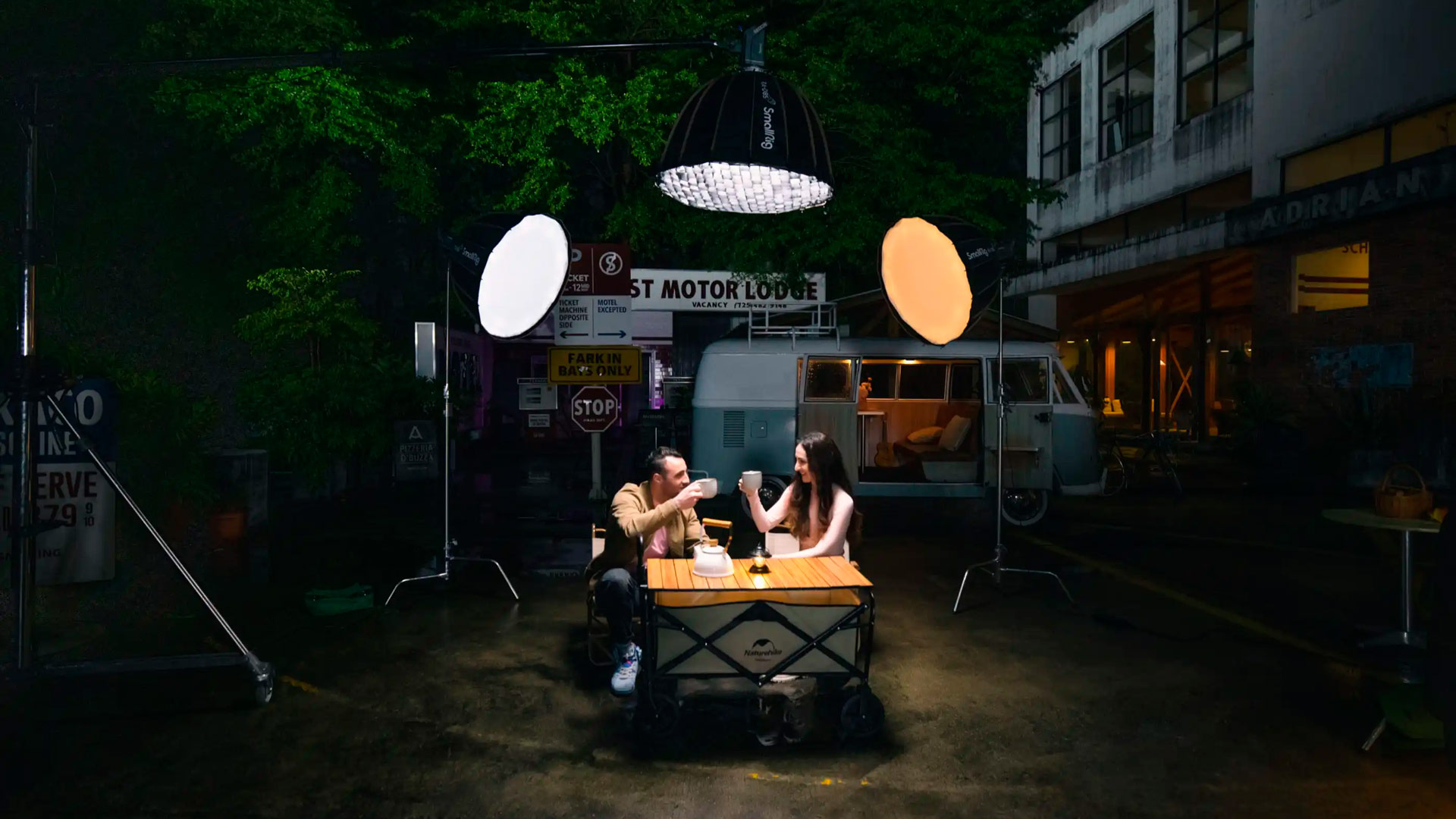
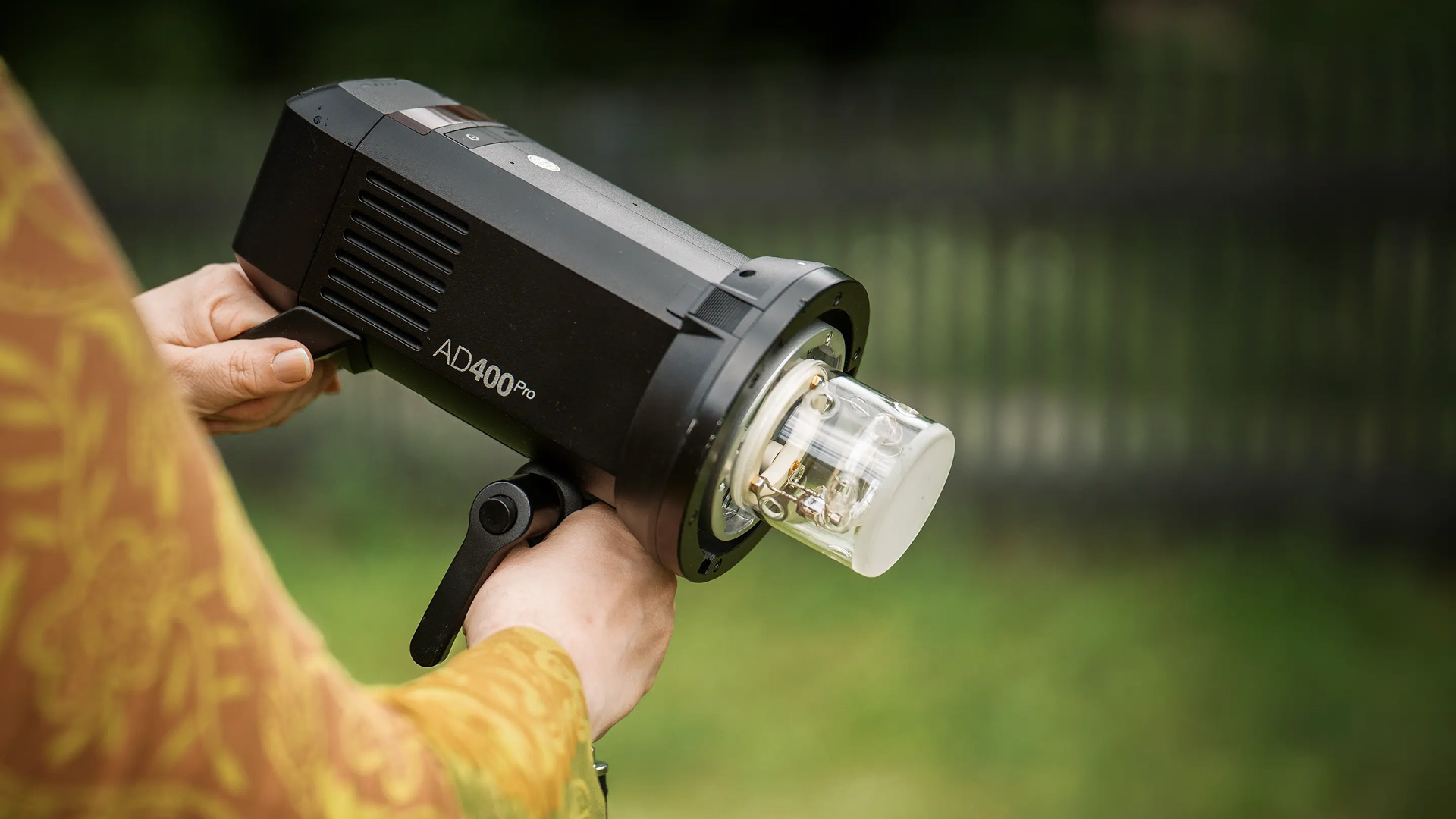
Daylight is often a convenient and visually beautiful lighting method. But if your computer corner doesn't have windows or the sun doesn't shine, we recommend lights based on LED technology. Modern LED lights are efficient, don't get hot or use a lot of electricity. In addition, these lights, which are intended for lighting and video shooting, have a high-quality light source, so the colors are reproduced correctly in the video. Skin tones look realistic without being too harsh. Colors also look authentic and strong. This is something to keep in mind when it comes to lighting quality if you plan to sell or display products!
LED lights come in different shapes and sizes
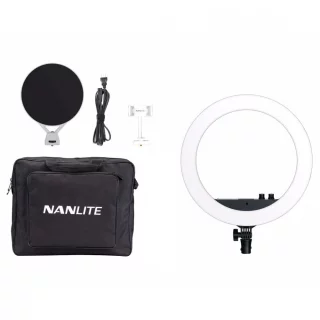
- A round ringlite provides shadow-free and soft light, often used in vlogs when the main subject is, for example, a person's face ( Nanlite Halo 16 )
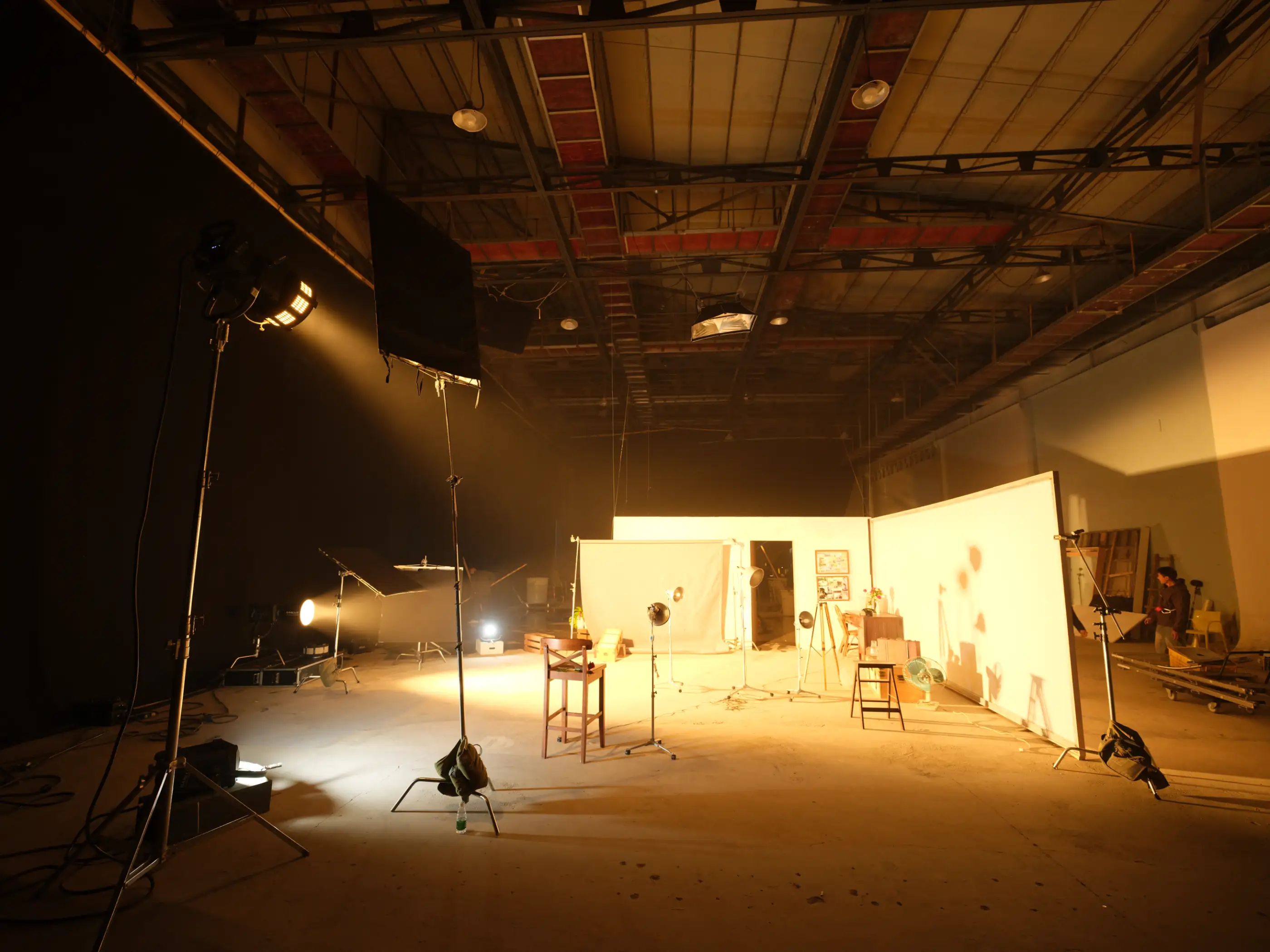
- Larger lights: necessary if you need to illuminate a larger area, for example several people. Alternatives include ready-made sets or individual lights and separate stands ( Ledgo B560 3-piece lights and stands kit )
Microphone for back voice
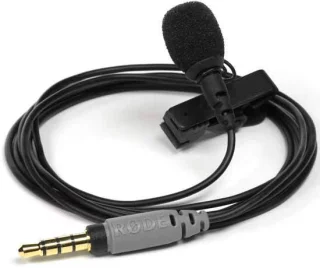
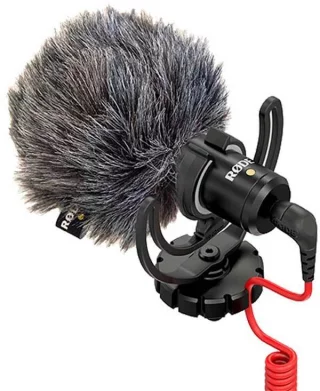
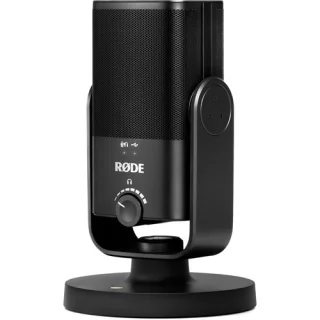
In addition, an easy and great additional investment in terms of the benefits is a microphone. The microphone can be placed on a table ( Rode NT-USB mini ), placed on the camera ( Rode Videomicro ) or a convenient lavalier microphone ( Rode Smartlav+ ). There are also wireless lavalier microphones if you are setting up a larger area as a studio and want to move freely in front of the camera ( Saramonic Blink series ). You can also use a headphone-microphone combination or the headphones that came with your phone as a microphone, as usual.
Additional tips for home studio - HDMI is the next step in image quality
If it is not possible to use the camera via USB, there is an additional device that allows the camera's HDMI output to be brought to the computer via a USB-C connection (Blackmagic Studio Mini recorder). In addition, the tuner can even consider a multi-channel video mixer , so you can be the director of your own broadcast and switch the image source between multiple devices. You achieve the best image quality by using the HDMI output and additional devices. However, these published programs cover basic webcams and are a free solution for the camera owner.
In addition to just a webcam, you can make professional-level livestreams to YouTube, Facebook or Twitch. We recommend the free OBS Studio software . With this program, your computer acts as a video mixer, you can include several different video sources in your video broadcasts and display, for example, a separate video from your computer or even a desktop view. You can also mix different audio sources and display ready-made graphics and video files directly with OBS Studio.
Manufacturers' software and currently supported cameras at the time of writing:
Sony
Sony Imaging Edge Webcam ( Windows and Mac )
Compatible cameras:
Sony's Imaging Edge supports over 35 different cameras. Example:
- Alpha 9 II, Alpha 9
- Alpha 7R IV, Alpha 7R III, Alpha 7R II, Alpha 7S II, Alpha 7S, Alpha 7 III, Alpha 7 II
- Alpha 6600, Alpha 6400, Alpha 6100
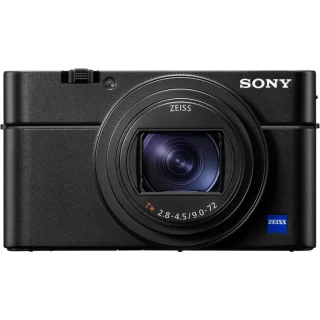
- RX100 VII, RX100 VI, RX0 II, RX0, vlog camera ZV-1
- The new Sony A 7S III is also compatible.
For now, the program is only available for Windows operating systems. Special camera-specific features, such as very fast EyeAF, also works with webcams.
Note: Many Sony models have a Clean HDMI mode, meaning you can get a high-quality stream and webcam image with a separate video capture device.
Canon
Canon Webcam Utility , Windows version.
Compatible cameras:
- EOS-1D X Mark III, EOS-1D X Mark II, EOS-1D X, EOS-1 DC
- EOS 5DS R, EOS 5DS, EOS 5D Mark IV, EOS 5D Mark III
- EOS R5, EOS R6, EOS R, EOS RP, EOS R3, EOS R7, EOS R10, EOS Ra
- EOS 6D Mark II, EOS 7D Mark II
- EOS 90D, EOS 80D, EOS 70D, EOS 77D, EOS 800D, EOS 850D, EOS 750D, EOS 760D, EOS 700D
- EOS 2000D, EOS 1300D, EOS 1200D, EOS 250D, EOS 200D, EOS 100D, EOS 4000D
- EOS M6 Mark II, EOS M50, EOS M50 Mark II, EOS M200
- PowerShot G5X Mark II, PowerShot G7X Mark III, PowerShot SX70 HS
Note: If you are using EOS Utility, close it before using the webcam utility, otherwise the camera will not display the image.
Nikon
Nikon Webcam Utility (Windows and Macos)
Compatible cameras:
- Z7
- Z6
- Z5
- Z50
- D6
- D850
- D780
- D500
- D7500
- D5600
Fuji
FUJIFILM X Webcam (windows and OS X)
Compatible cameras:
- GFX100, GFX 50S, GFX 50R, X-H1, X-Pro2, X-Pro3, X-T2, X-T3, X-T4
So yes, you get a webcam from a 100 megapixel mid-size system!
Olympus
OM-D Webcam Beta (windows and OS X)
Compatible cameras:
- E-M1X
- E-M1 Mark III
- E-M1 Mark II
- E-M1
Panasonic
Lumix Webcam Software (Windows and Mac)
Compatible cameras:
DC-GH5, DC-G9, DC-GH5S, DC-S1, DC-S1R, DC-S1H, G100 later after software update
Panasonic completely updated its software and this new Lumix Webcam Software supports the most common programs and browsers directly.
Panasonic also makes great video cameras that can also be streamed directly to the web without a computer: the X2000 and X1500.
Sigma
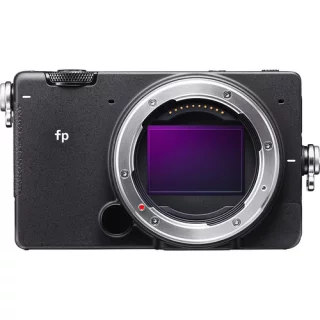
The Sigma fp is a high-quality webcam straight out of the box. Select Video Class (UVC) from the settings and connect the USB cable to your computer, and you have a full-frame webcam. The Sigma fp also lets you choose different color tones for your images in real time, like a cinematic teal & cyan tone model for a zoom meeting? It works.
Haven't purchased a camera yet? Contact our customer service and let's find the best solutions together!