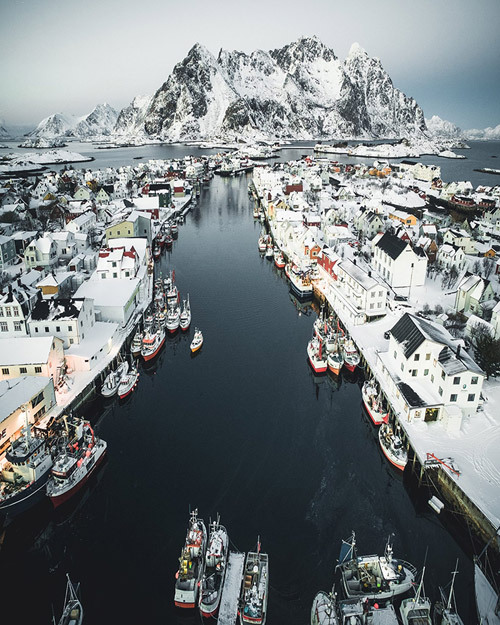
Tips for drone photography - landscape photos with the DJ Mavic drone

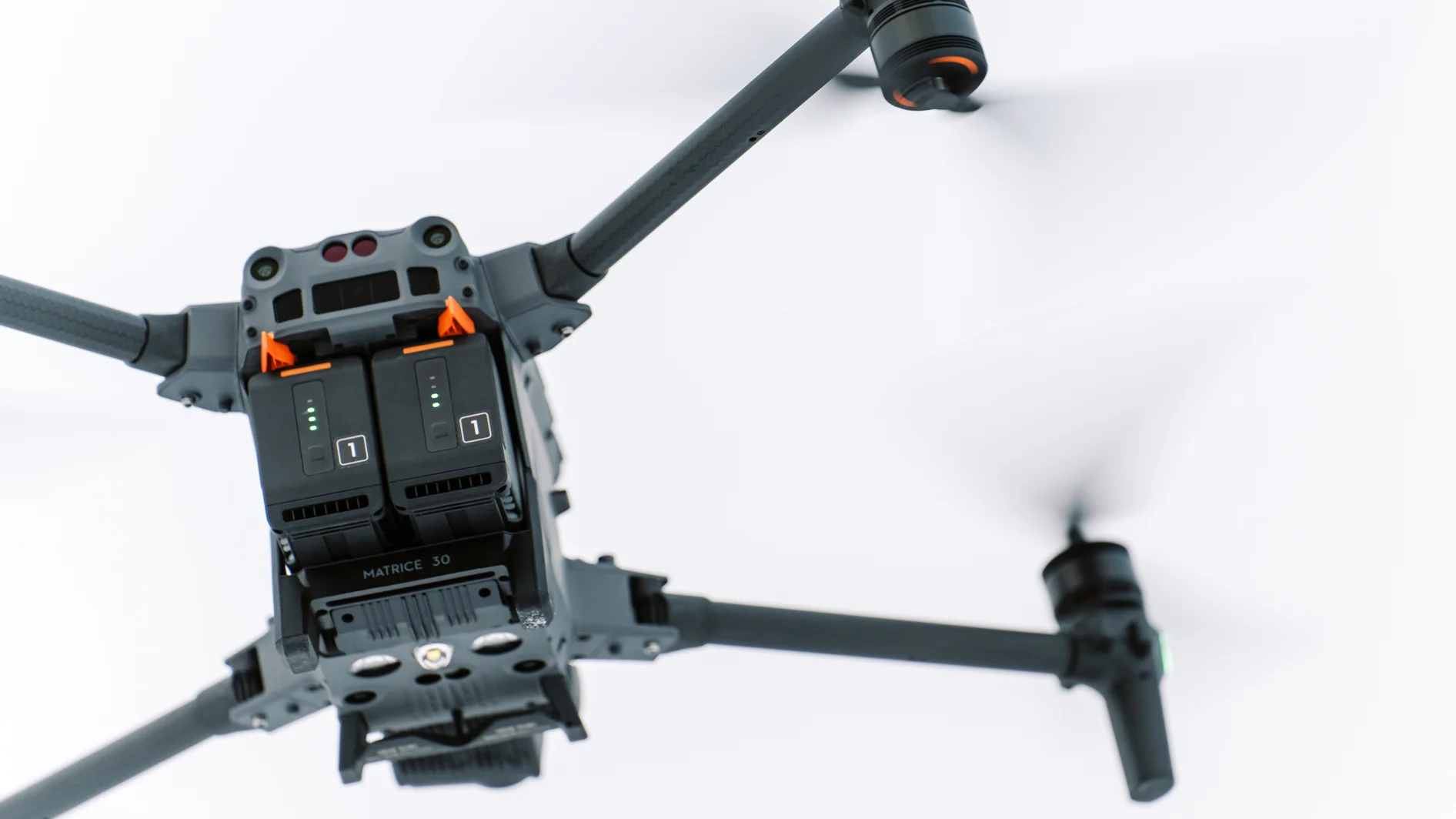
I have previously flown with a DJI Phantom 3 Advanced drone, which I was very happy with. The need for the DJI Mavic Pro arose due to filming trips abroad, as it is so much smaller than the Phantom, so it fits better when traveling.
In actual use, the Mavic Pro has been really convenient. Compared to other models, updating the application, controller, and drone is much more user-friendly. Everything happens over a wireless network using the DJI application. In the Phantom, updates must be made to a memory card using an update file downloaded from a computer, and the progress of the update is monitored by interpreting flashing lights and beeps. The Mavic Pro, on the other hand, presents everything in an understandable format on your phone's screen.
"The Mavic's propellers can be folded up and the entire drone becomes smaller than a packet of sugar."
The Mavic Pro is more travel-friendly in terms of size, but its other features also make this model superior for travel. The bag is lightweight and you don't have to remove the propellers from the drone for transport. The Mavic's propellers can be folded up and the entire drone becomes smaller than a packet of sugar. This makes it easy to carry other accessories to the filming location in addition to the drone, because the drone doesn't take up all the space in the backpack. In turn, on location, the propellers can be conveniently folded back out and the drone is ready to use. The controller is also compact and can be folded into a very small space.
When flying, the Mavic Pro feels more stable than the Phantom 3 Advanced. The Mavic Pro is a newer model than the Phantom and you can see it in the little things. It feels like all the sensors, locators and sensors are a little better. Mentally, this is a huge thing when you dare to trust your drone more. This allows you to better focus on filming and finding a good angle. A more stable flight also makes it easier to make smooth camera moves when shooting video.
Taking photos with the Mavic is very similar to the Phantom, although certain things prove to be advantageous on the Mavic. The controller receives an HD image from the drone and some of the flight data is displayed on the controller's screen, which means that you can only keep the live image visible on the phone screen. The clear live image makes taking photos with the Mavic very enjoyable, as you can clearly see what the end result will be.

"Before you fly, check your equipment"
The Mavic Pro already has a relatively long flight time, but whenever you get really excited about filming, the battery seems to drain too quickly. So check that the batteries are full and it's good to have a spare battery with you. I've also bought a car charger, which I've used a lot. The car charger charges the battery surprisingly quickly and on my recent filming trips I've managed well with two batteries and a car charger.
It's a good idea to check the need for updates at home if you haven't been filming for a while. Updating is quick when connected to WiFi, and after updating, you may want to fully charge your battery - depending on the size of the update. It's also a good idea to check the memory card in advance. There may often be a moment at the filming location that you want to capture before the light changes or the clouds move. It's incredibly frustrating when you've flown the drone to a good spot and realize that the memory card is full or not there at all. Fortunately, the Mavic has a memory card icon on the controller screen, which has already saved the situation once.
Think about a good place to fly your drone in advance. Flight time is limited and you don't want to use the battery to travel with the drone. So if possible, fly the drone close to the place you want to take the picture from and when the battery starts to run low, it's nice if the drone isn't too far away. The connection to the drone is of course always better the closer you are to the drone. However, with the Mavic Pro, the connection has worked perfectly at maximum distances and heights. When flying close to the filming location, there are fewer obstacles between you and the drone that could hinder the line of sight to the drone or the connection to the controller.

"Trust the manufacturer's instructions. Don't take risks with a drone."
Trust the manufacturer's instructions. Don't take risks with your drone - i.e. fly safely away from trees and other obstacles. When flying low, try to maintain visual contact with the drone. Otherwise, it's a good idea to use the drone's live view to view the surroundings and keep the live image in the direction of flight. For example, in the mountains, it can sometimes feel like you're flying safely above the trees, but on a steep slope, the trees behind you may be surprisingly high. So don't make the mistake of looking down with the camera and steering the drone towards the slope/mountain. If you want to do a camera drive, for example, between trees, it's a good idea to do the drive slowly at first. After this, return the same route back and only then do the actual filming drive. This way you can be sure that the drone is oriented correctly.
Take lots of photos and videos. Once you have composed the image, take several photos, with a few different exposures. It is a good idea to refocus between photos. On a small screen, it is difficult to tell whether the focus was just right or whether, for example, a small gust of wind has shaken the image.
Slightly underexposing has proven to be a good practice. This allows for a slightly faster shutter speed, which makes the images sharper and makes it easier to bring out the colors in darker tones in post-processing.
In post-processing, it is worth remembering the lens distortion correction functions of editing programs. The small optics of drones usually distort the image. Sometimes it is good to manually flatten the image, because, for example, mountains and slopes become flatter from above when shooting at a wide angle.

Photos and text: Janni Laakso