Fujifilm Instax Mini Evo Cinema hybrid camera



Compatible accessories
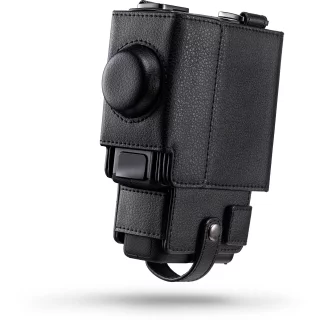
Fujifilm Instax Mini EVO Cinema Protective Case
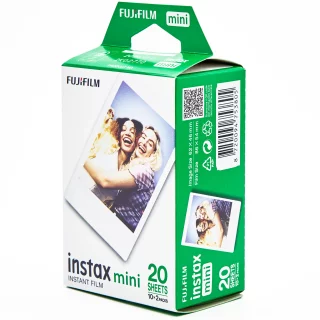
Fujifilm Instax Mini Film (20 photos) instant film
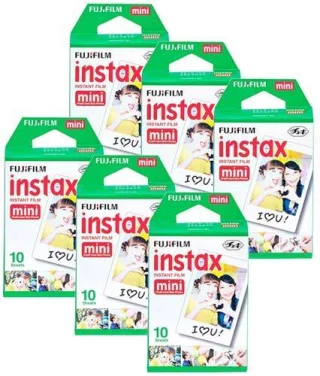
Fujifilm Instax Film Mini (60 photos) instant film
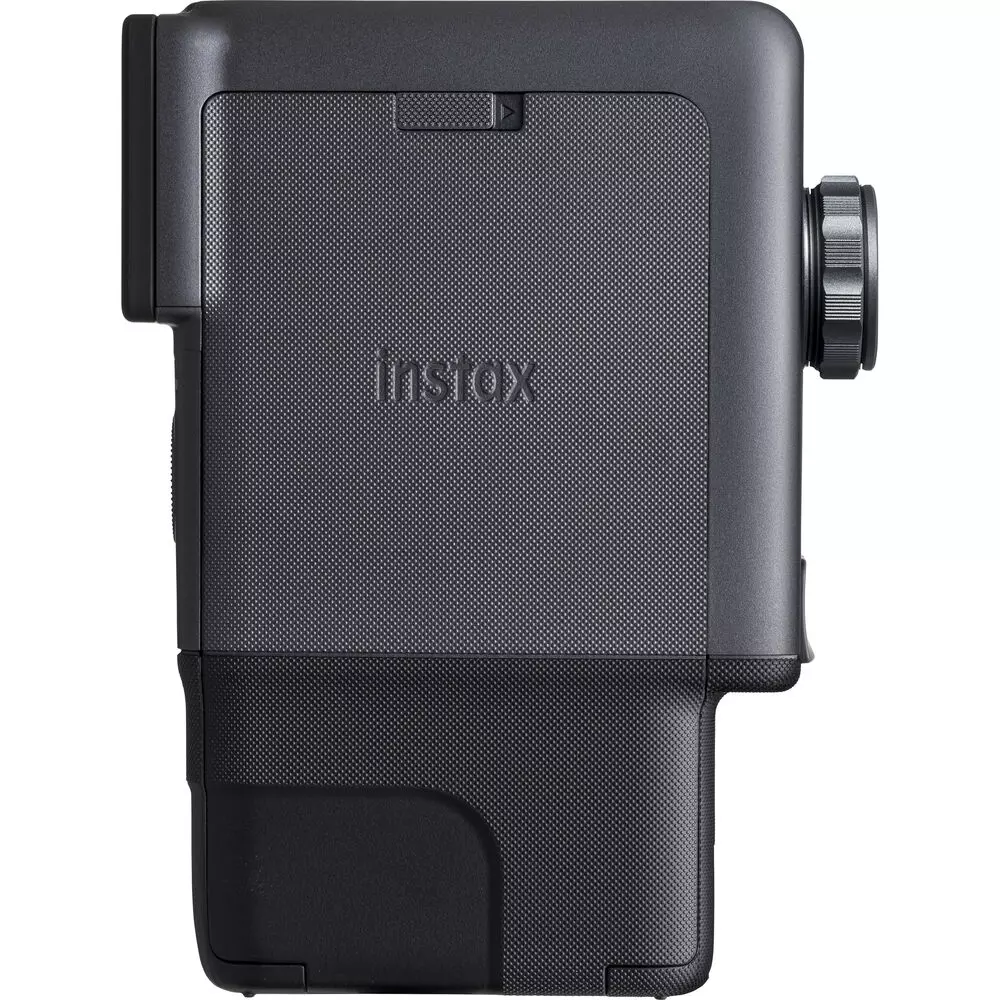
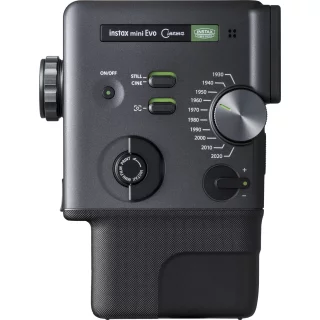
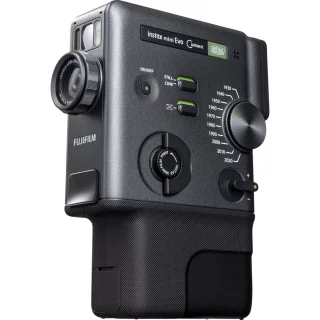
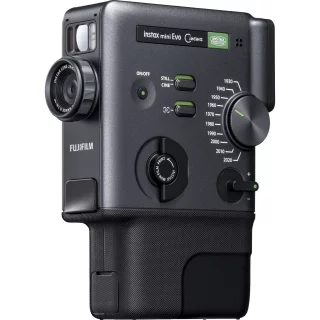
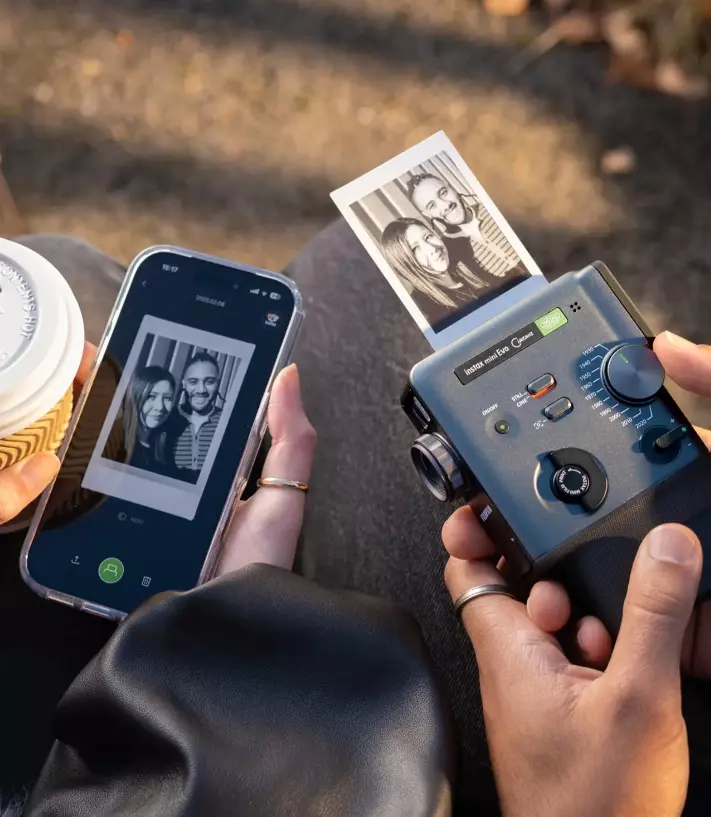
Fujifilm instax mini Evo Cinema hybrid camera
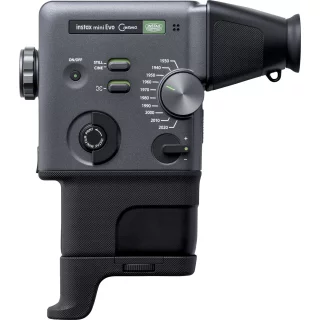
This could be the most special device of 2026! It's packed with features from device to device, meaning it's a printer, a video camera, a time machine, and basically a camera that takes Instax Mini photos.
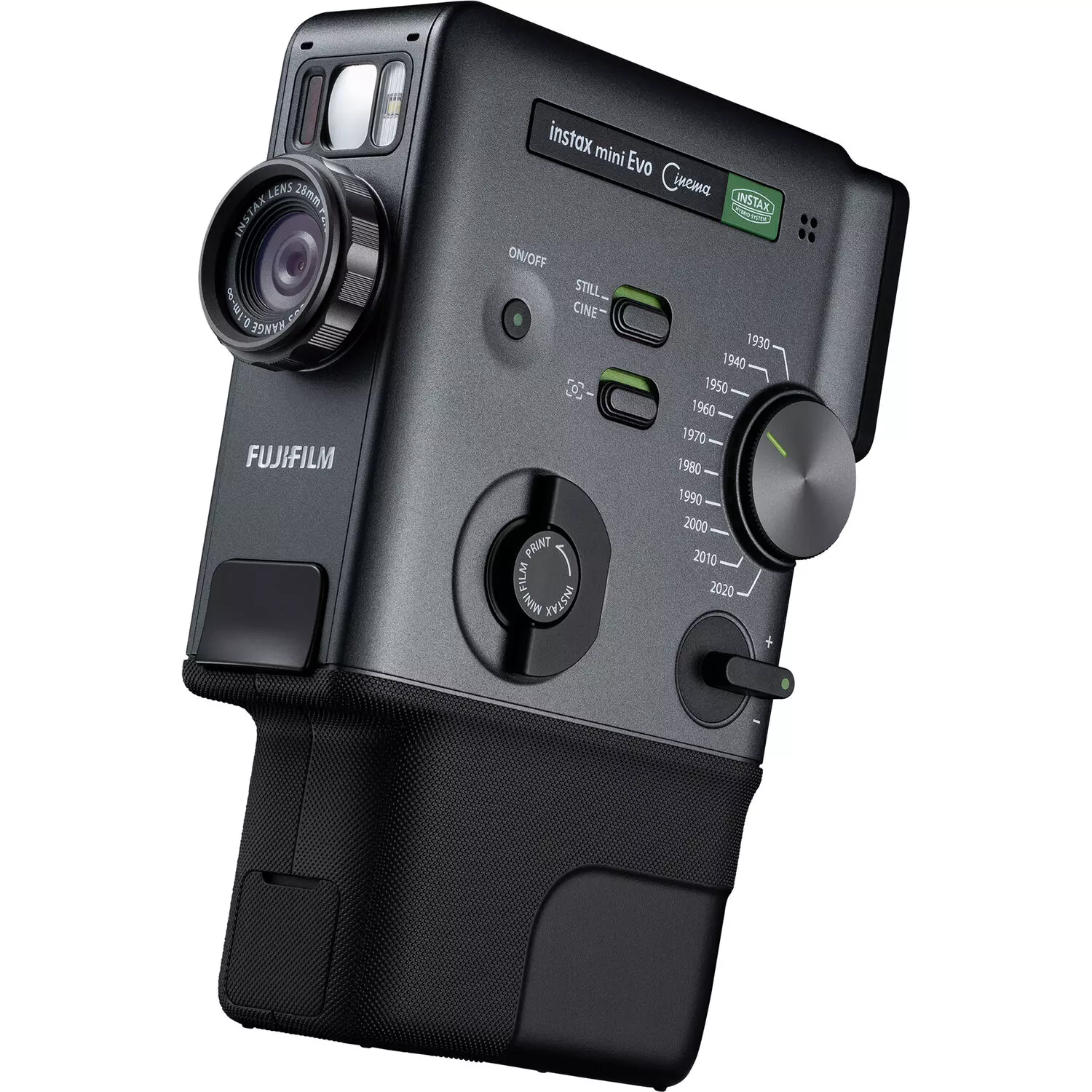
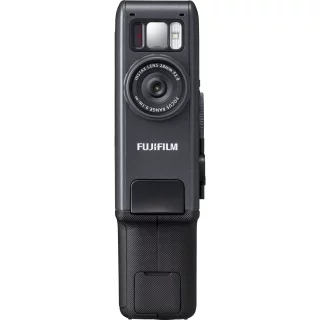
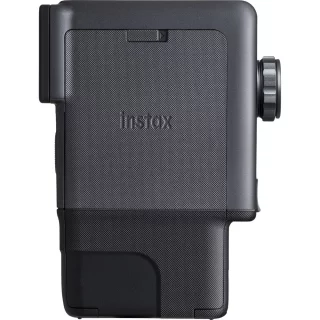
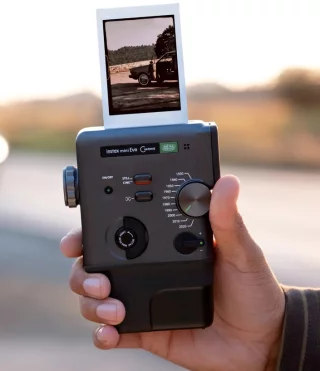
The Fujifilm instax mini Evo Cinema is a camera that combines the feel of analog photography, the convenience of digital, and cinematic video recording. This is a hybrid camera for creative photographers who want to tell stories – whether they’re frozen moments or moving images. And the upcoming feature list reveals that the device has a strong emphasis on creativity and fun!
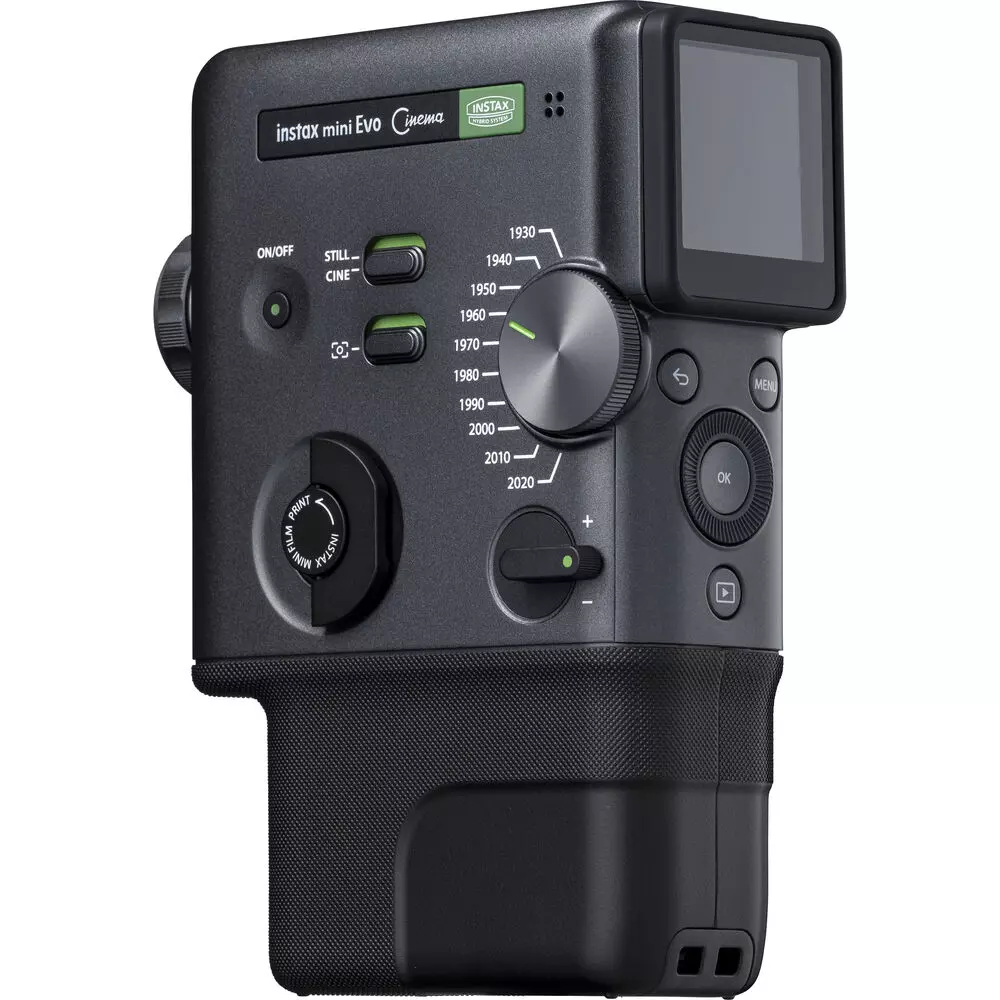
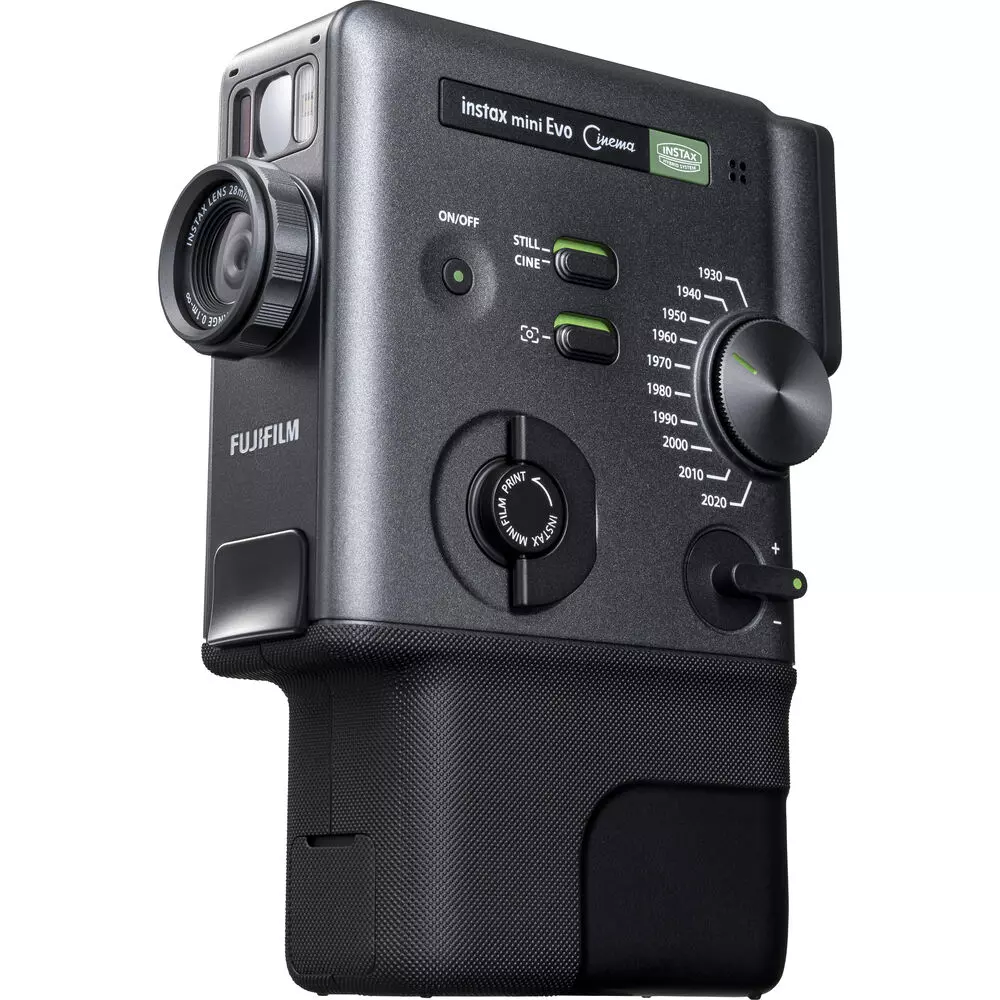
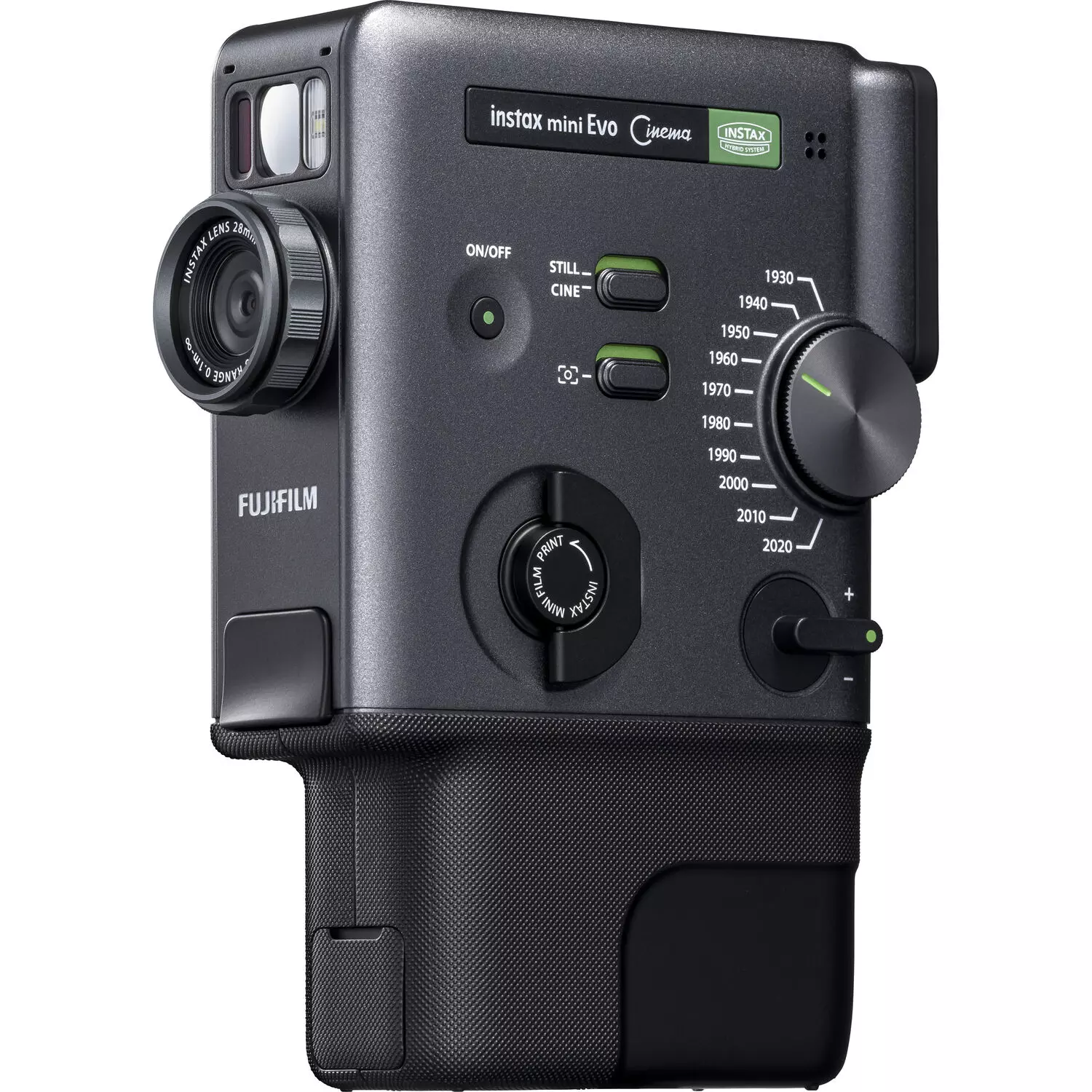
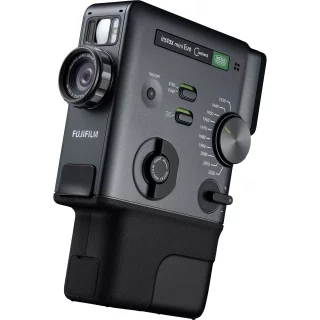
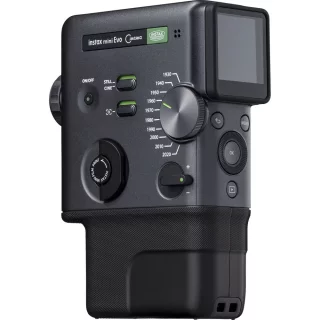
On the outside, the camera exudes the aesthetics of classic 8mm video cameras with its black and green tones, but inside it's completely modern. Since it's a hybrid camera, you don't waste film on failed shots. You shoot digitally, select the best shots on the rear screen, and print only the ones that deserve to be immortalized on Instax Mini film.
Time travel with the Gen Dial
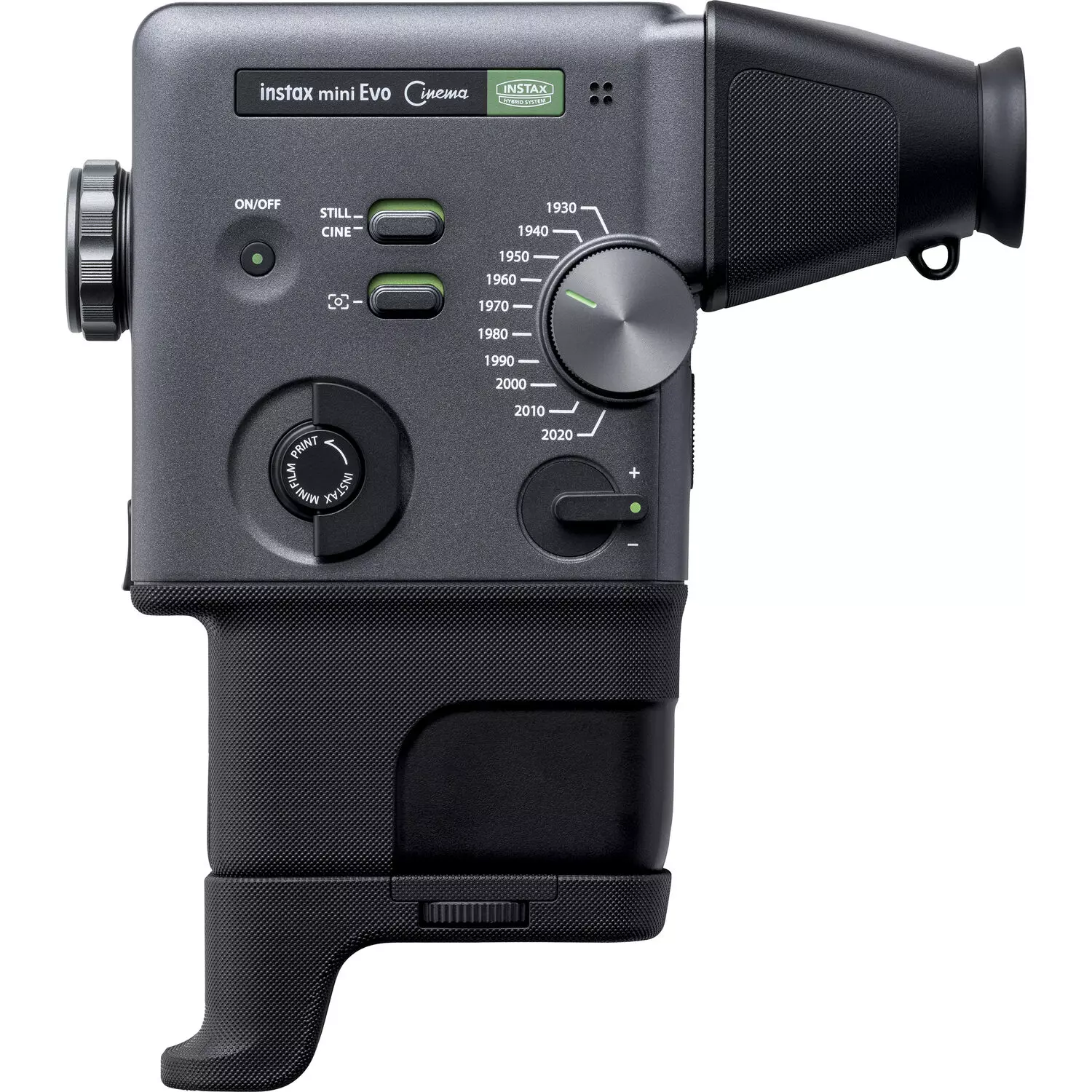
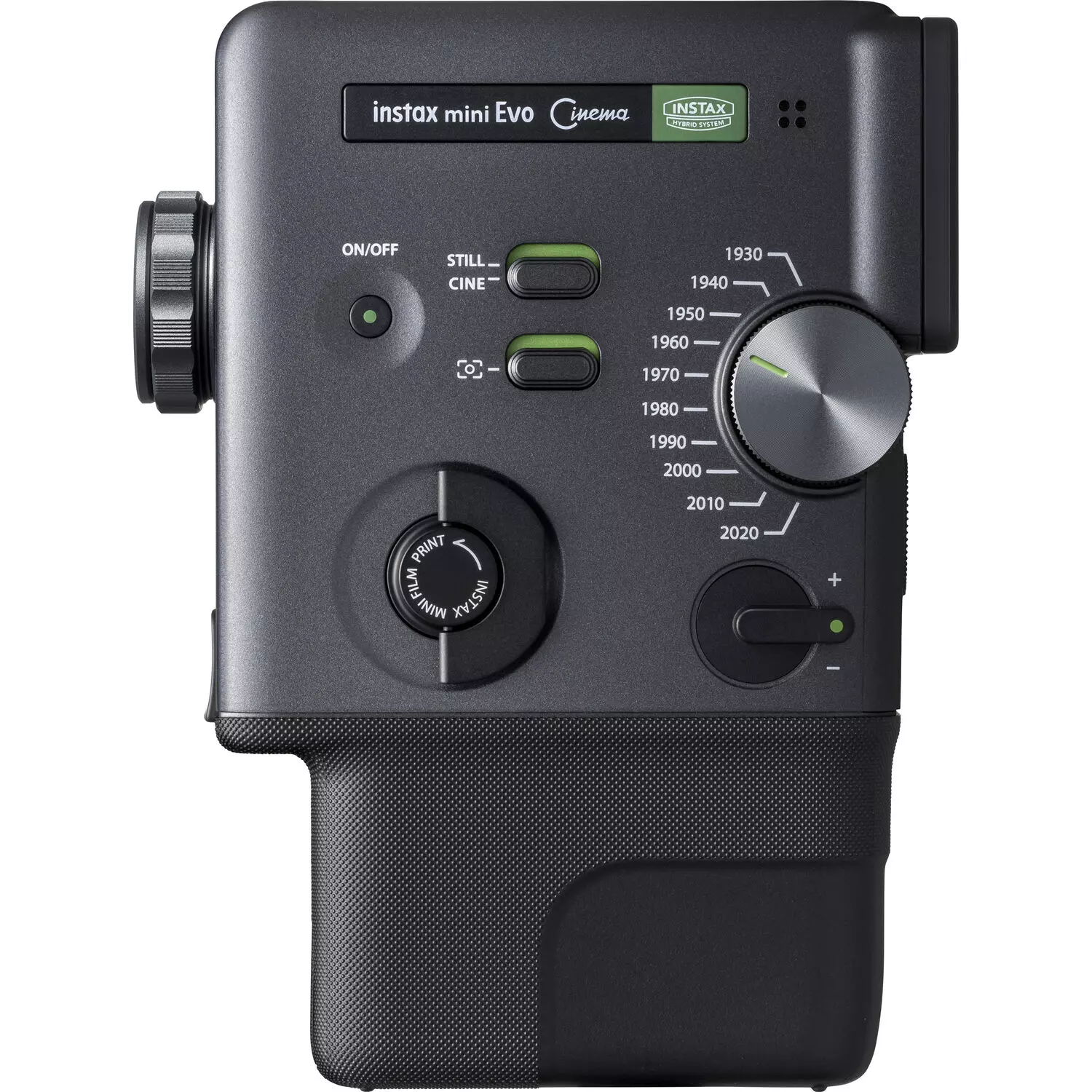
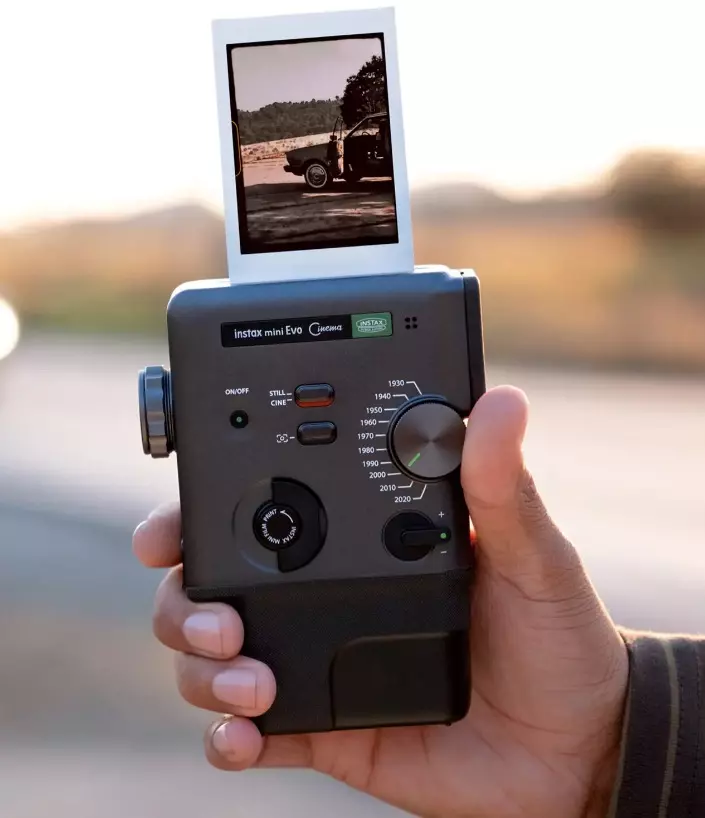
The most special feature of the camera is the Gen Dial around the lens. With it, you don't just change filters, you jump to different eras. Do you want the grainy black and white feel of the 1930s? Or perhaps the color saturation of the 80s? The video-like slightly pixelated "image quality" of early digital cameras. How about today's sharp and clear image?
You can choose from 10 different eras, the intensity of which, i.e. color, contrast and noise, can be fine-tuned using a separate control.
Cine Mode: More than just a picture
As its name suggests, Evo Cinema brings video shooting to the instant camera world. In Cine mode, you can shoot short video clips that the camera automatically combines into one smooth mini-movie, up to 15 seconds long. You can edit the whole thing into a 30-second movie using the phone app.
You can also "print" a video. Choose the best still image from the video, print it on instax paper, and the camera will add a QR code to the image. By scanning the code with your phone, the image comes to life and plays the video and sounds you recorded.
The mechanical feel is preserved. Although the camera is digital, the user experience is physical. Eras are selected by rotating the lens and printing is started by pulling the "film tuning lever" on the top of the camera. Zoom adjustment is possible via the lever. This brings a ritualistic feel to shooting and printing that is often missing from touchscreens.
You can also transfer and remotely shoot images using the Instax Mini Evo app. You can save the photos you take, including the frames, to your phone and share them on social media just as if they were printed.
Technical specifications and features:
- Compatible film: Fujifilm Instax Mini
- Sensor: 1/5 inch CMOS (2560 x 1920 pixels)
- Memory: Internal memory (approx. 45 images) + microSD card slot
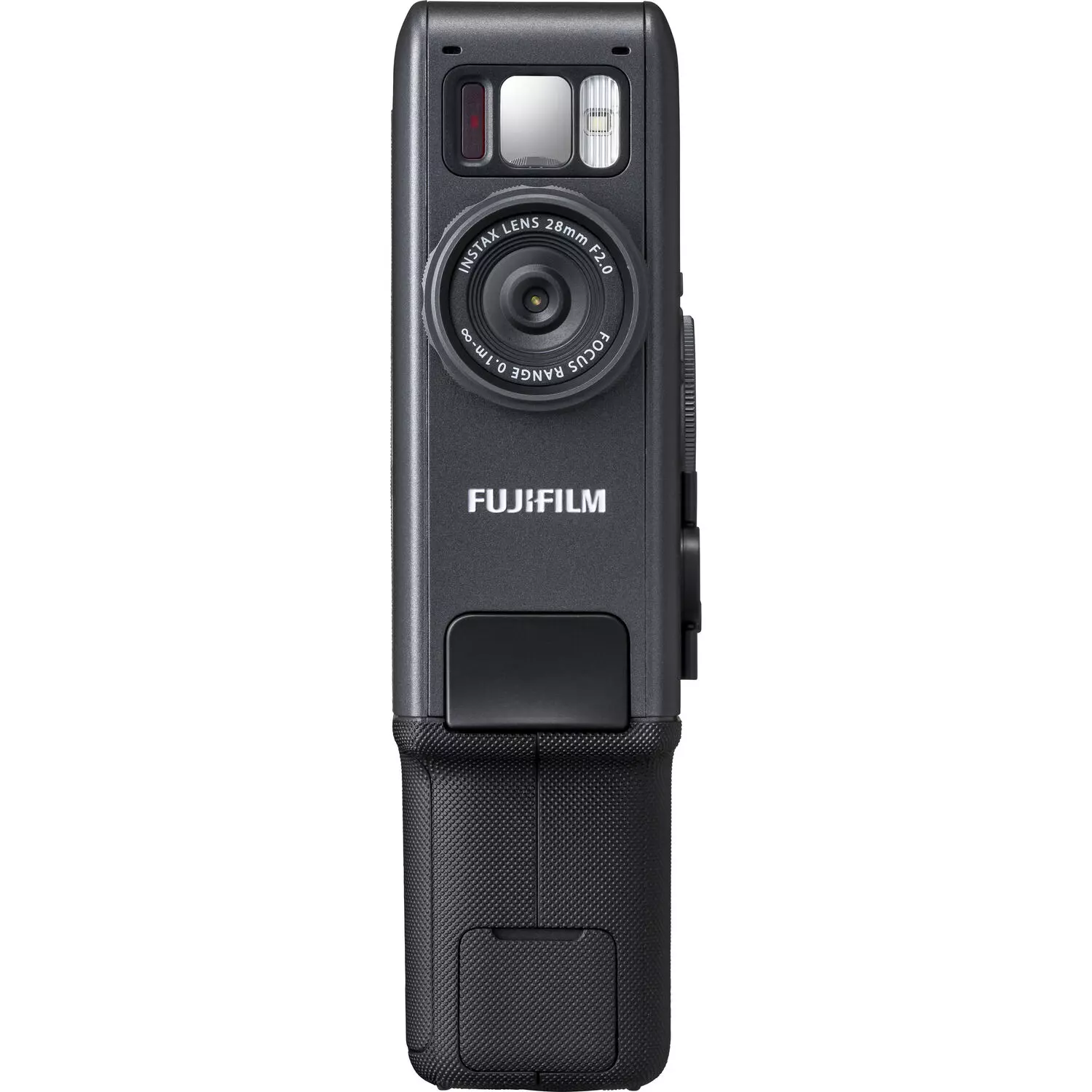
- Lens: 28mm equivalent focal length, F2.0
- Closest focusing distance 1m
- Gen Dial era simulation: 1930, 1940, 1950, 1960, 1970, 1980, 1990, 2000, 2010, 2020
- Degree Control: Fine-tune effects (color, contrast, noise)
- Display: 3 inch LCD screen
- Gen Dial: 10 different eras (effects)
- Cine Mode: Shooting and combining short videos
- Print lever: Mechanical lever to start printing
- Flash: Built-in (auto/forced/off)
- Battery: Built-in lithium-ion battery (charging via USB-C)
- Size: 87 x 122.9 x 36 mm
- Weight: 270g
The sales package includes:
- Fujifilm instax mini Evo Cinema Hybrid Instant Camera
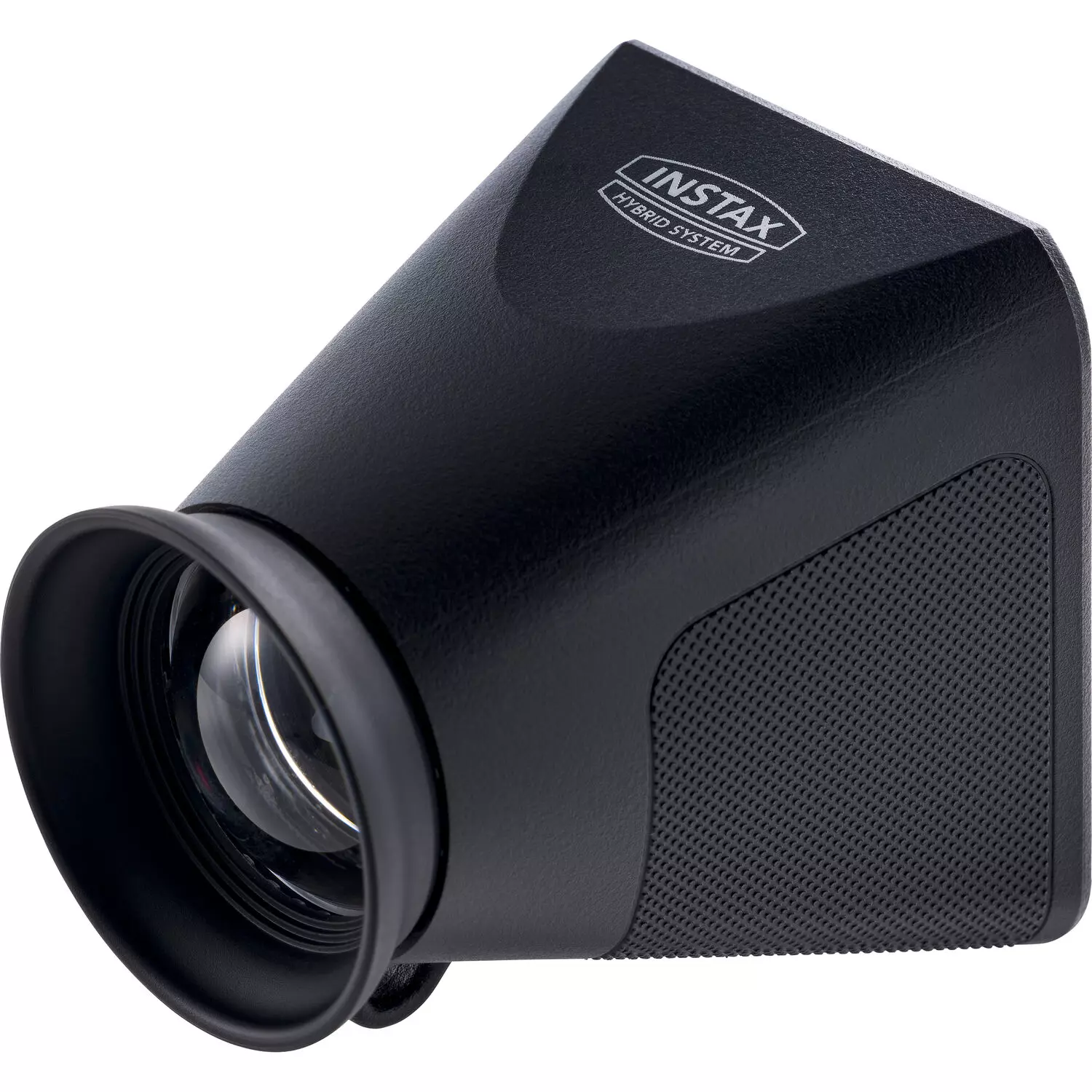
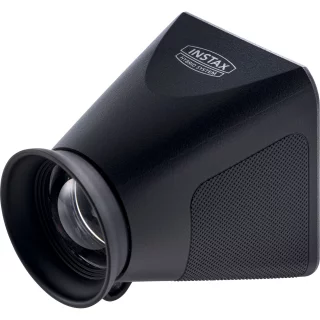
- Viewfinder Attachment
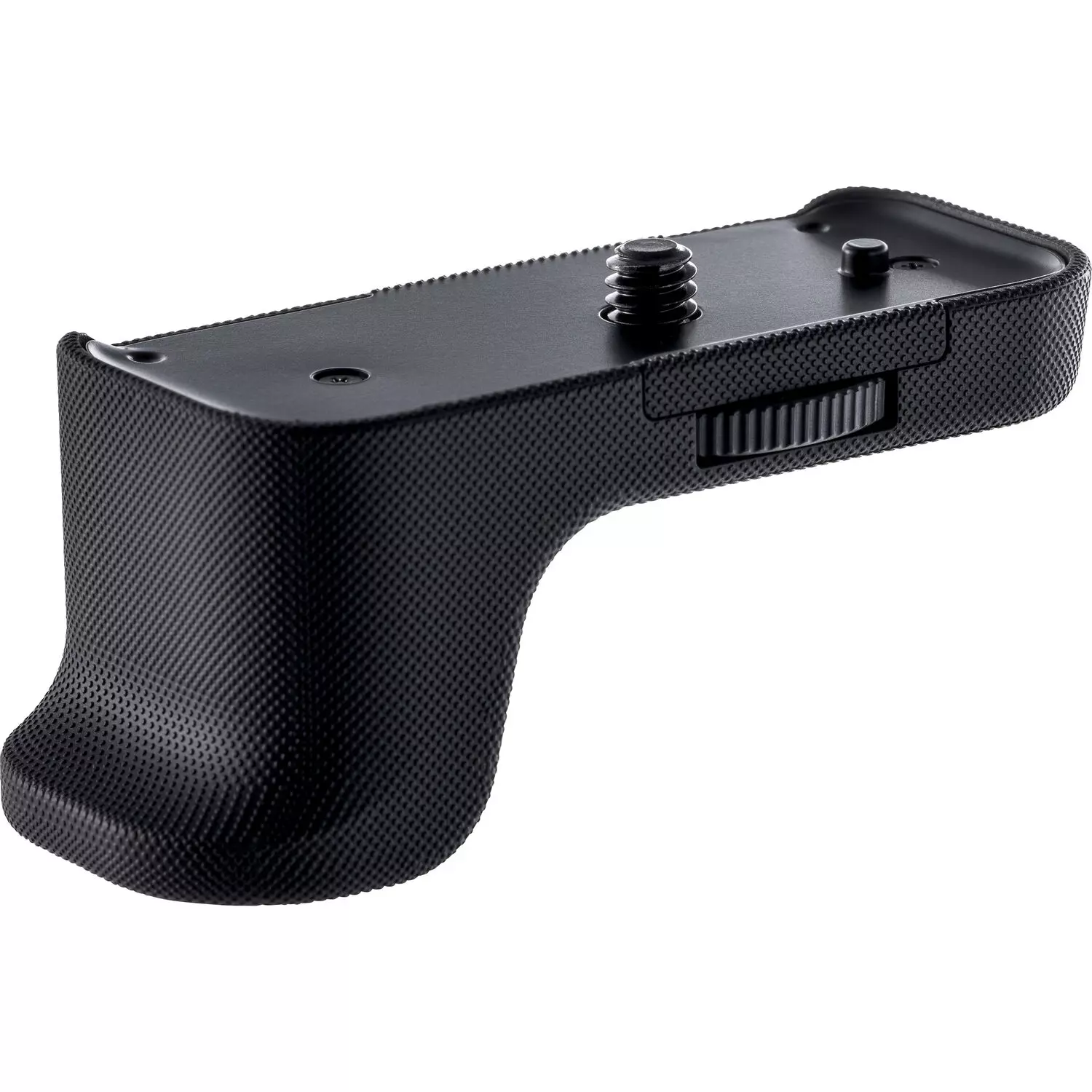
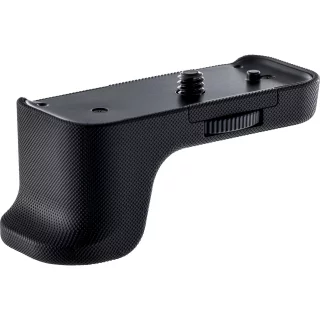
- Grip Attachment
- USB-C Cable
- Hand Strap
Featured
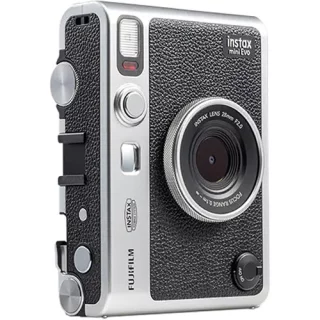
Fujifilm Instax Mini Evo Instant Camera and Printer - Black
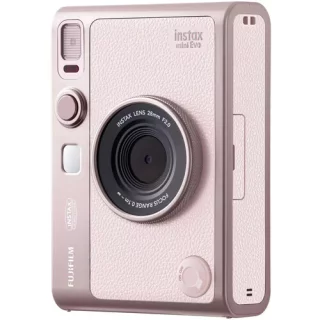
Fujifilm Instax Mini Evo Instant Camera and Printer - Gentle Rose
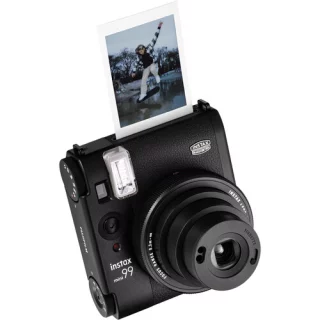
Fujifilm Instax Mini 99 -instant film camera
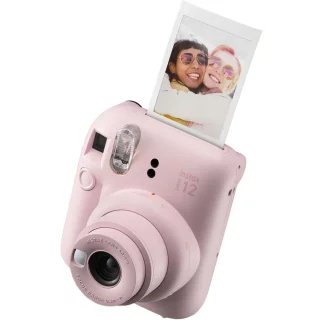
Fujifilm Instax Mini 12 instant film camera - Blossom Pink
Summary of reviews
Ask about product

Mon-Fri 9-17 and Sat 10-14
INFO