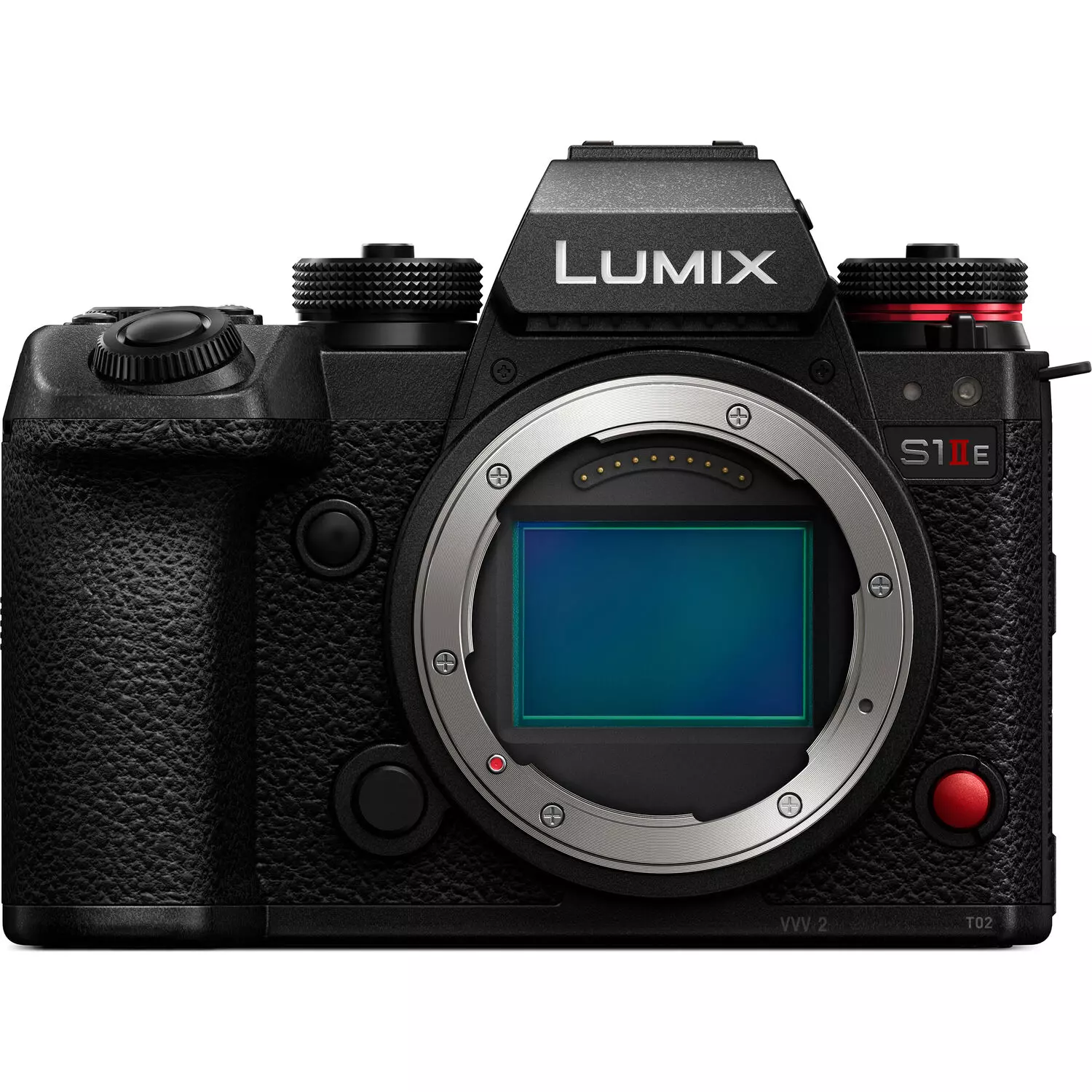
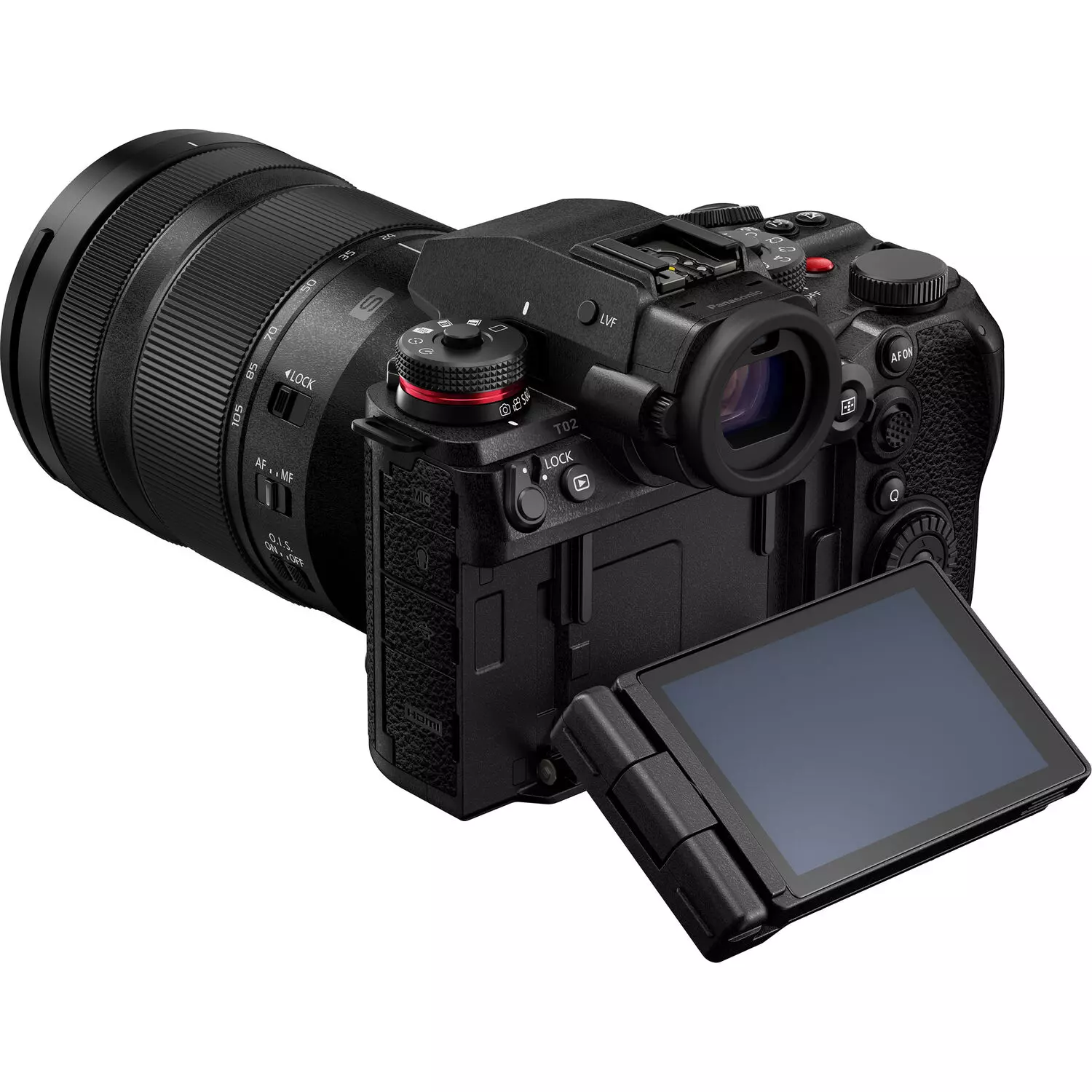
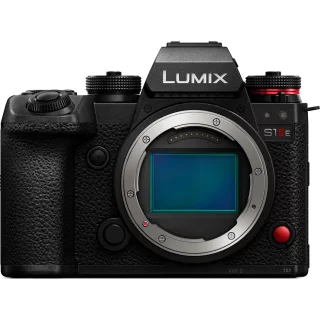
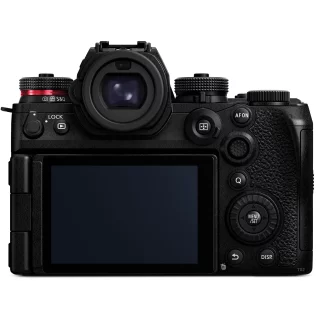
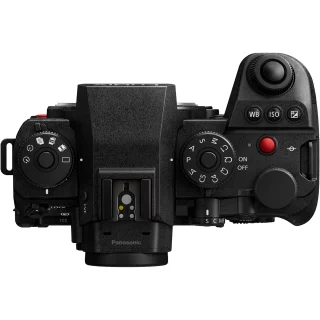
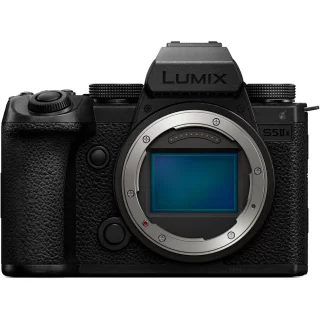
Panasonic Lumix S1 IIE body







Aktiiviset kampanjat


Pakettidiili
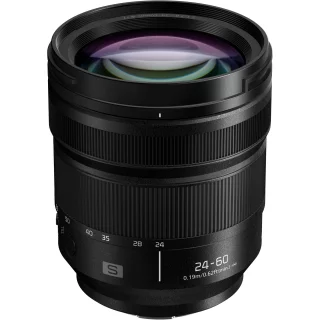
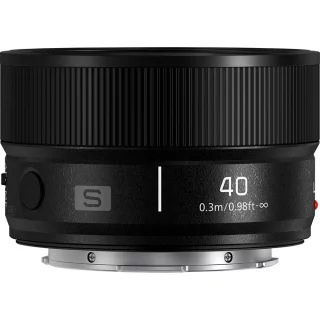
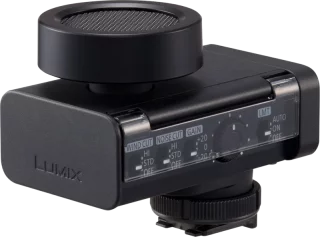
Varmasti yhteensopivat tarvikkeet
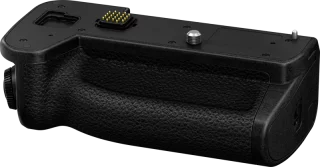
Panasonic DMW-BG2 battery grip (S1R II)
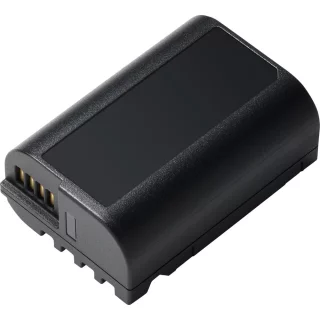
Panasonic DMW-BLK22 (Panasonic GH6/S5) battery
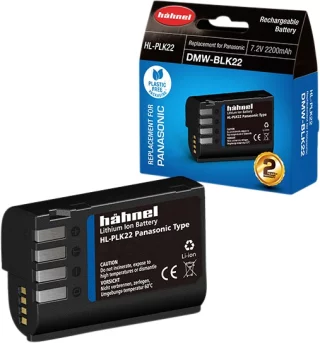
Hahnel HL-PLK22 (Panasonic DMW-BLK22) battery
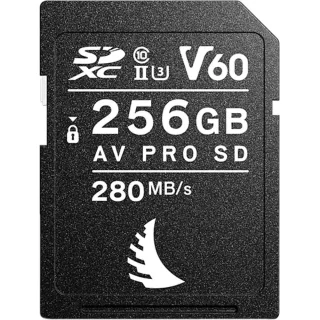
Angelbird AV Pro MK2 256GB SDXC (280MB/s) UHS-II (U3 / V60) memory card
Panasonic Lumix S1 IIE body
Trade in your digital system camera and receive an extra €300 trade-in bonus!
Fill out the trade-in offer form on our website or contact us by email at asiakaspalvelu@kameraliike.fi
Campaign period: 18.8.2026 - 13.11.2026
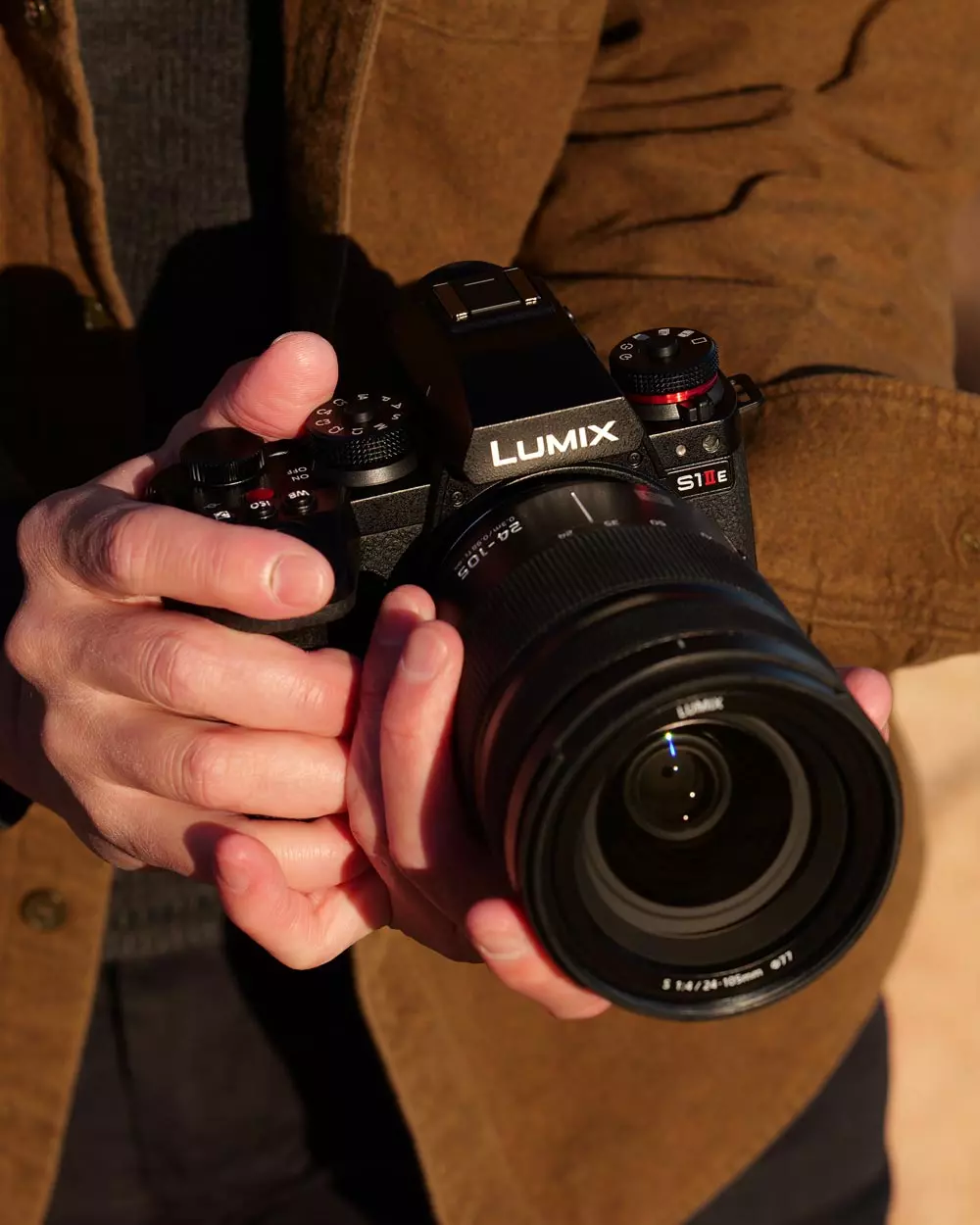
Panasonic's new S-series cameras include three different bodies: the high-resolution S1R II, the super-fast S1 II, and this S1 IIE.
The Panasonic S1 IIE is practically the Panasonic S5 II X in a new body, the image quality is the same, but all other S1 series innovations are identical, including the manufacturer's most advanced autofocus, active cooling, a CFExpress memory card slot, 32-bit audio recording, and very effective image stabilization.
This could be a remastered Panasonic S5 II X in a film and album style. And the Panasonic S5 IIX is still a very capable video device today. There may not be a need to upgrade from the previous version, but if you are looking for a reliable device that combines video and photography, the S1 IIE is definitely worth considering.
- 24.1 megapixel full-frame sensor
- Manufacturer's best 779-point phase-detection AF with subject detection - Featuring new Urban Sports AF
- Continuous shooting up to 30fps (including RAW) and 1.5-second PreBurst shooting
- 6K 30P Open Gate video shooting
- Prores RAW recording directly to memory card or external SSD
- 32-bit float audio (requires DMW-XLR2 microphone adapter)
- 96 megapixel High-resolution mode - also works for handheld shooting
- Highly effective 8-aperture 5-axis internal image stabilization
- Active cooling means reliable even during long shooting sessions
- Real-time LUT function, False colour
- Bluetooth timecode sync
- Frame.IO and Capture One support
- Compatible with the new Lumix Flow app
The Panasonic S1 IIE features the manufacturer's latest autofocus. In addition to phase-detection pixels, it also features object detection like its competitors' top models, meaning the camera can recognize and focus on people, animals, and vehicles.
People are also divided into body, face and eyes, and in the same way, for example, vehicle focus recognizes both motorcycles and driver helmets. Unlike with some manufacturers' top models, with the S1 IIE, at least for now, the target type must be selected in advance.
And now there's the slightly more exotic Urban Sports AF, which can detect things like street dancing and skateboarding. This may seem like a rare need, but most of the time these machine-learned autofocus systems expect a certain type of movement from a person, and the focus detection and result can get confused as soon as the subject moves in a surprising way, like on a skateboard or parkour.
Like other flagship models, the camera also records HEIF images, a file format that replaces JPG images. These have a wider tonal range and HDR features baked in. If the HEIF setting is on, RAW files can also be reprocessed directly in the camera.
The white balance can also be adjusted afterwards with the new AI Auto White Balance function . This uses too much processor power to be a choice when shooting, but afterwards the camera can calculate a more accurate white balance based on the content of the image for difficult images, for example those taken in mixed light, and distribute these directly.
For those who need higher resolution for reprography or landscape photography, the S1 IIE offers a High-Resolution function that combines 8 separate images into a single 96-megapixel image file. The image is saved in Raw or JPEG format, and thanks to the powerful stabilization, this mode also works for handheld shooting.
Panasonic S1 IIE in video shooting
- 6K30p 10bit 4:2:0 footage across the entire width of the sensor
- 4K60P 10bit 4:2:2 footage without breaks (with cropping)
- ALL-Intra and ProRes recording directly to memory card or external disk
- Wireless and wired IP streaming, Tethering via phone via USB connection
- V-Log and V-Gamut and HLG wide gamut recording formats without separate license
- Dynamic range over 14 aperture values
- Very good support for LUT files
- Dual Native ISO technology
- Adjustable noise reduction (can also be turned off when recording internally)
- Waveform data, two different Zebra settings, live cropping, shutter angle adjustments and much more!
- False colour exposure aid - first time on Lumix cameras
- Dual zebra, vectorscope, exposure according to shutter angle, etc.
- V-Log recording and Real Time LUT feature
- Very effective image stabilization - it's worth watching the test videos!
- New stabilizer modes: Cropless which eliminates lens warping at wide angles without cropping
- 32bit float audio recording via optional XLR module
- Very comprehensive settings for shooting with anamorphic lenses, including a dedicated stabilization mode
- Live streaming via phone via Wifi or USB connection
- Works as a webcam on a computer via USB-C cable
- Recording directly to SSD via USB-C connection
- Active cooling and very good thermal management allow you to shoot for hours without breaks
- Bluetooth connection to DJI gimbals
Although the sensor and image quality are the same as those of the Panasonic S5 II series, this S1 IIE camera has up to 30 different recording formats for video recording, for example very wide CinemaScope widescreen modes, 60P recording is possible across the entire width of the sensor. It comes with a Cinelike A2 color profile that resembles film cameras in its profile.
And if you want a ready-made image instead of a V-log video, you can save the video to another card as a small file and it comes with the Real Time Lut feature. Other cameras have presets, but Real Time Lut allows the camera to have very versatile settings that can be used to get the tone exactly the way you want. For example, how about a Kodak Gold simulation with a small grain? It works.
Arri C-Log3 wide tonal range recording will also be available for the Panasonic S1 II camera as a paid upgrade later. This was designed specifically for this camera in collaboration with Arri. So now you don't have to load Powergrades into Resolve, watch hours of YouTube videos with tutorials on how to make your footage look like Arri film cameras.
Assistive features for video shooting
Despite its versatility, saving your own settings (which can also be saved to a memory card and transferred to another camera), Mylist lists your own general settings, and the Q button brings up handy shortcuts when adjusting settings.
Panasonic has a very comprehensive range of features in its cameras that help photographers: false color exposure assist, vectorscope & waveform color and exposure views, dual zebras and preview modes for anamorphic video, and V-Log and HLG for shooting. These really leave nothing to be desired.
The best image stabilization on the market?
According to the camera shop, one of Panasonic's biggest advantages is its very good image stabilization. Other manufacturers promise the same aperture values, but watching videos shows that the technology is one of the best on the market, if not the best. When you combine the Active IS mode of the camera stabilization with the slightly image-limiting electronic EIS stabilization, you don't need separate gimbals and you don't have to be a ninja walking master - the image is really smooth.
The S1 IIE also includes a cropless setting that eliminates the so-called wobble phenomenon that disturbs wide-angle video recording, the image looks stable even at the edges and you don't have to compromise on the wide-angle. EIS electronic stabilization now also works with anamorphic lenses.
Professional camera usability
The Panasonic S1 IIE features the exact same body as the previously announced S1R II. This is a smart choice as the S1R II was a huge leap forward in usability, being 20% lighter than the old S1 series.
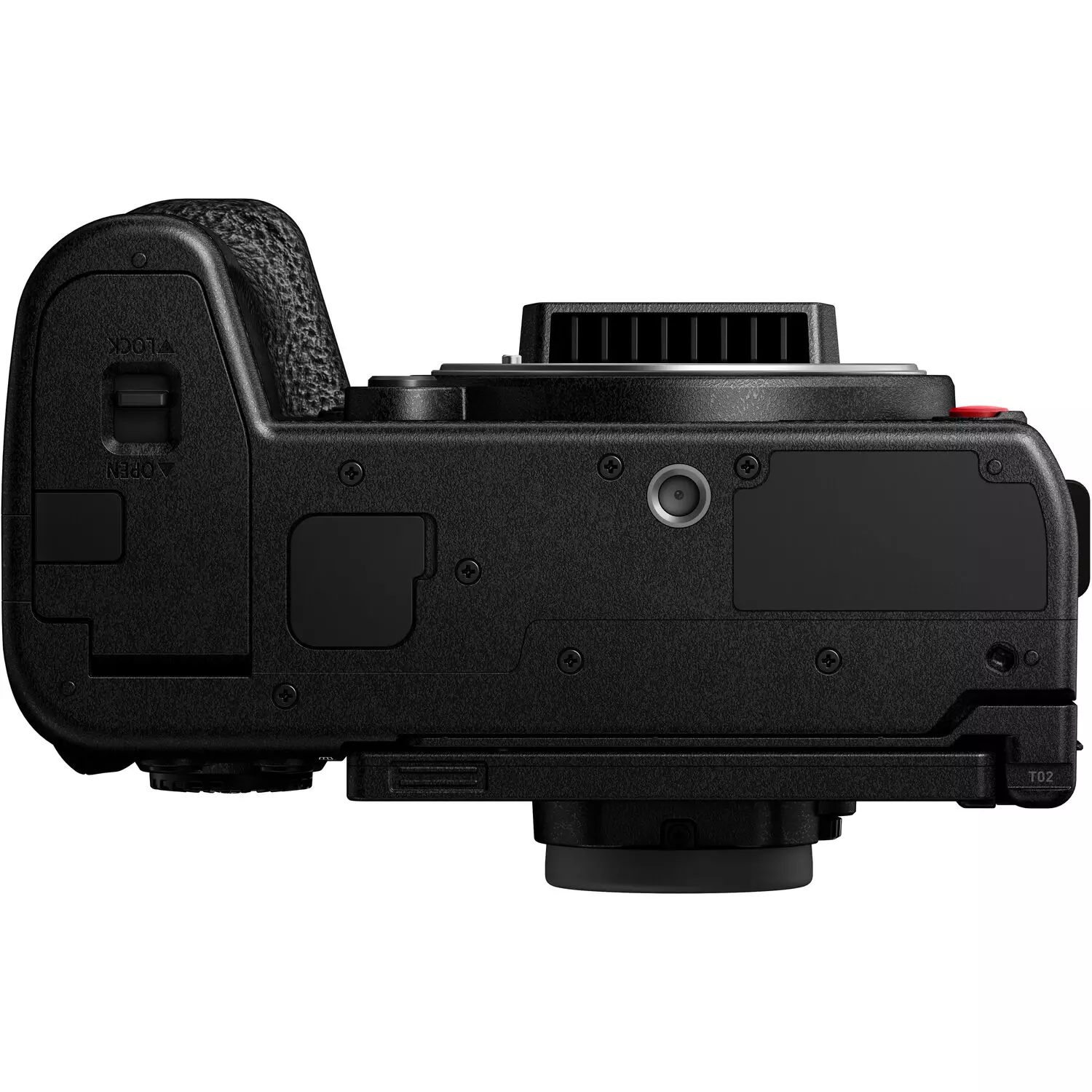
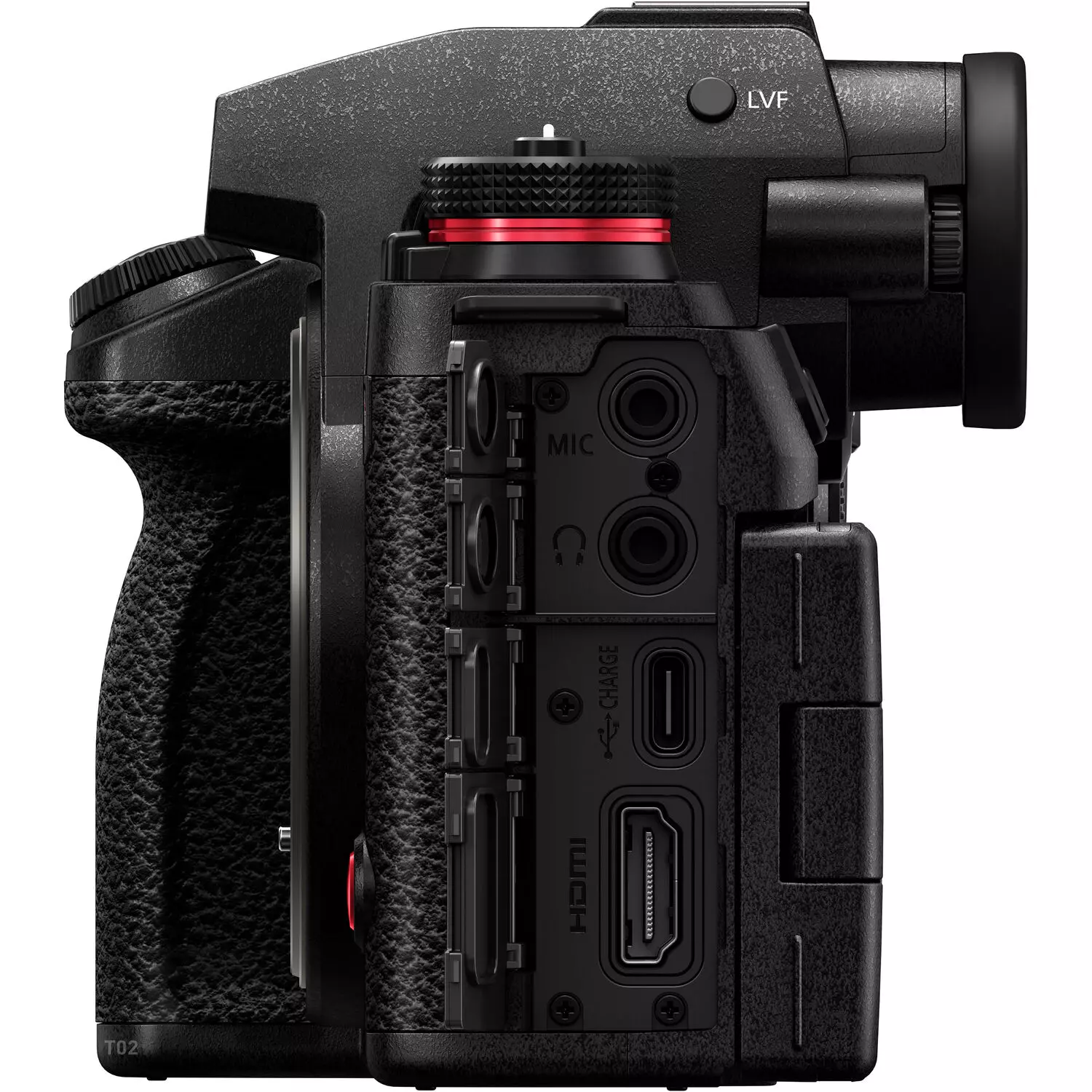
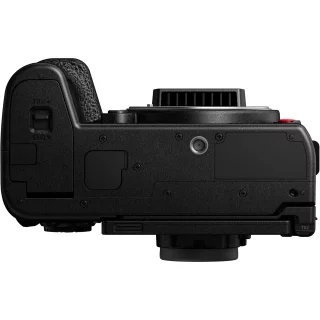
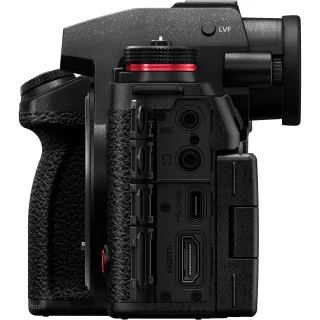
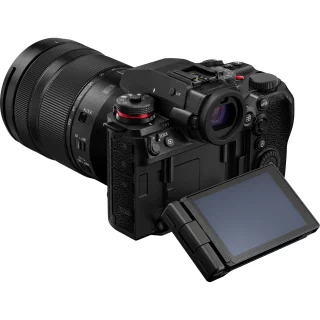
Despite its lightness, the body is clearly professional-grade, with the same extensive connections and a highly functional display hinge system, as well as active cooling combined with weather protection.
Panasonic also announced a very interesting Lumix Flow app, which allows you to create storyboards, organize video clips, edit videos, and use your smartphone as an external monitor when connected to the camera. Frame.Io support is standard on the camera, and now also supports Capture One tethering.
Carefully adjusted settings can be copied to a memory card. Recorded videos can be transferred to an external SSD, for example, directly from the camera without a computer.
- The mechanical shutter acts as a sensor protector when the camera is closed.
- The top adjustment wheel has moved forward - no more accidental adjustments to the shutter speed
- 5.76 million dot viewfinder that displays the image continuously
- Switch between photo, video and S&Q slow-motion videos with a dedicated switch
- The multi-directional folding and rotating touchscreen mechanism, familiar from the highly praised S1H model (but updated to be even better!)
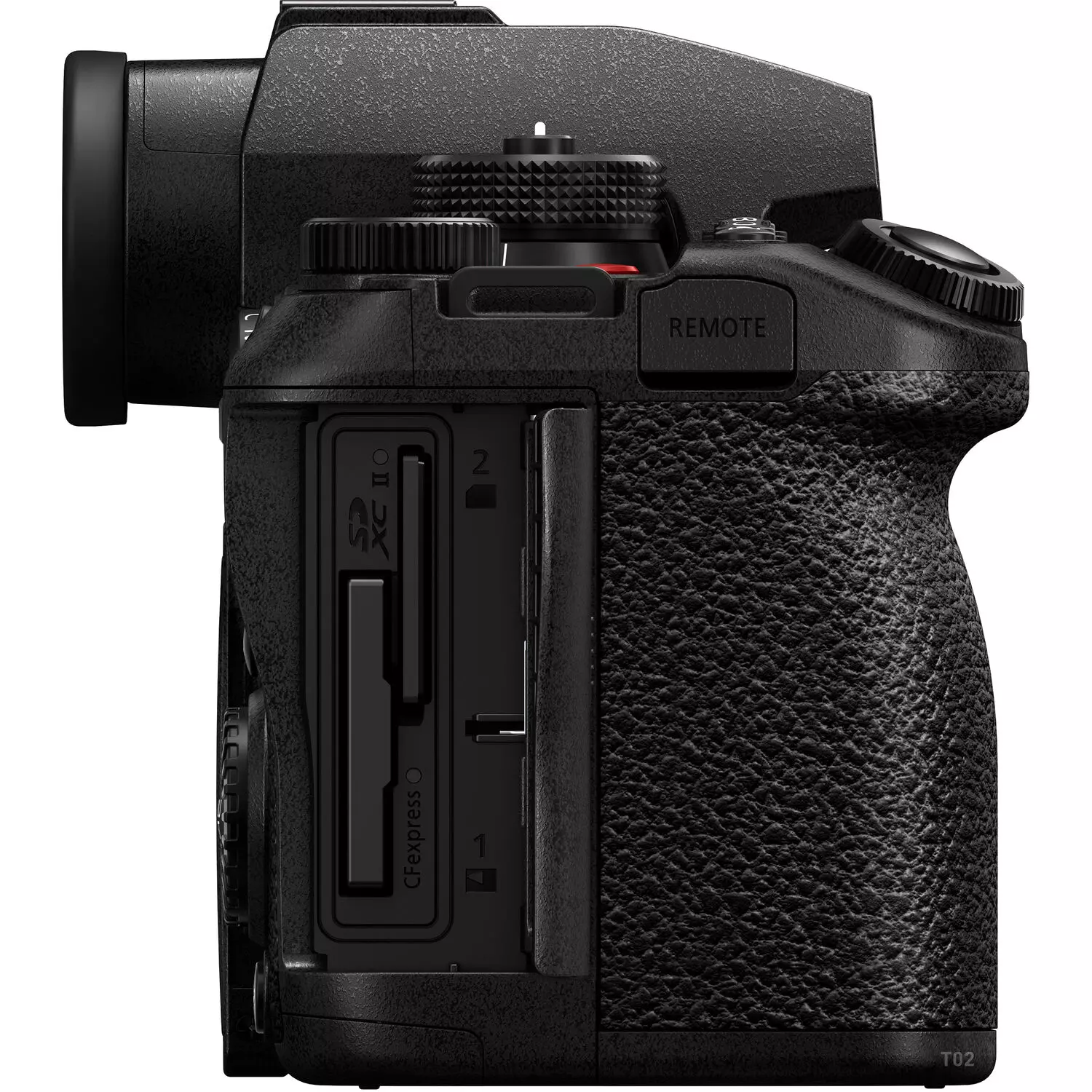
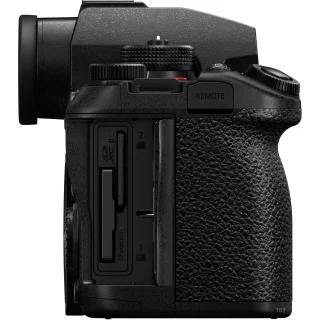
- 1 CFExpress Type B and 1 SDXC UHS-II memory card slot
Specifications:
- Lens mount: L-mount
- Full-frame 24.1 megapixel sensor
- ISO sensitivity 100-51200 (expanded to 50-204800)
- Continuous shooting 10fps mechanical, 70fps electronic shutter
- Flash sync: 1/250, PC-sync connection and hot shoe
- 5-axis in-body image stabilization
- Video:
5.8K internal ProRes RAW recording
6K 30P at 4:2:0, 10-bit open gate recording - With external recording (HDMI Raw):
6000 x 4000 at 23.98/29.97 fps
5888 x 3312 at 25/29.97 fps
3536 x 2656 at 23.98/25/29.97/50 fps
4128 x 2176 at 23.98/29.97/59.94 fps - Electronic viewfinder 5.76 million pixels, magnification 0.78x
- Connections: Microphone, headphone, HDMI A, USB-C. WiFI
- Battery type: DMW-BLK22, approx. 350 shots per charge (CIPA)
- 3 inch foldable touchscreen
- 2 memory card slots: SD and CFexpress Type B
- Size: 134.37 x 102.36 x 91.69 mm
- Weight: 794g (with battery and memory card)
Osta myös
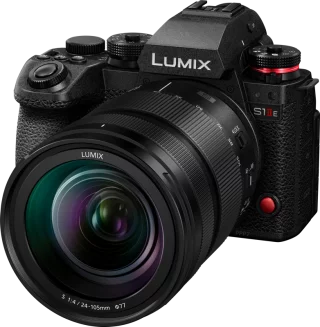
Panasonic Lumix S1 IIE + 24-105mm F4 OIS Kit
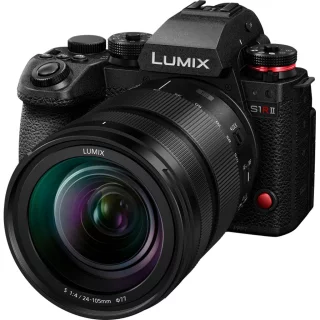
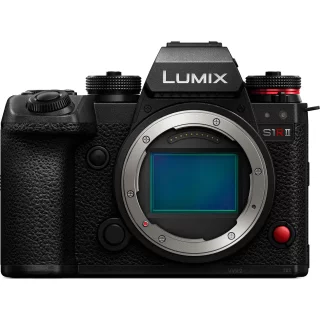
Panasonic Lumix S1R II + 24-105mm F4 kit
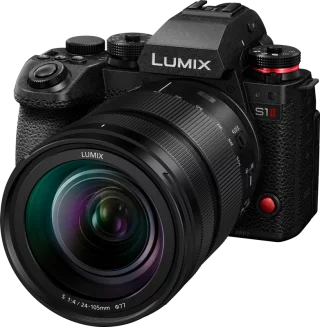
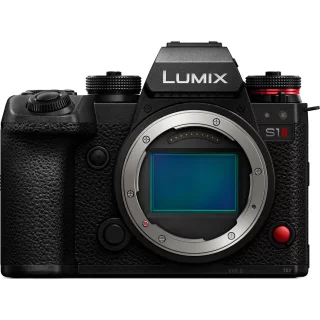
Panasonic Lumix S1 II + 24-105mm F4 OIS Kit
Arvostelujen yhteenveto
Kysy tuotteesta

ma-pe 9-17 ja la 10-14