Blackvue DR970X-1CH -dashcam

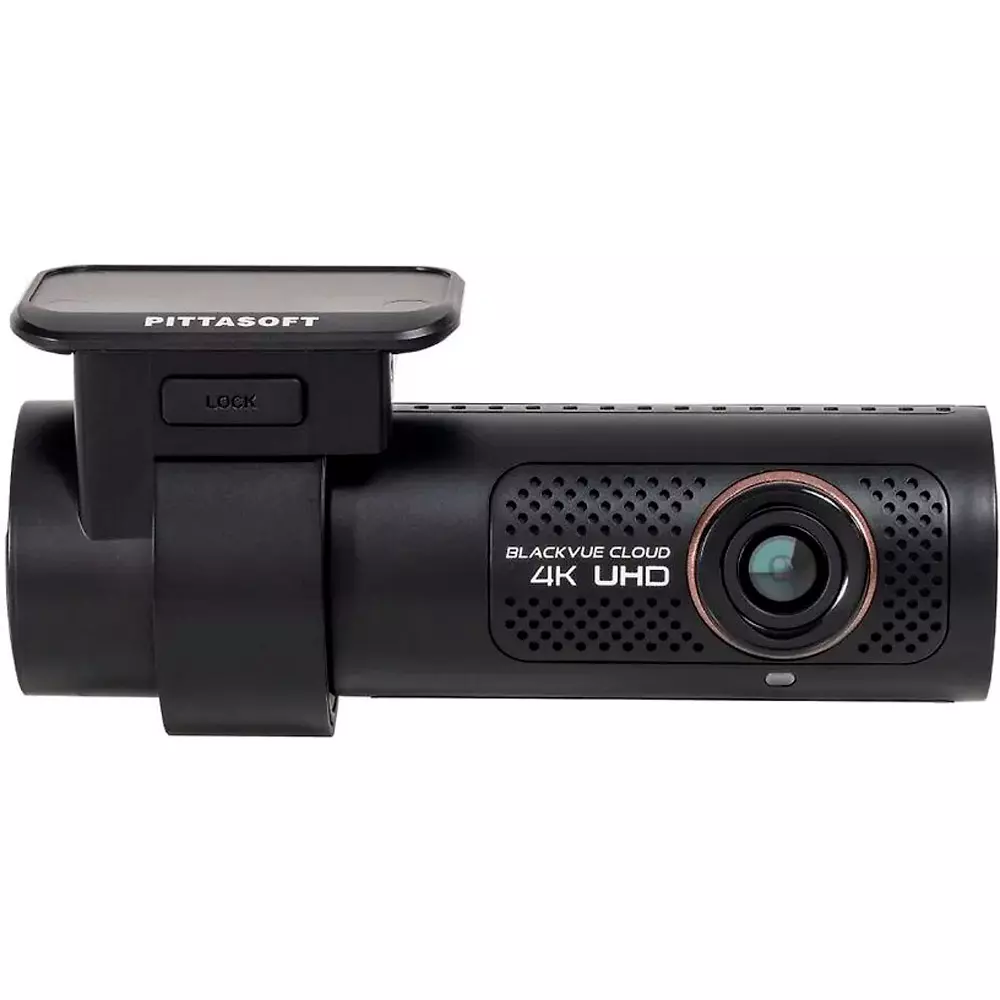
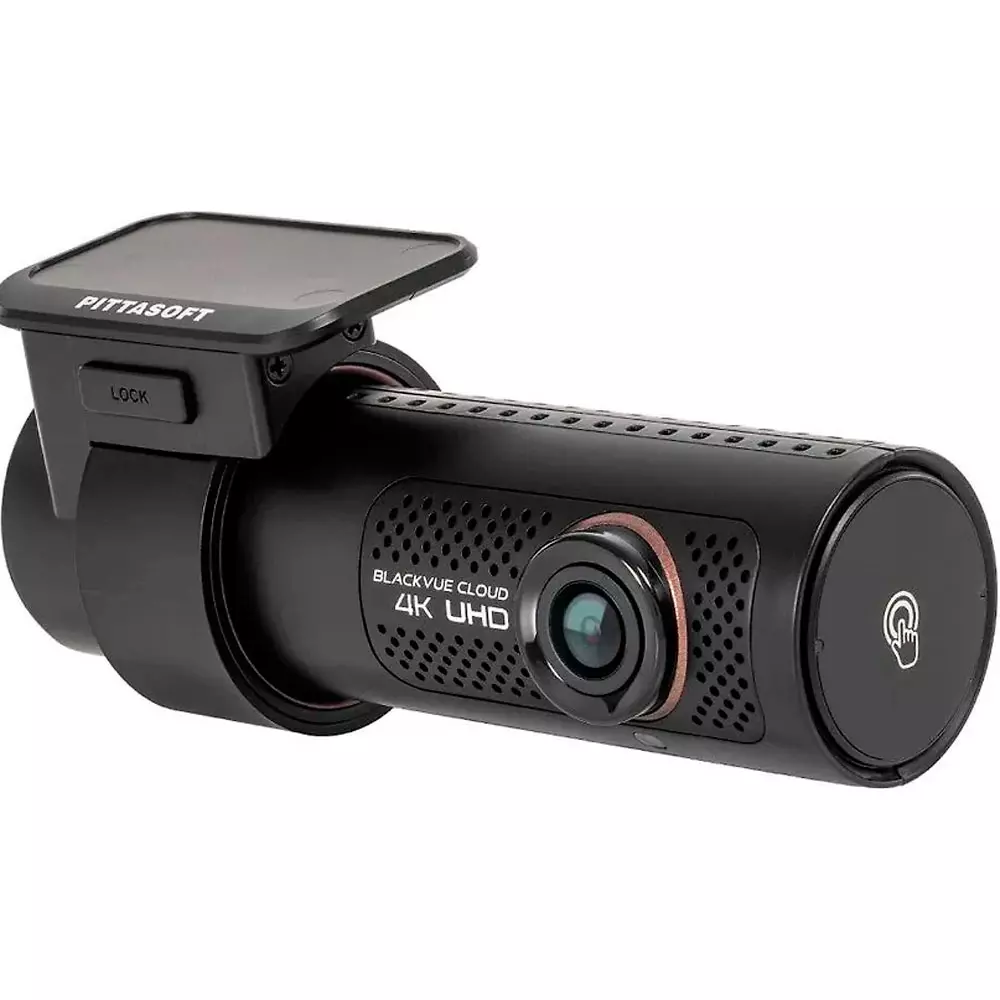
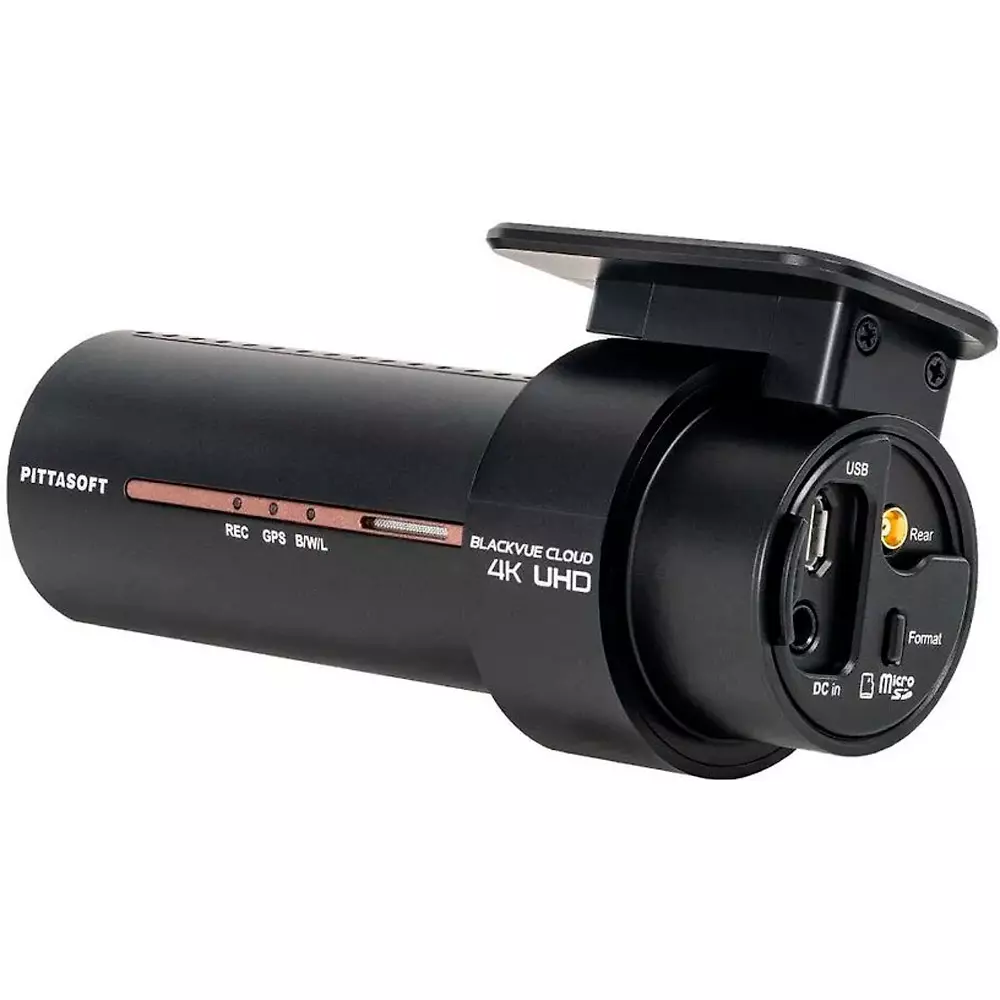
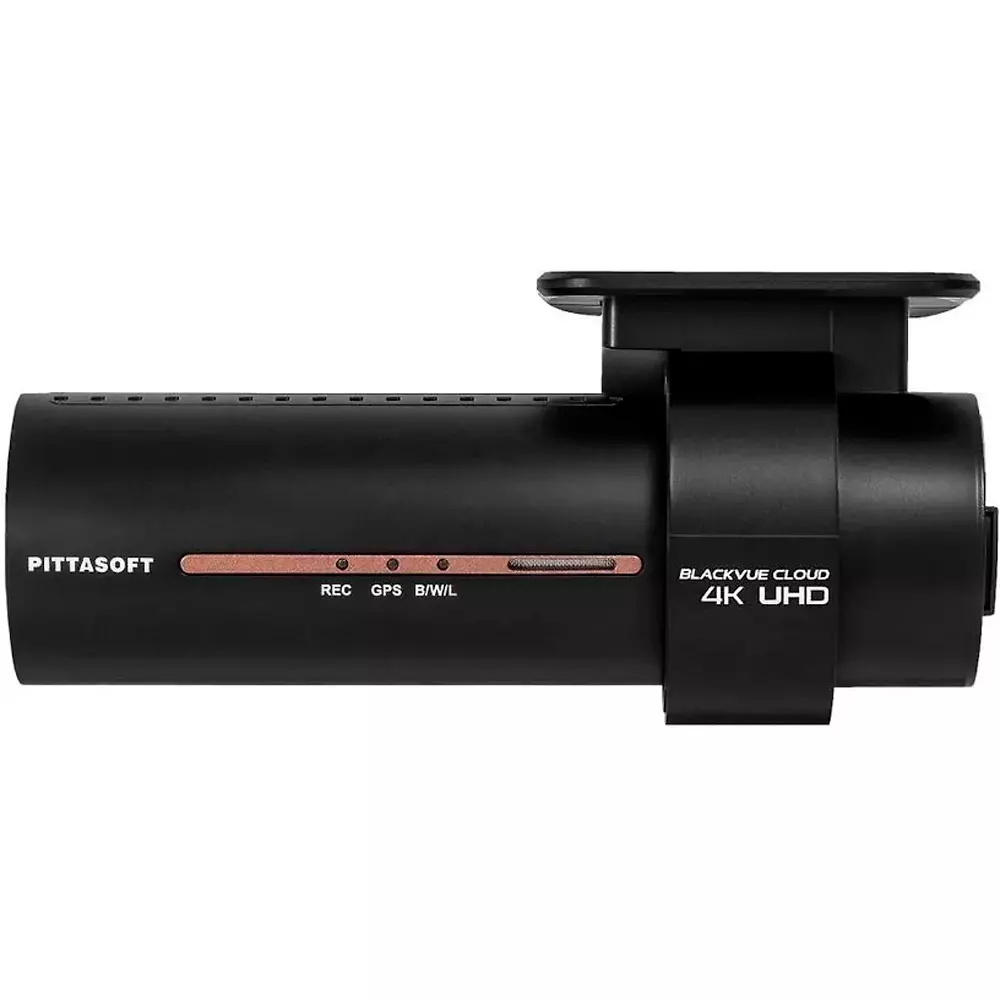
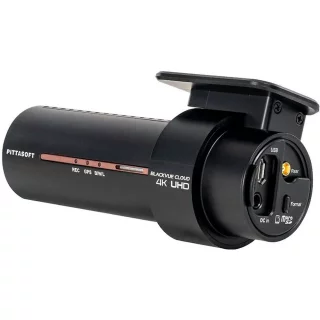
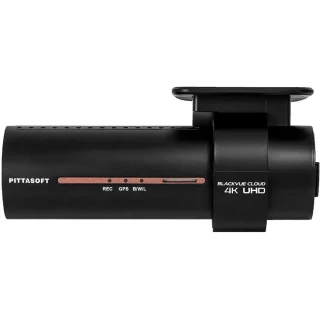
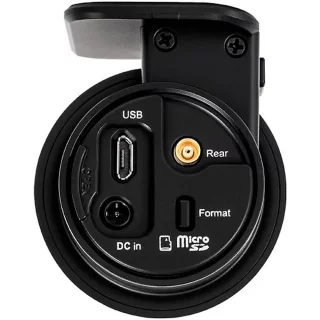


Blackvue DR970X-1CH dashcam
The Blackvue DR970X is an updated version of the popular DR900X/DR900S and DR900X Plus dash cams. The biggest change is the updated processor, which the manufacturer claims improves 4K video quality. The difference from the DR970X-2CH model is that this one only has a front camera.Key features:
- 4K quality camera
- Built-in battery monitor, no need for a separate Power Magic accessory
- Package includes Hardwiring Cable (CH-3P1) for parking attendant
- Parking attendant
- Possibility to connect a separately purchased CM100 LTE module . You can connect a SIM card to this, allowing you to connect the dash cam to the network over 4G.
- Wifi and GPS


Tip for maximizing recording time: Set your dash cam's codec to H.265 and Quality to Normal. This setting is ideal, especially when using a parking monitor.
Parking attendant also records when the car is parked.
The Blackvue cameras have a parking mode that allows the dash cam to act as a parking monitor. When the vehicle's ignition is turned off, the device's motion detection is turned on. As soon as the camera detects movement, it starts recording video. The device starts recording five seconds before the object appears on the screen (this is based on the device's memory buffer). The DR900X camera has a built-in battery monitor that ensures that the device does not drain the car's battery. A cable is included that allows you to connect your dash cam to your car's fuse box. So you don't need to buy a separate Power Magic monitor.
- All BlackVue dash cams automatically enter “Parking Mode” when the car is stationary for a few minutes. If the car is parked and the engine is turned off, the dash cam will continue to record.
- Blackvue records continuously in the camera's buffer memory in Parking Mode, BUT the video is only saved to the memory card when the camera detects motion. The video file saved to the memory card starts 5 seconds before motion is detected.
- If you want the dash cam to record to the memory card all the time in Parking Mode (the same as in normal driving mode), you can uncheck “Automatically switch to Parking Mode” in the dash cam settings.
The BlackVue dash cam has a scheduled restart feature that prevents recording errors that may occur when the camera is left running for long periods. A restart clears the camera's buffer memory, BUT does not destroy any video files stored on the memory card. The scheduled restart only works in parking mode and is set to run in the middle of the night by default.
The camera has three recording functions:
- Normal mode, where the camera automatically saves images and deletes the oldest recording when the card is full.
- Event mode , where the camera starts recording when an accident, rear-end collision, etc. occurs and saves the video to a separate folder so that the file is not deleted. Works even when the car is parked, 5 seconds before the event and 55 seconds after.
- Parking Mode , where the camera’s G-sensor detects when the car is parked. The camera automatically switches to parking mode when the car is stationary for at least 10 minutes. When the device detects movement in “Parking Mode”, it starts recording video. Recording starts five seconds before the object appears on the screen.
Wifi connection
The dash cam connects to a smartphone or tablet via a Wi-Fi connection, allowing you to view, for example, video files stored on the device on the smart device screen. The Blackvue Over the Cloud feature allows you to access the dash cam even if you are completely away from the dash cam. This requires that the dash cam is connected to the internet via Wi-Fi (e.g. a shared phone network or a city Wi-Fi Hotspot). The device can store three different Wi-Fi networks/hotspots in its memory , so that the device always selects the one that works when it is within range of a specific network. It is worth saving networks that you often travel within range of (e.g. home network, workplace network, shared smartphone network, etc.). Over the network, you can monitor the vehicle's location, speed and view files stored on the dash cam, even from the other side of the world.
The DR900S camera's Wi-Fi is powered by a 5GHz dual-band Wi-Fi module. For smartphones and tablets that support 802.11ac 5GHz Wi-Fi, data transfer is up to three times faster than before.
Possibility of 4G connection
It is possible to connect a separately purchased LTE module with a SIM card reader to the Blackvue DR970X device. This allows you to use a 4G LTE connection on your dash cam. Finland has a very comprehensive 4G/3G network, which means that the dash cam stays connected to the network all the time. So there is no need to worry about the range of Wifi networks and no longer need to share the network from your own smartphone.
GPS
The GPS sensor built into the dash cam records the vehicle's speed and location while driving. The recorded speed information is saved in the video file. It is possible to turn off speed recording in the settings. The location information recorded by the GPS also allows you to track the vehicle's movement and location, even from the other side of the world, using the BlackVue App and Blackvue Viewer software.
- Built-in WI-FI
- 155° viewing angle
- Blackvue Over the Cloud feature lets you track your device's location and view files from anywhere
- Supports up to 128GB microSD card
- 3 recording modes (Normal, Event and Parking)
- BlackVue app for smart devices
- GPS lets you track your vehicle's speed and location
- G-Sensor
- Microphone and speaker provide two-way audio
- Internal battery and built-in battery monitor
Specifications:
- Camera sensor: 8-Megapixel CMOS Sensor
- Camera resolution / FPS: 4K UHD (3840x2160) 30fps, FullHD 1920x1080 60fps
- Camera View Angle: Diagonal 162° Horizontal 136°, Horizontal 77°
- Camera dimensions: 118.5 x 36 mm
- Camera weight: 88 g
- GPS: Built-in
- Wi-Fi: 802.11n 2.4GHz / 802.11ac 5GHz Dual band
- LTE: With separately purchased module
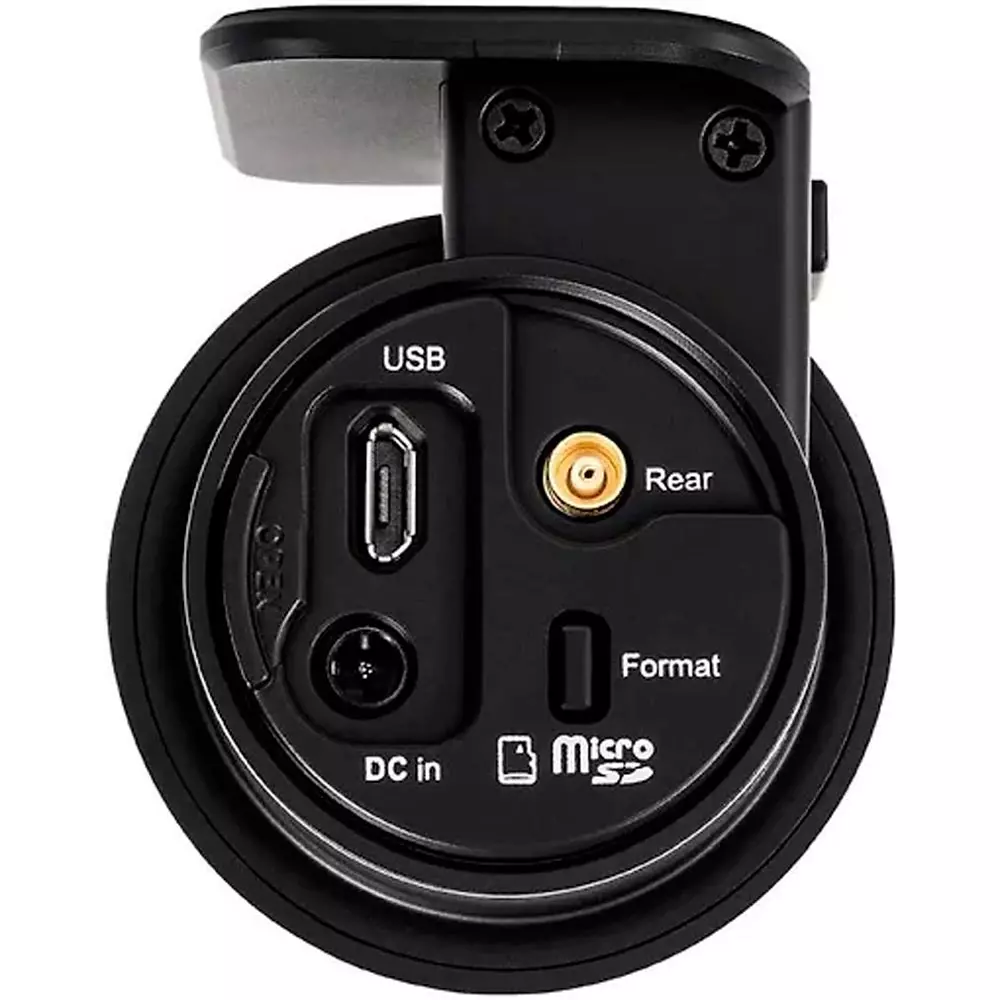
- Buttons: Wi-Fi on/off, Sound on/off
- Storage media: microSD
- Video Codec: H.265 (HEVC), H.264 (AVC)
- Video format: MP4
- Recording modes: Normal, Event (G-Sensor), Parking (G-Sensor, motion)
- Input voltage: DC 12V~24V
- Power consumption: Max. 4.8W
- Software- Blackvue Viewer (Windows, Mac OS)
- Software- Blackvue App (Android, iOS, Windows/RT)
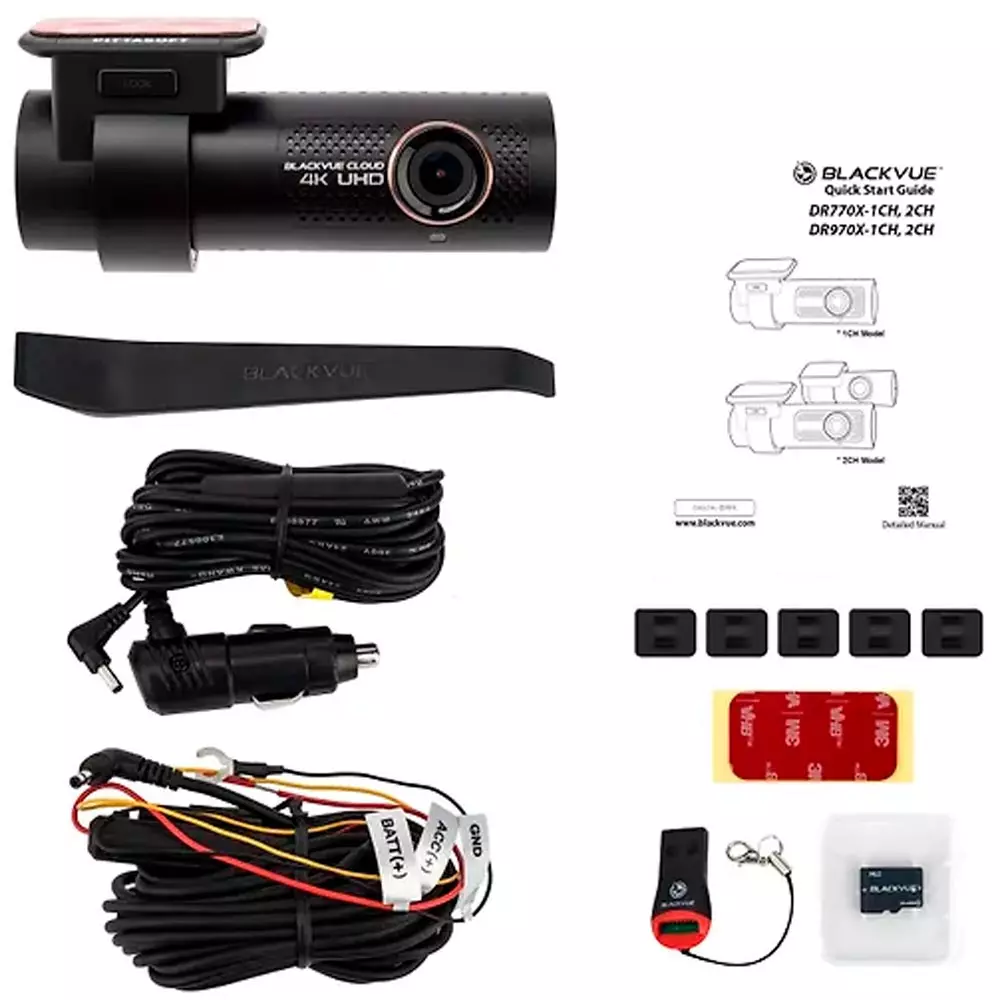
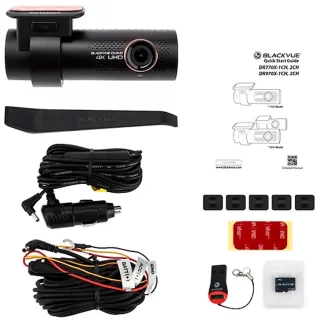
The sales package includes:
1 x DR970X camera
1 x Power cable (approx. 4m)
1 x Hardwiring Cable (CH-3P1) for parking attendant
1 x Coaxial cable (approx. 6m)
1 x Mounting sticker (2-sided)
1 x 64GB microSD memory card
1 x microSD reader
5 x Cable clips with double-sided tape
1 x Quick start guide
Arvostelujen yhteenveto
Kysy tuotteesta

ma-pe 9-17 ja la 10-14